Introduction
This article walks through the process of updating customer account details in the Licence Management Portal (LMP).
The following procedure uses an MDR Complete customer as an an example, but applies to all licence types.
Procedure
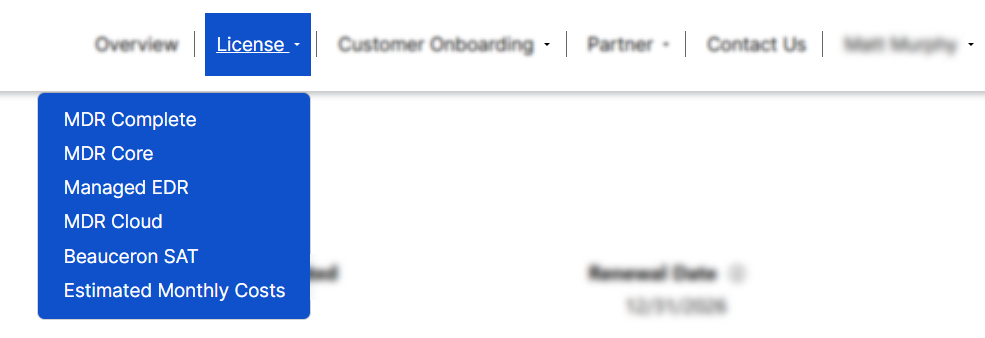
Open the License tab and select the service tier the customer belongs to.
From your selected service tier page, locate the customer in the table. Open the menu dropdown for that customer account and select Edit.

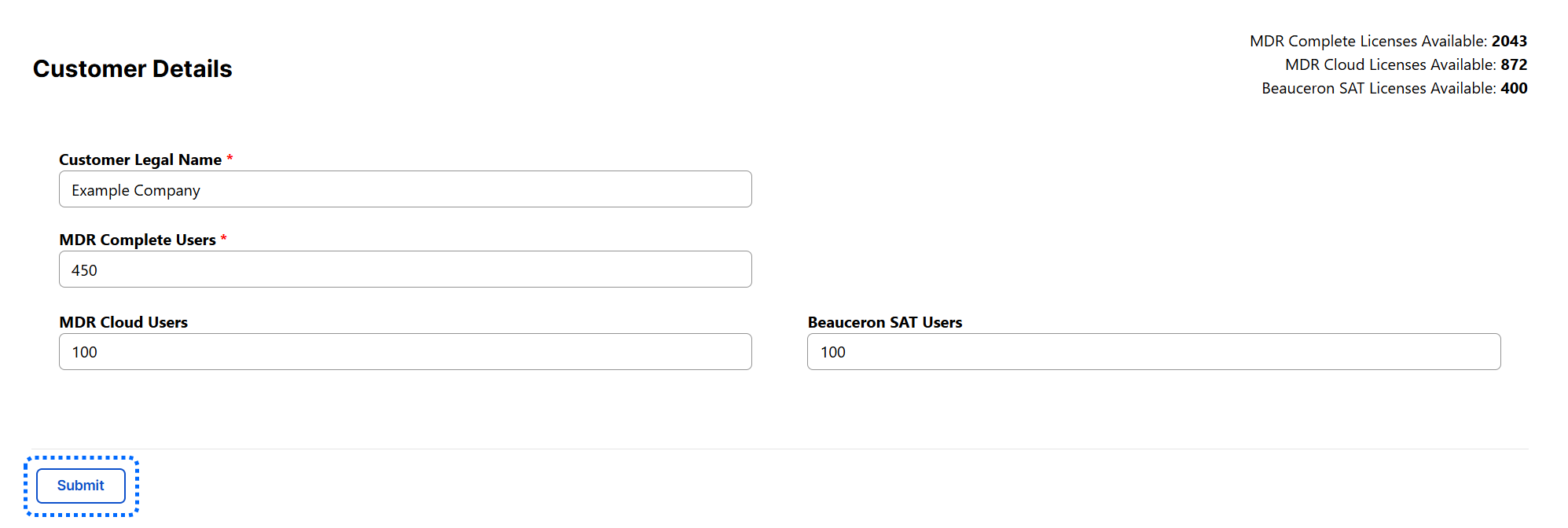
You will be taken to the Edit page, where you can update the customer account. When finished, click Submit to confirm your updates.
Was this article helpful?
That’s Great!
Thank you for your feedback
Sorry! We couldn't be helpful
Thank you for your feedback
Feedback sent
We appreciate your effort and will try to fix the article