Introduction
For Partners: this page behaves differently depending on how the organization selector is set. When set to the partner view, the Reports view will be listed on the sidebar as a primary element and include reports for all you clients.

When set to a specific client view, it will be listed in the Insights section, as outlined below.
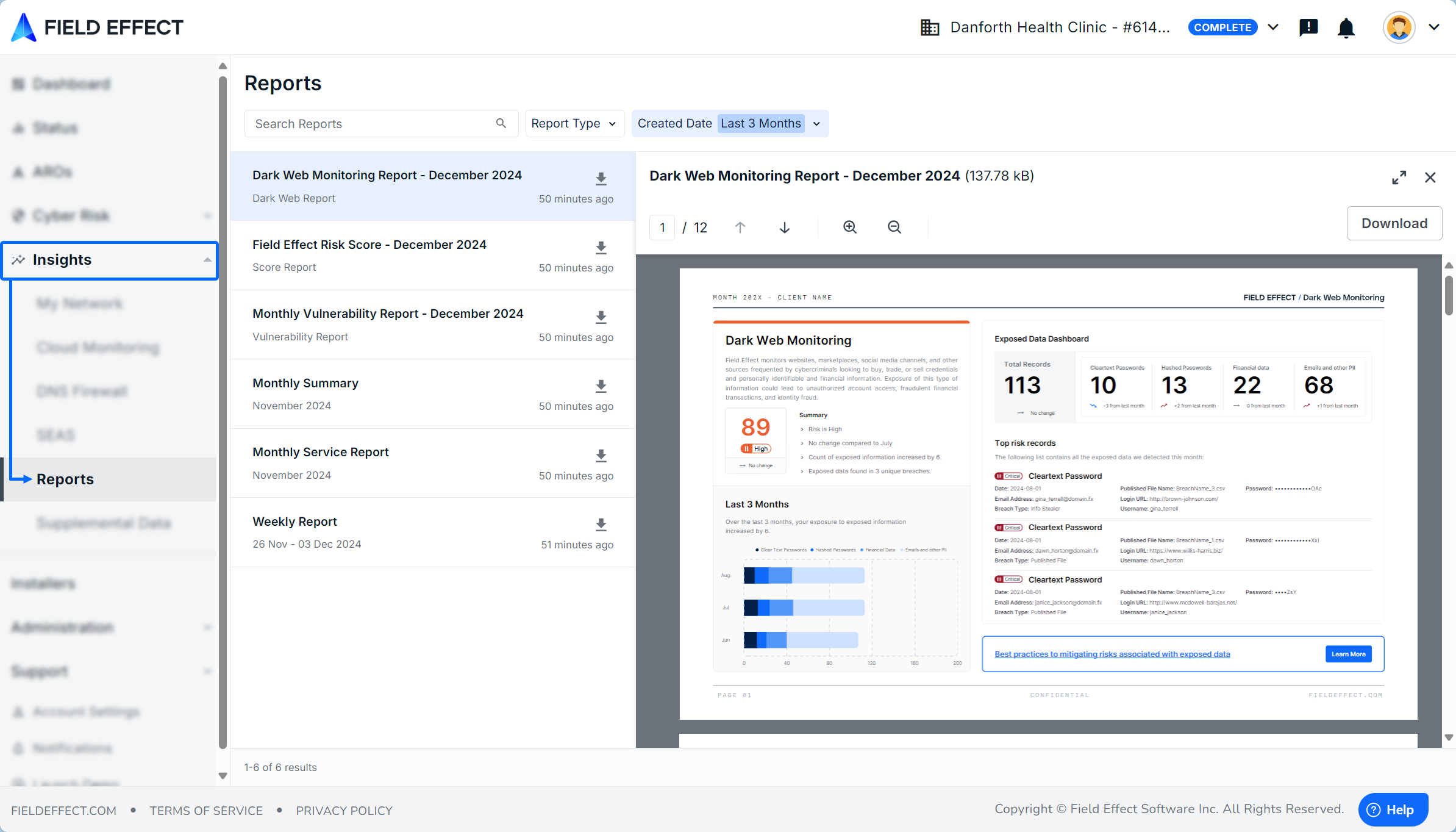
You'll find the MDR Portal's Reports view in the sidebar's Insights section; it stores all your organization's reports in one centralized view. Field Effect sends notifications for all reports via email, and this page lets you view, filter, and sort all past reports.
We generate the monthly summary, service report, and Risk Score reports on the first of every month and publish them to the MDR Portal's Reports view after a 4-day processing period. You can expect monthly reports to be available on the 5th of every month.
Viewing Reports
When you navigate to this page, you'll see a list of all available reports.

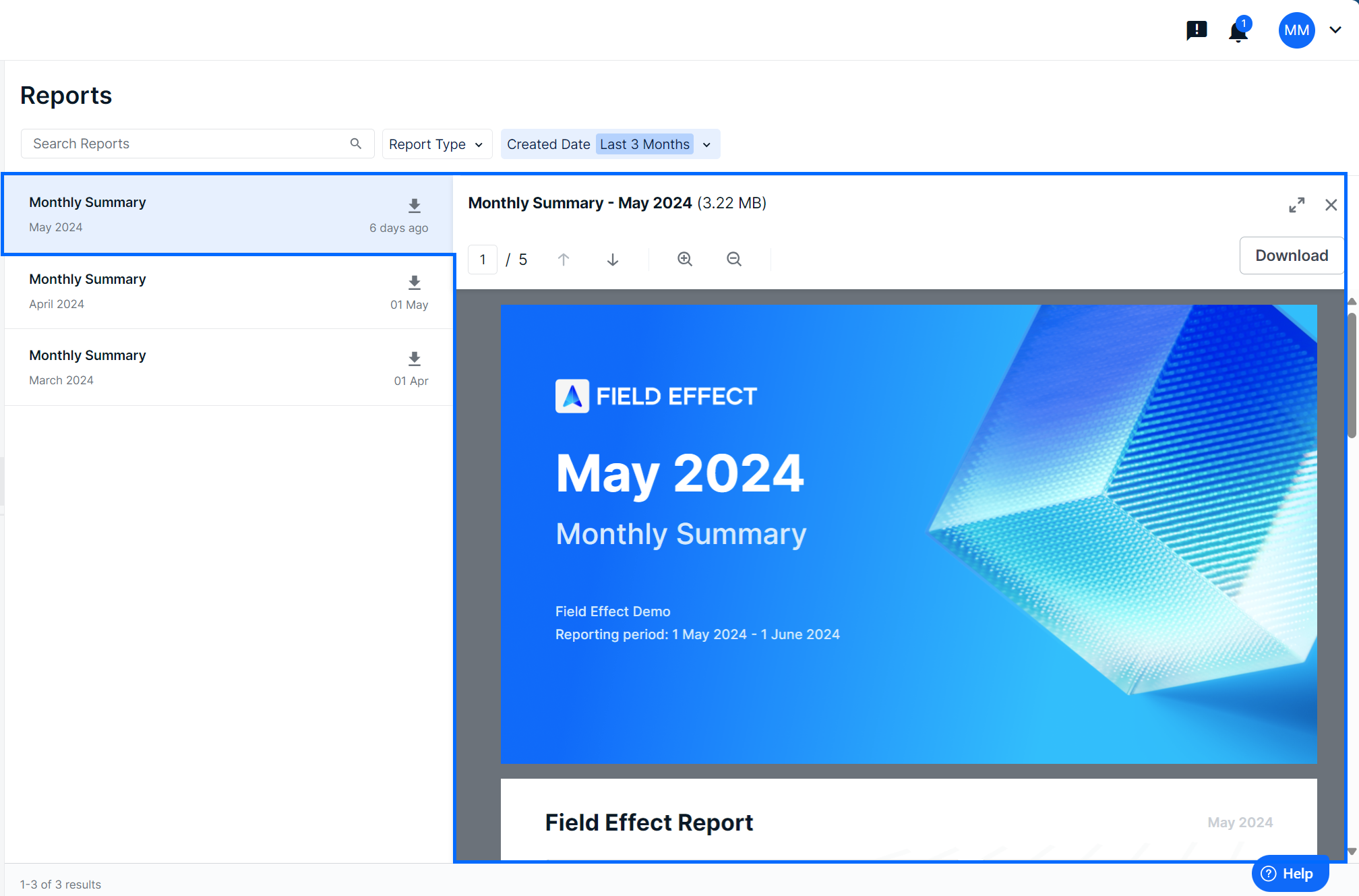
Clicking on a report in the list will expose the reading pane, where you can view, zoom, or download the report.
Searching for Reports
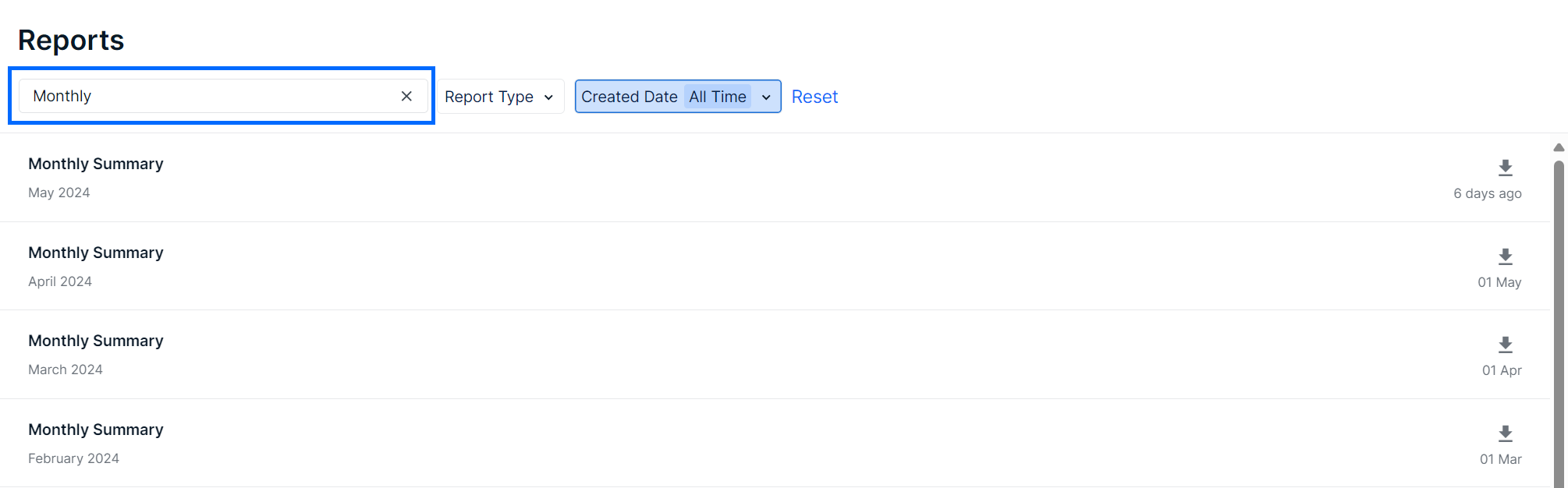
You can use the search bar to find reports by keyword. The search matches keywords against each report's title.
Filtering Views
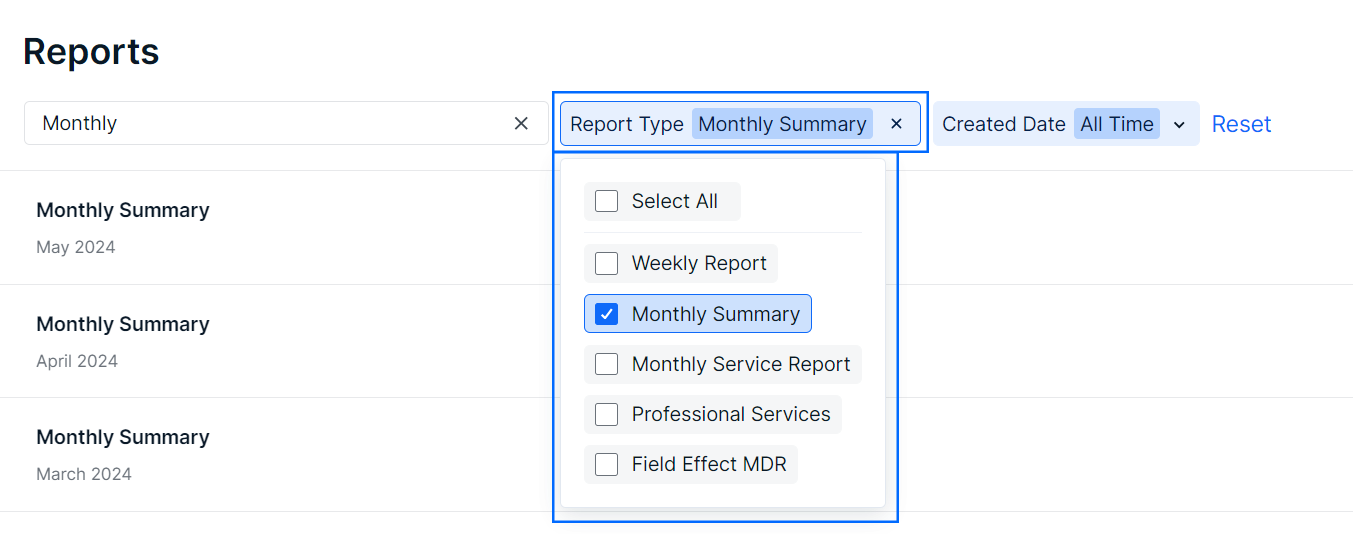
You can filter the Reports page by either type (monthly/weekly) and date (rage selection).
Filtering Reports by Type
To filter by type, click the Type dropdown and make your selection.
Filtering Reports by Date Range
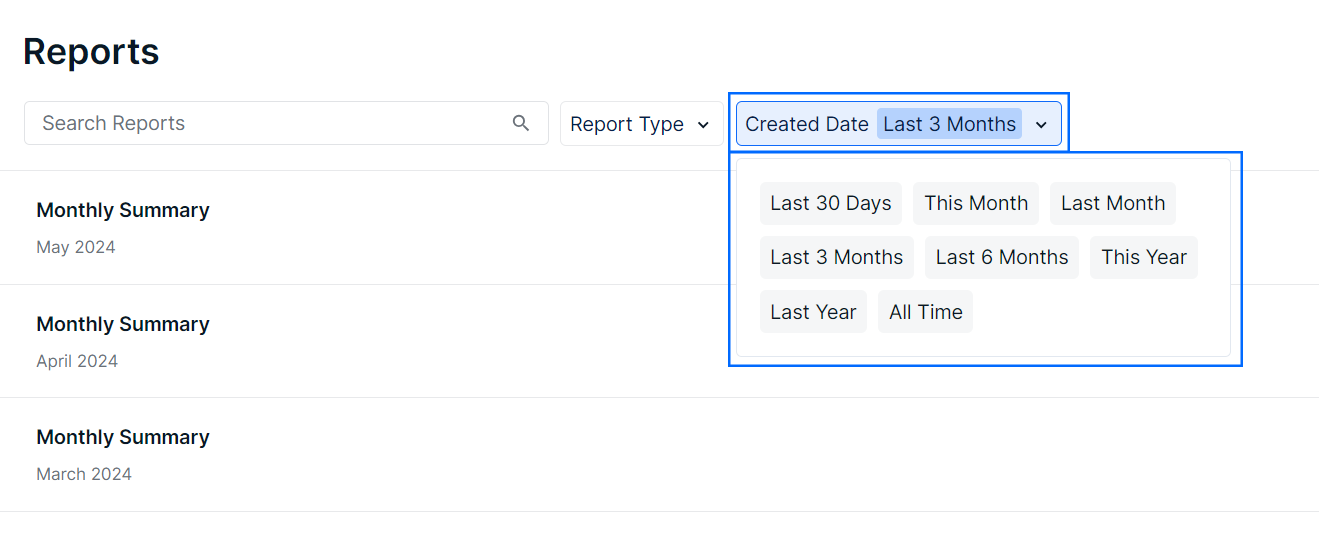
To filter by date, click the Date Created drop down. A calendar view will appear on your screen. Select your date range and click Apply. Quick Selections are also available on the right-hand side of the calendar view.
Filtering Reports by Organization (Partners Only)
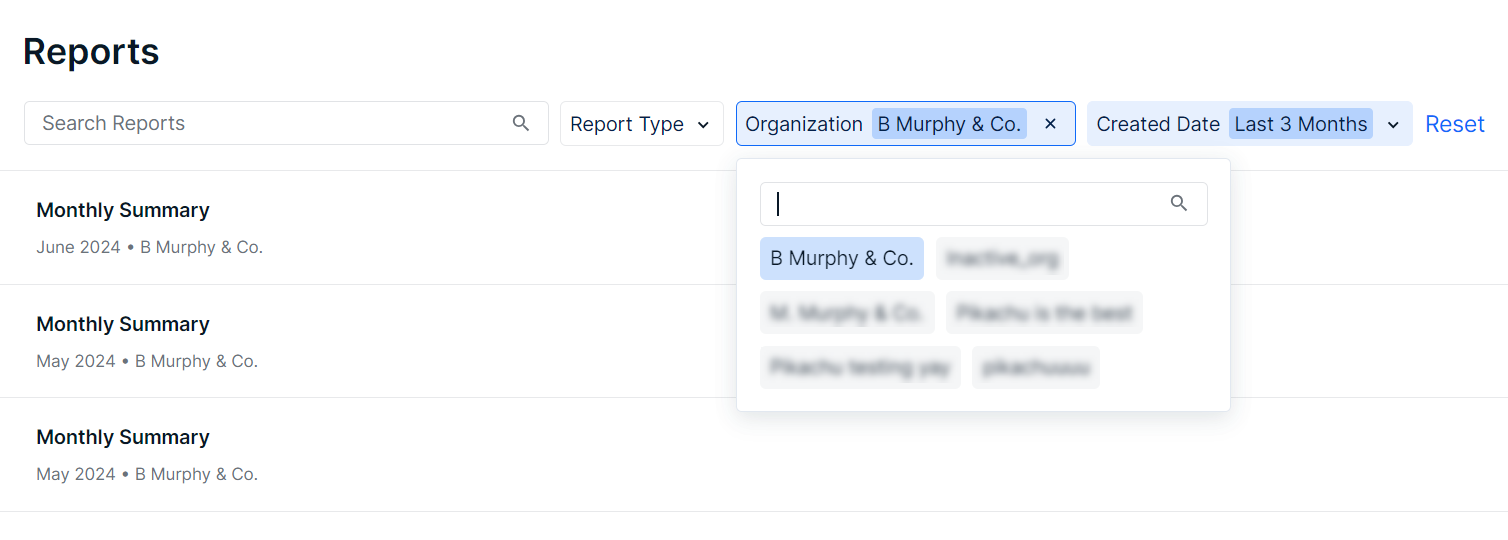
If you're a Field Effect partner that manages deployments for multiple client organizations, you will have access to an Organizations filter that allows you to filter reports by specific client organization you manage.
Was this article helpful?
That’s Great!
Thank you for your feedback
Sorry! We couldn't be helpful
Thank you for your feedback
Feedback sent
We appreciate your effort and will try to fix the article