Introduction
This article shows how each filter on the Endpoint Devices page operates. To learn how to enable the page and drill into endpoint devices, see The Devices Page: Overview.
If you are seeing decommissioned endpoint devices on this page, visit How do I remove a device from the Endpoint Devices page to learn more.
Sorting and Selecting Columns
Sorting Columns
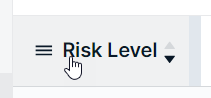
You can sort every column on the Devices page in ascending or descending order. To sort by a column, select the column you want to sort by and click the arrow in the column’s header. The darkened arrow shows whether the column sorts in descending or ascending order.
Selecting Columns
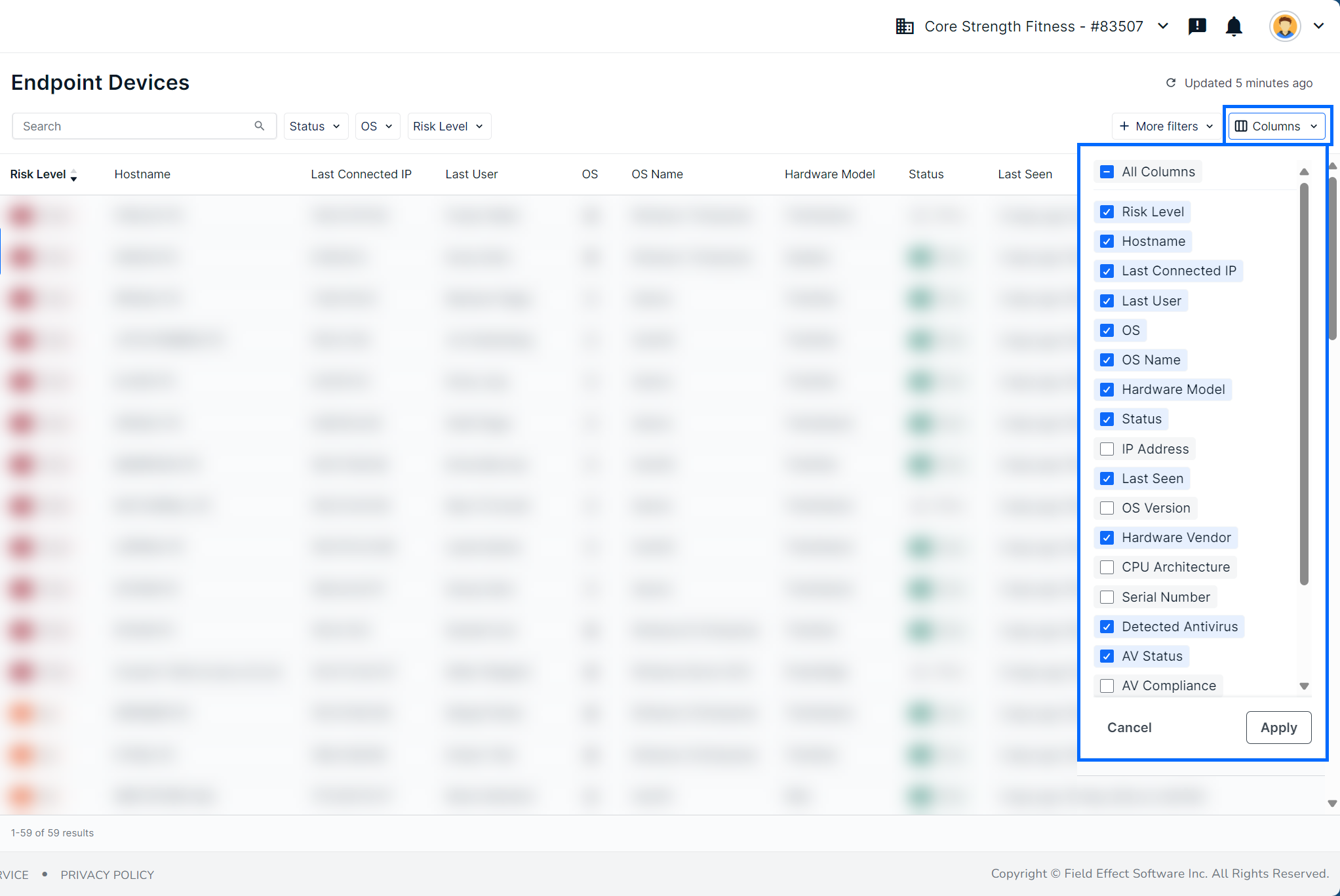
To select which columns you would like to include in the table, use the Columns dropdown in the page's upper right. After selecting the columns you wish to include, click Apply.
Searching for Endpoint Devices
If you need to find a specific endpoint, or subset of endpoints, you can use the search bar to narrow down the page's results. You can perform keyword searches against the following columns: Hostname, Last User, Serial Number, Agent Version, Architecture, Vendor, IP Addresses, Hardware Model, Operating System, and OS Version.
To Perform a search, begin by clicking the search bar and selecting the column you would like to search against.
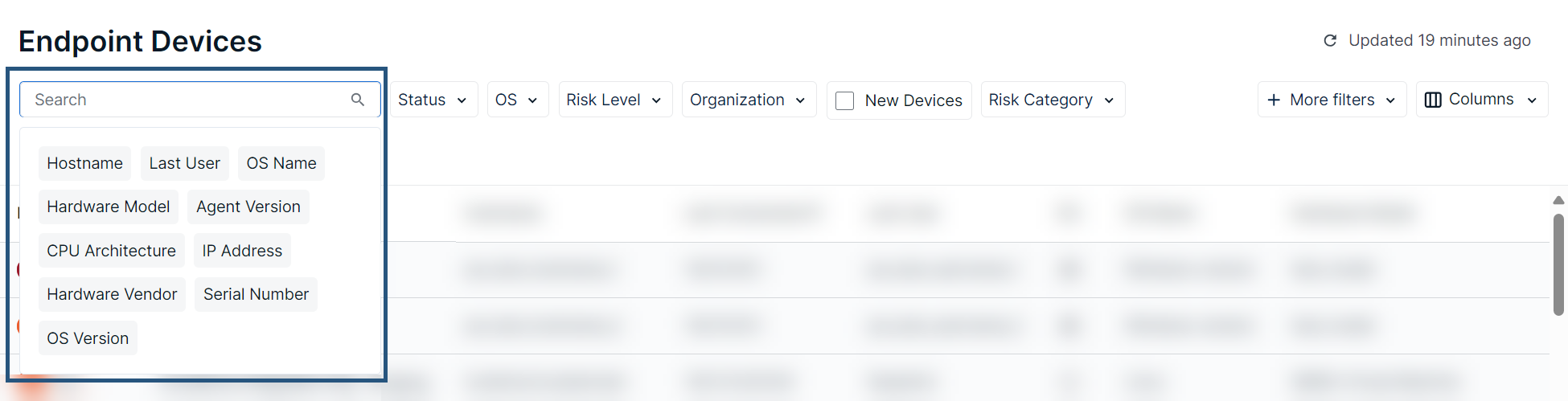
After selecting the column, type in your search query and click the Search icon (or press Enter). The tables show the results.
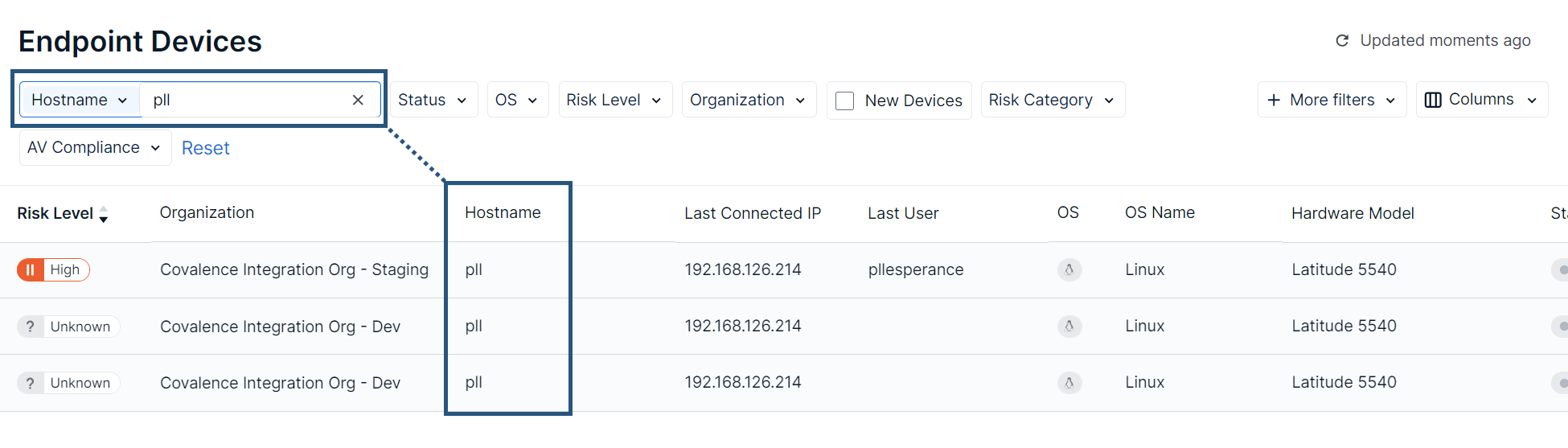
In the example below, the user searched for "pll" against the Hostname column, and the search returned three results.
Filtering Endpoint Devices
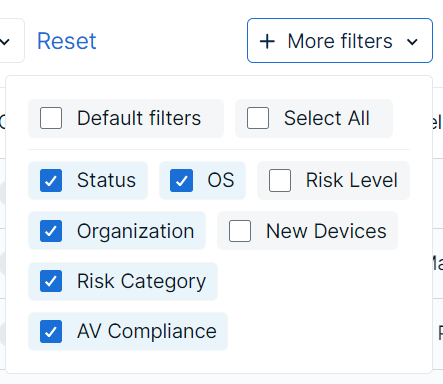
If you want to filter by a certain metric, or narrow the results of a search, several filters are available. Click on the filter you would like to use to see the available filter options.Check the criteria you'd like to filter by, and the MDR Portal applies them to the results. Also note that you can apply multiple filters simultaneously.

To choose from all the available filters, click the + More Filters dropdown and select your filters.
Was this article helpful?
That’s Great!
Thank you for your feedback
Sorry! We couldn't be helpful
Thank you for your feedback
Feedback sent
We appreciate your effort and will try to fix the article