If you want to receive email notifications of any kind (AROs, report notification, etc.) from the MDR Portal, the email address must be associated to an MDR Portal account.
To learn how to invite a new user, see our Help Center article for inviting users.
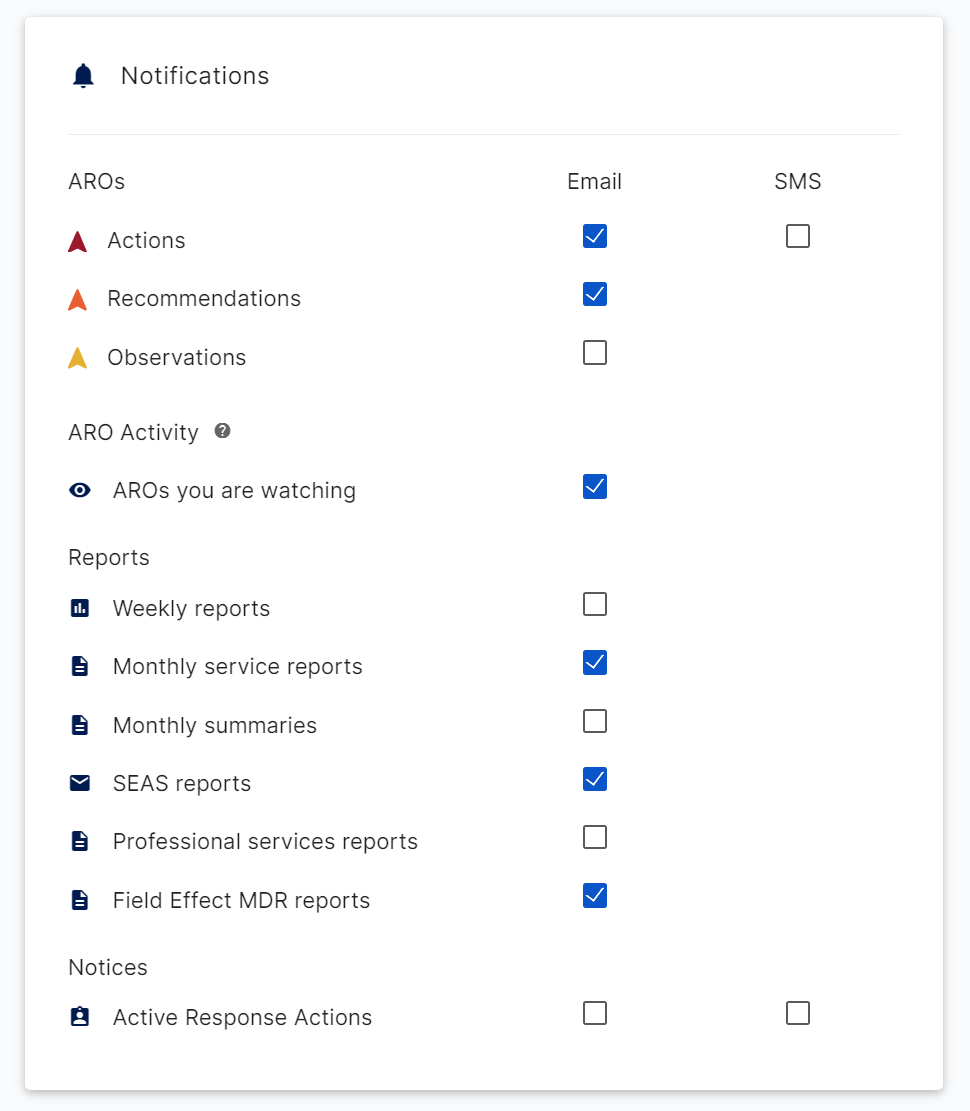
Once the user with the email address you want to receive notifications on is added to your organization, you can then log in as that user and manage notification settings from the Account Settings page.
Was this article helpful?
That’s Great!
Thank you for your feedback
Sorry! We couldn't be helpful
Thank you for your feedback
Feedback sent
We appreciate your effort and will try to fix the article