This is also available as a PDF at the bottom of this article. Feel free to share this document internally with your team while rolling out Beauceron SAT in your organization.
Welcome to Beauceron Security
Your organization selected Beauceron Security’s Security Awareness Training platform as part of its cybersecurity services from Field Effect. As a user, you will interact with this platform in three ways:
- You will receive an invitation to join the platform.
- You report potential phishing emails.
- You need to take a course assigned to you
The Platform
Users will visit the Beauceron Security platform for two reasons:
- To first set up their account.
- To complete a course assigned to them.
Courses are generally either assigned by an administrator (e.g., initial security awareness training or annual refresher training) or because of clicking on a phishing simulation email.
Users will start at their Summary dashboard:
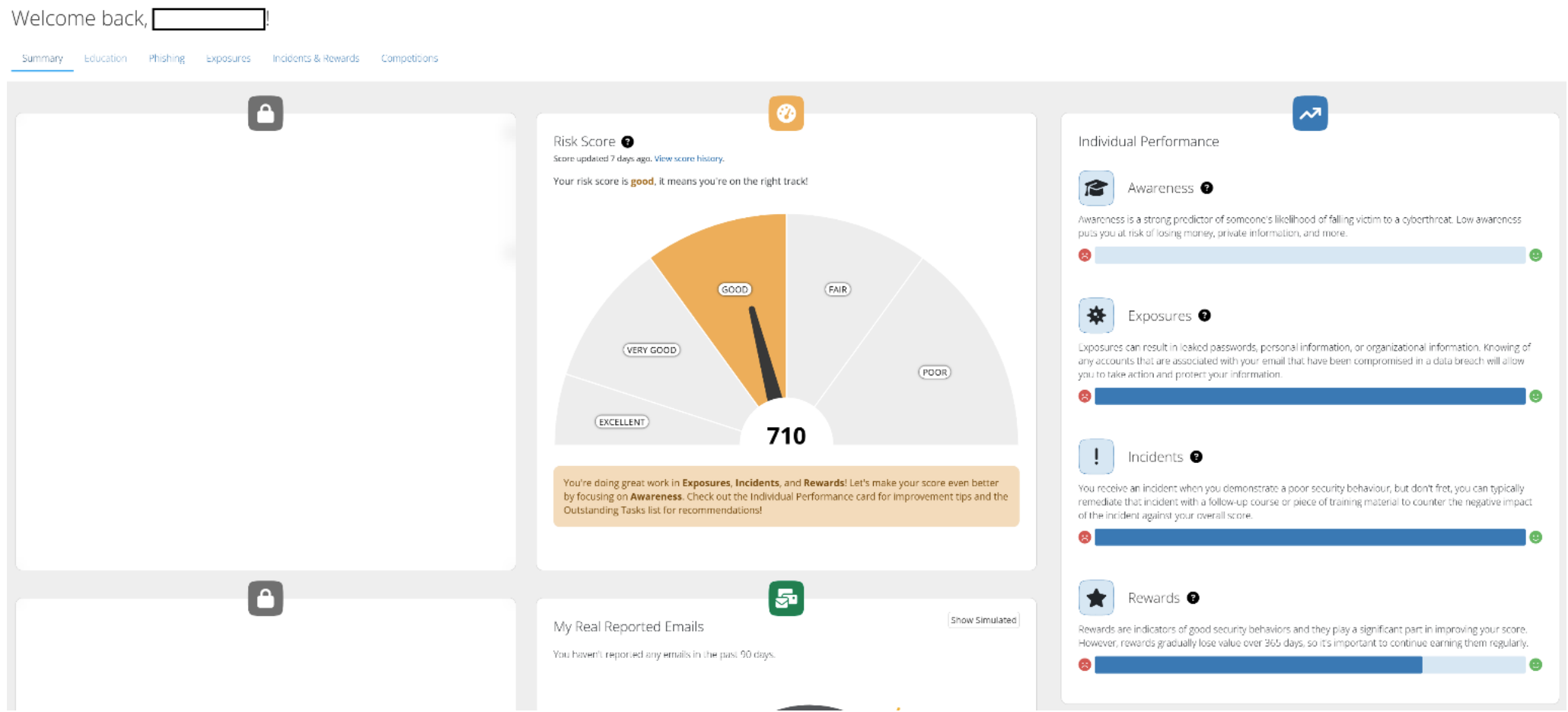
Sections will unlock as you are assigned courses or receive (and submit) phishing simulation emails. You will be able to navigate to these sections from your Summary dashboard.
Report Potential Phishing Emails
When you are unsure of the safety of a message, please submit it to SEAS, Field Effect’s Suspicious Email Analysis Service. You can find this in your email client – for example this is how you will find it in Microsoft Outlook:
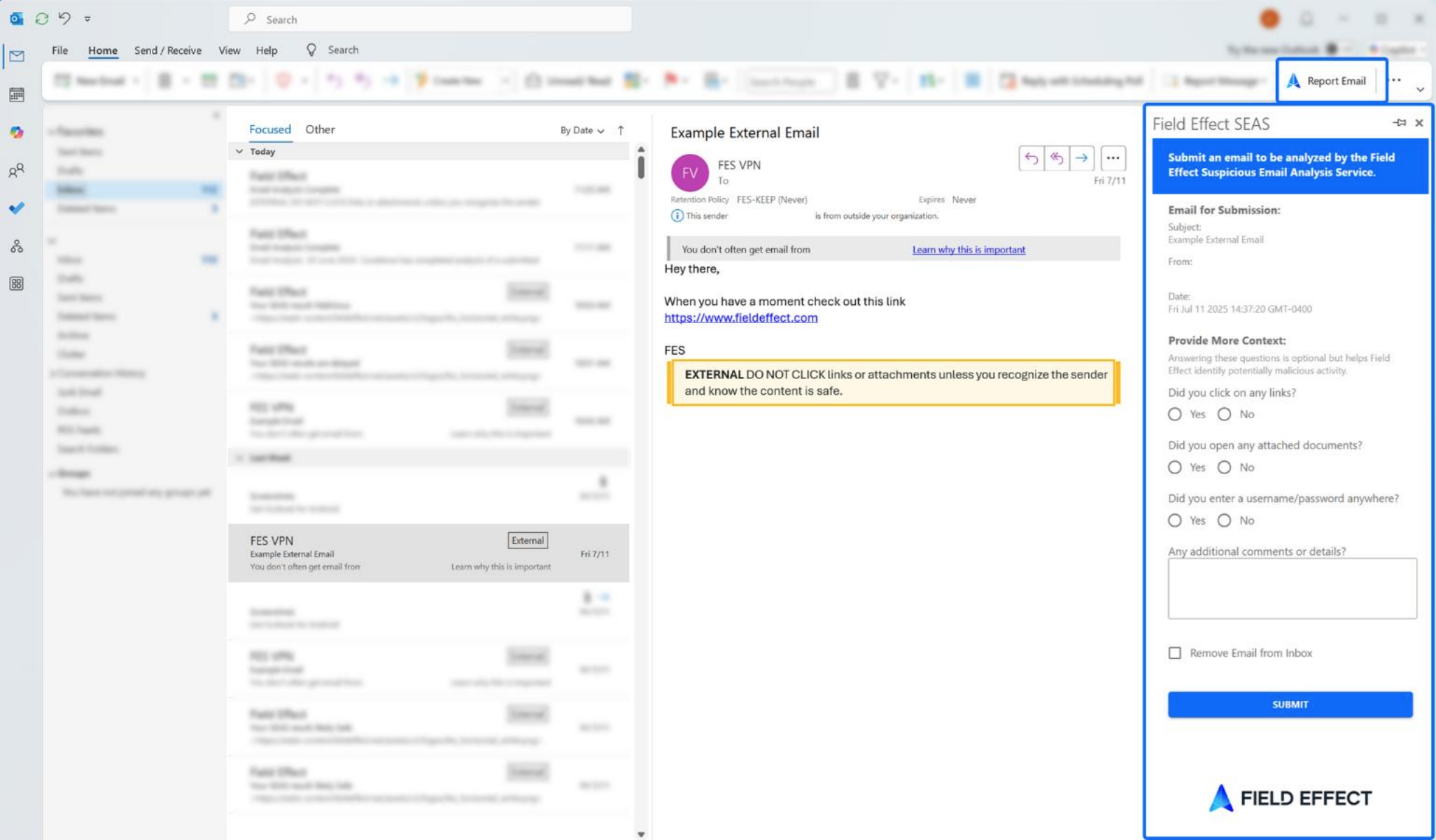
SEAS can help you decide whether an email is unsafe – if you are unsure, submit to SEAS. You can learn more about SEAS by visiting our Help Center article.
Take a Course
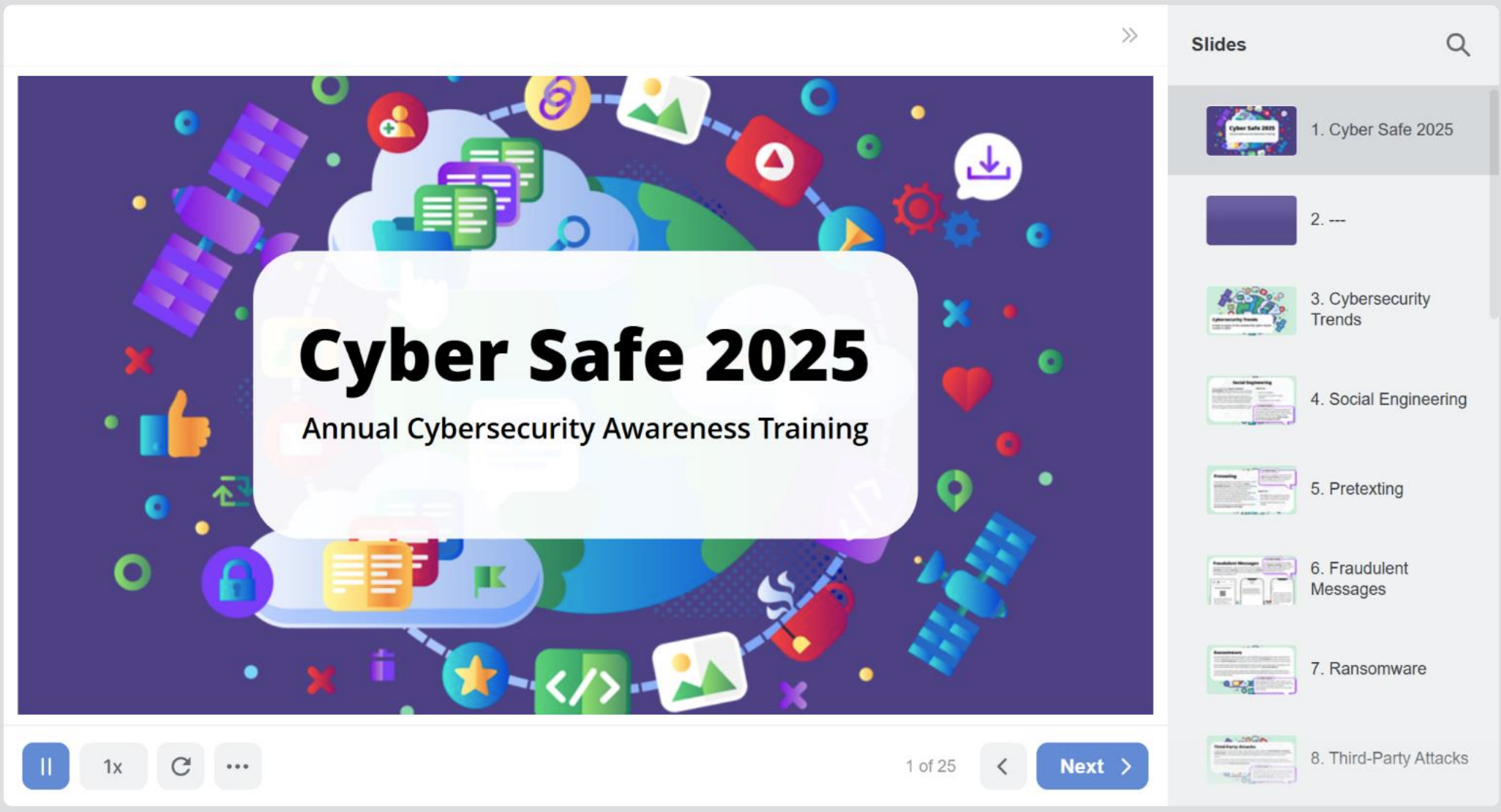
You may receive emails from the platform indicating that you have been assigned a cybersecurity course. You can visit your dashboard and either select the course from your dashboard of navigate to the Courses page and start your course. See what a sample course looks like below:
Was this article helpful?
That’s Great!
Thank you for your feedback
Sorry! We couldn't be helpful
Thank you for your feedback
Feedback sent
We appreciate your effort and will try to fix the article