Introduction
Welcome to Field Effect MDR!
As an administrator, your first steps are focused on completing your organization’s deployment, ensuring devices are protected, and becoming familiar with the new tools available to you.
This article provides a roadmap for getting started and links to more detailed guides that walk through each stage of the process.
Before you begin, make sure you have:
- An active Field Effect MDR subscription
- Administrator access to the MDR Portal
- The welcome email containing your login instructions
- Information about the networks, devices, and users you plan to protect
This article covers the following topics:
Create Your Account and Log In
As an administrator for your organization, your email account should already be permitted to create an MDR Portal account and get started.
Visit https://my.fieldeffect.net/ and create your account using your organizational administrator email address.
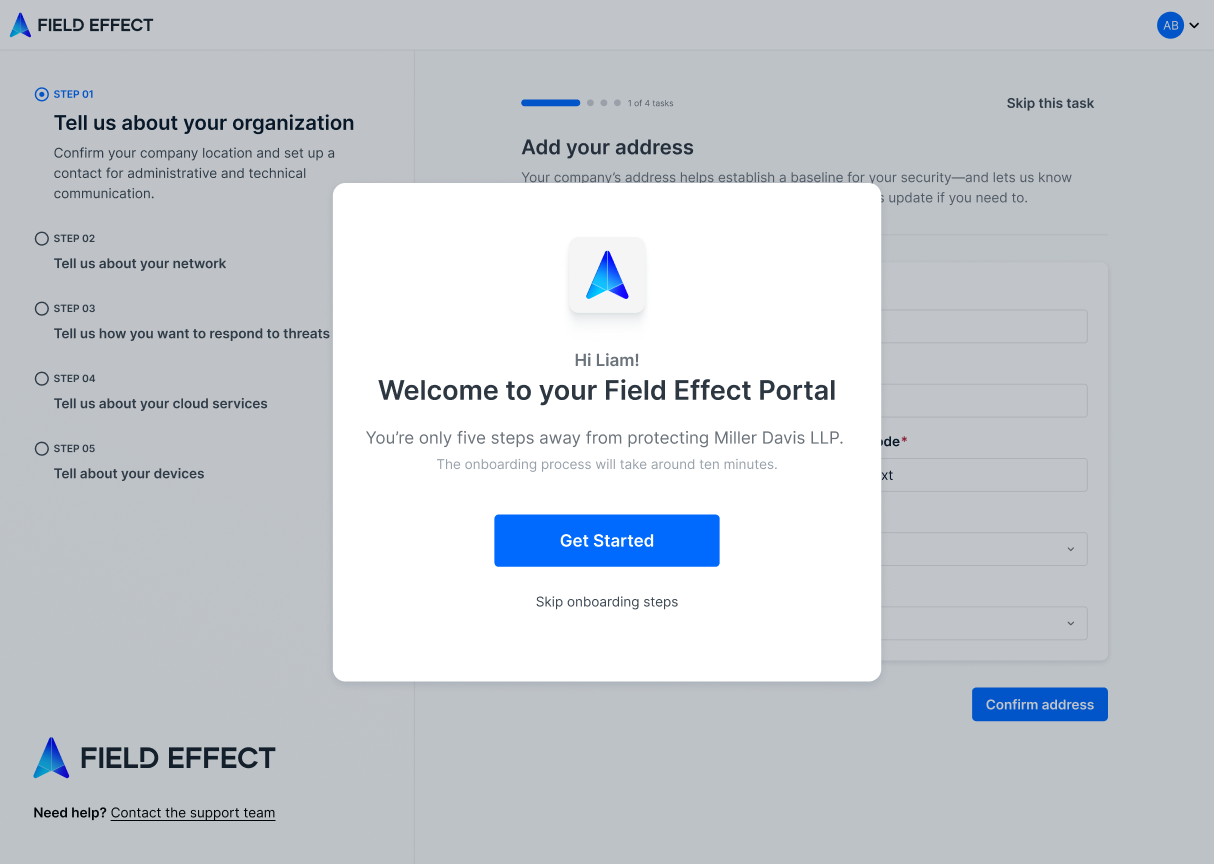
Complete the Onboarding Wizard
The Onboarding Wizard provides a structured approach to your MDR deployment, ensuring that critical setup tasks are completed early on in your journey.
Follow the wizard to tell us more about:
- Your organization: information used in your organization profile
- Your network: information used in your monitoring profile:
- How to Respond to Threats: configure your Active Response profile.
- Your Cloud Services: enroll your cloud services to begin monitoring activity on them
- Your Devices: download endpoint agent installers for your required operating systems
Invite Team Members
As an administrator, you can invite other users to create an MDR Portal account and access your organization.
Invite users that will be Administering the MDR Portal or Using the MDR Portal and give them a permission level appropriate to their role.
Next Steps
Now that your first steps as administrator are completed, you can:
- Configure the MDR Portal's advanced features and workflows
- Deploy your first network sensor
- Install endpoint agents
If you skipped some of the steps in the Onboarding Wizard, of prefer a self-paced approach, our Deployment Playbooks outline the entire deployment process in more detail.
Was this article helpful?
That’s Great!
Thank you for your feedback
Sorry! We couldn't be helpful
Thank you for your feedback
Feedback sent
We appreciate your effort and will try to fix the article