Introduction
Before you can access the Field Effect Swagger API interface, you will need to have your public IP address allow-listed.
To be added to the allow-list, please reach out to Field Effect support at support@fieldeffect.com with your public IP address.
Once allow-listed, the documentation can be accessed via the following link: https://services.fieldeffect.net/apidocs
To interact with the API Swagger interface each user will need to authenticate using their own unique API key. This ensures secure access to the data and functions available with the API.
This article walks through the process of authenticating to the Swagger API interface.
Authenticating the API Swagger
Before you can access our Swagger API interface, your public IP address must be allow-listed.

Please reach out to Field Effect support at support@fieldeffect.com with your public IP address to request access.
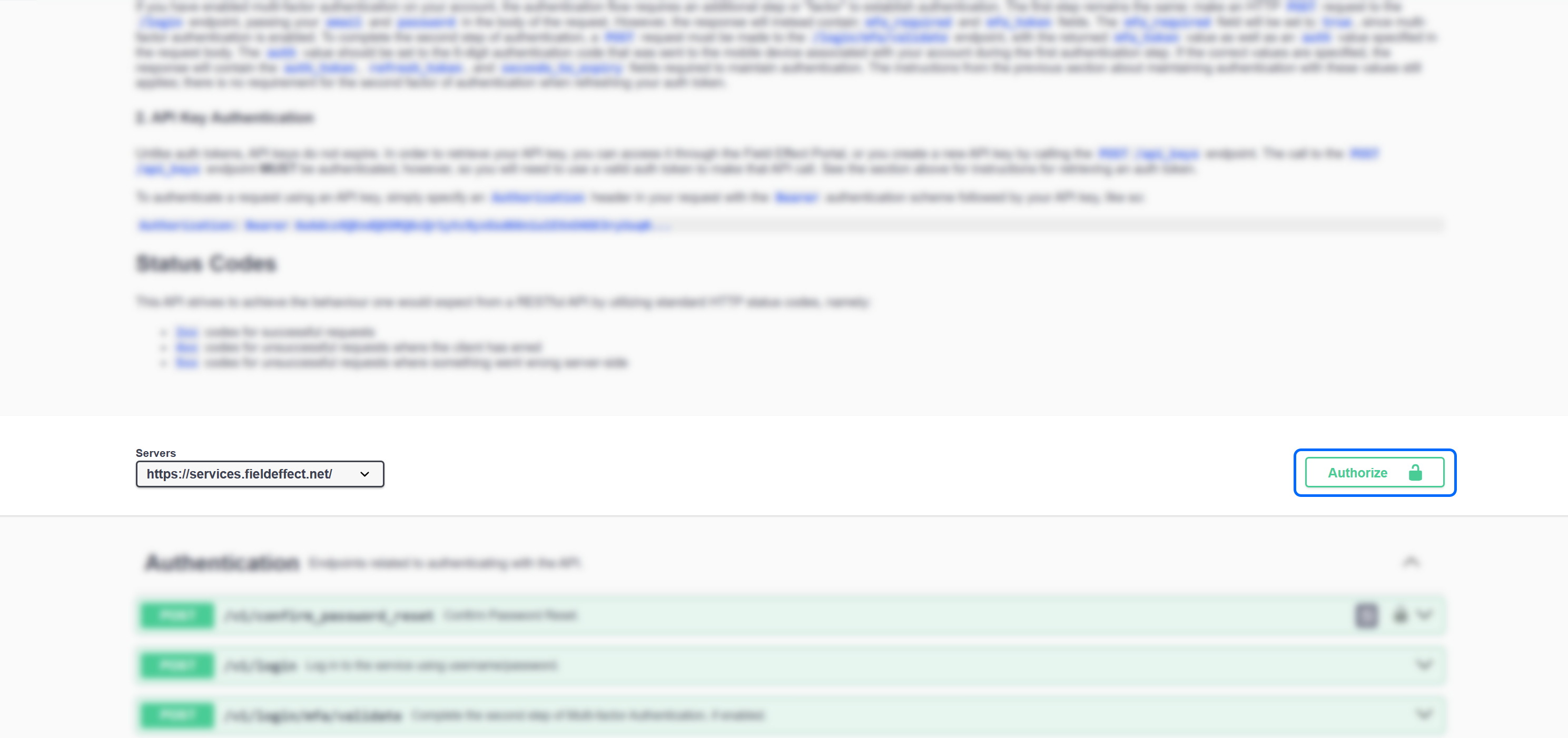
Once you have your API Key created in the MDR Portal, navigate to the Swagger API Interface and click on the Authorize button.
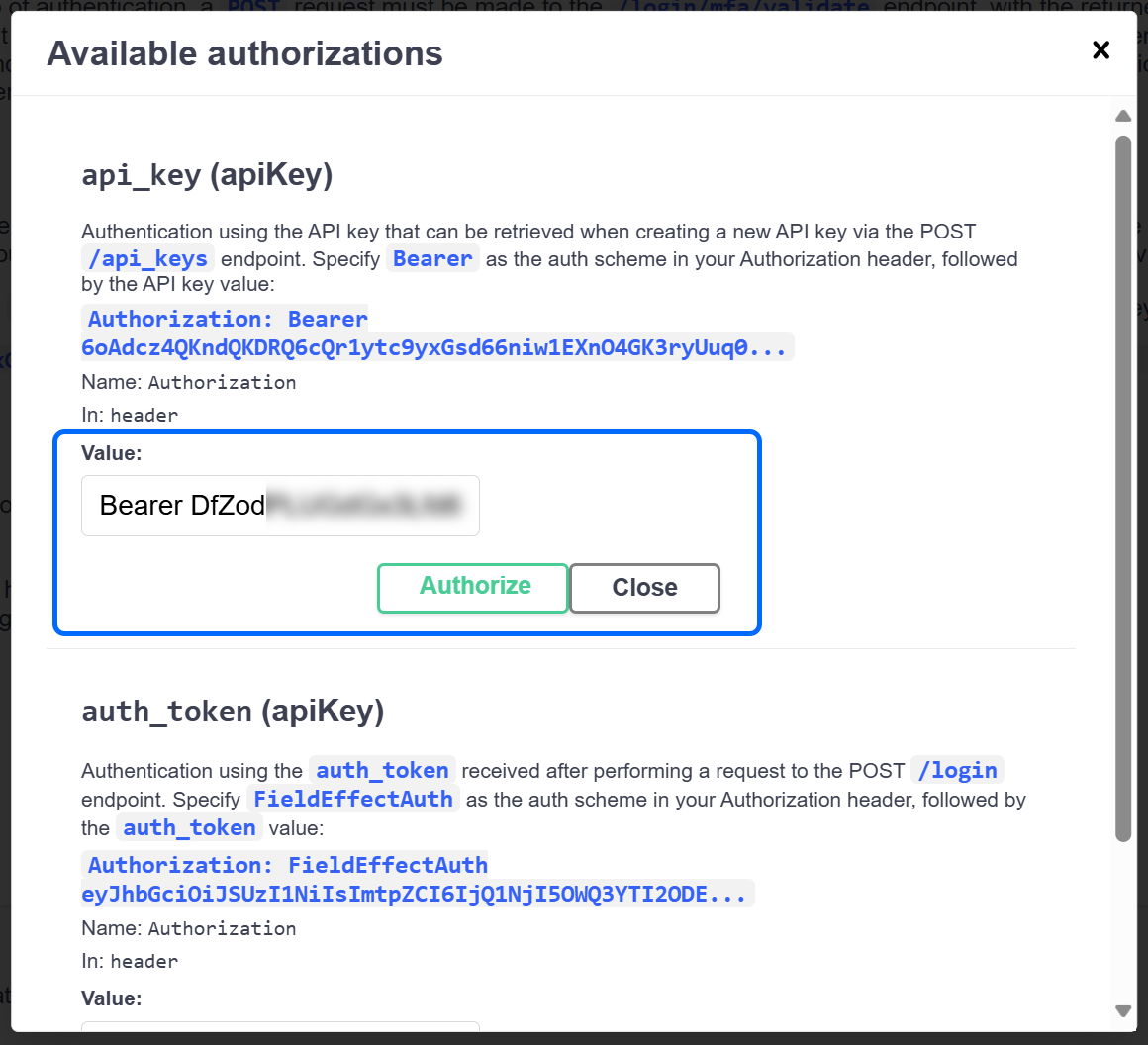
The Authorization window will open. In the api_key (apiKey) section, type the word "Bearer" followed by a space and your API Key, as shown below.
When added, click Authorize.
You can now close the Authorization window and start interacting with the API Swagger interface.
Was this article helpful?
That’s Great!
Thank you for your feedback
Sorry! We couldn't be helpful
Thank you for your feedback
Feedback sent
We appreciate your effort and will try to fix the article