Introduction
The mobile number associated to your Field Effect MDR Account is used for Multi-Factor Authentication (MFA).
Therefore, a phone number is required to enable Multi-Factor Authentication. This article walks through the process of adding a mobile number to your account using Vision.
Procedure
To add a mobile number:
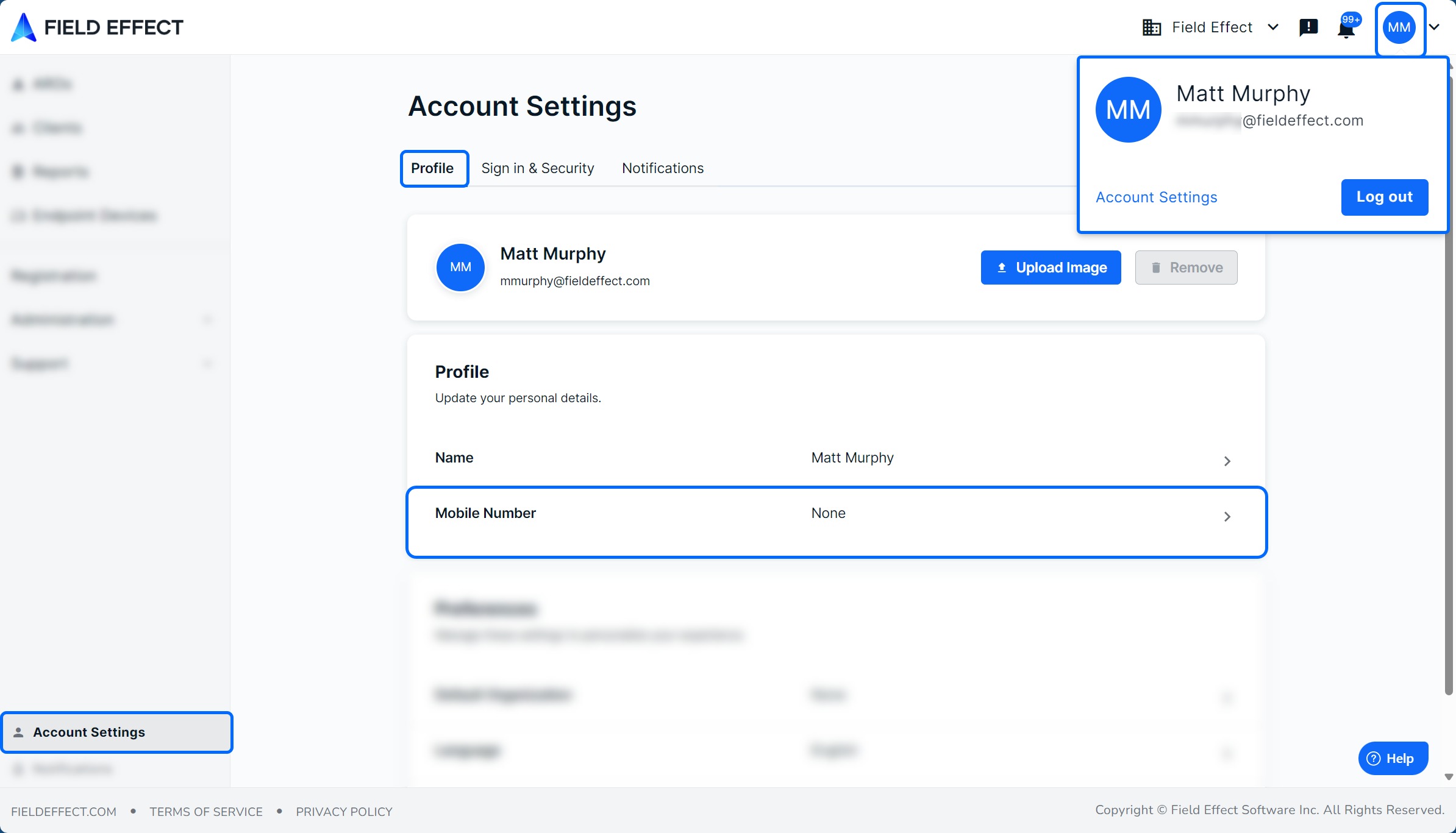
- Log into Vision and navigate to Account Settings in the sidebar.
- On the Profile tab, click the Mobile Number section.
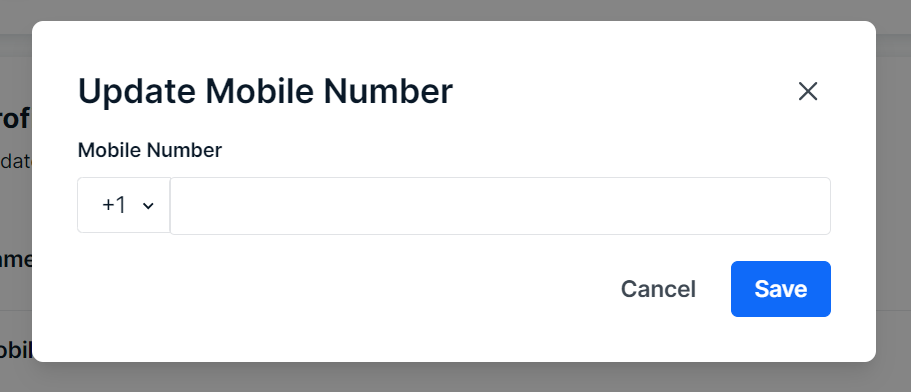
- The Update Mobile Number window will open. Select your country code, enter your mobile number, and click Save.
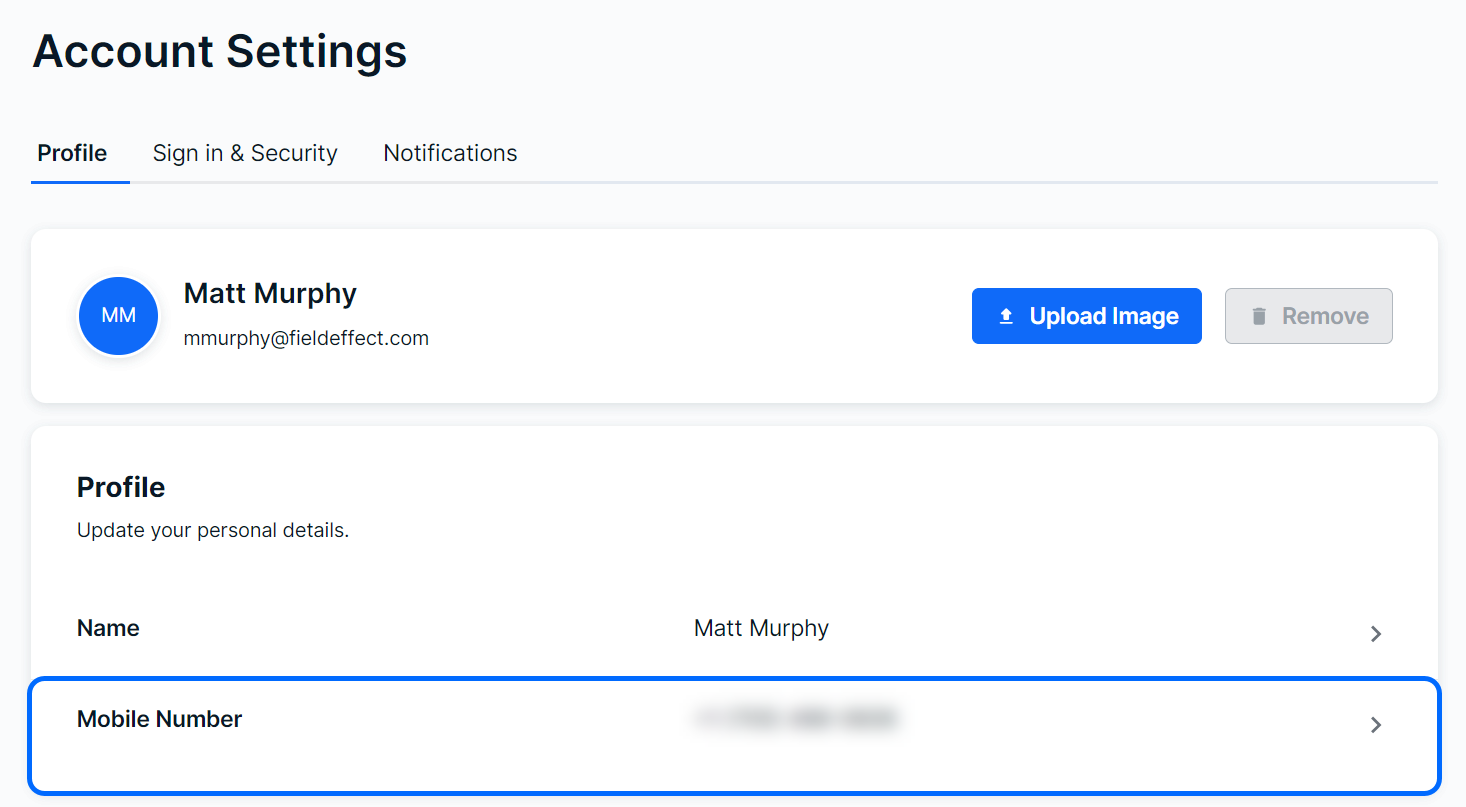
You’ll be taken back to the Profile tab and your mobile number will be listed.
Was this article helpful?
That’s Great!
Thank you for your feedback
Sorry! We couldn't be helpful
Thank you for your feedback
Feedback sent
We appreciate your effort and will try to fix the article