Introduction
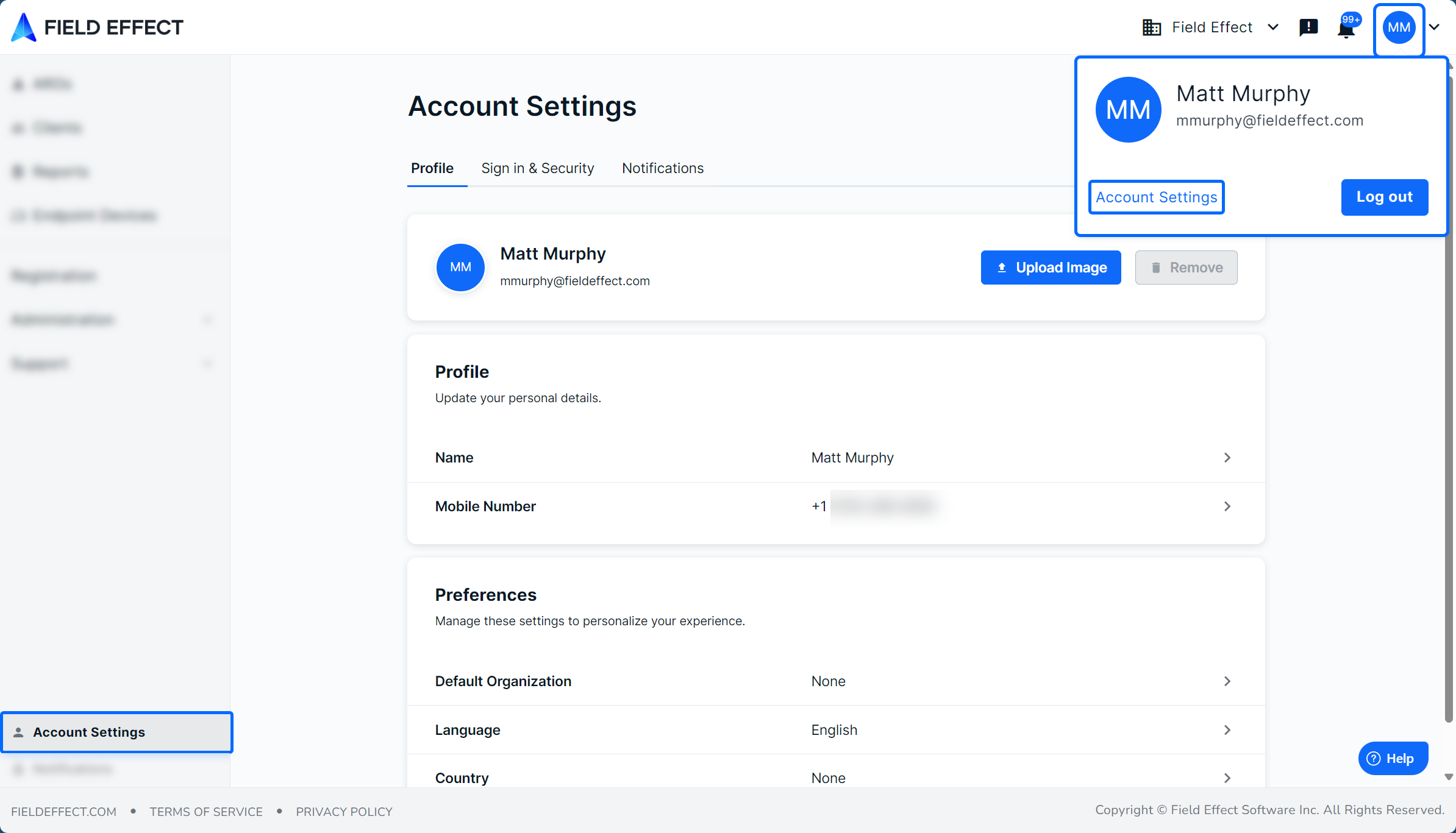
Vision's Account Settings page contains your personal Field Effect MDR account information, and sections where you can adjust your profile settings. This account is the same account used for the MDR Portal. So, any changes you make here, like change the password, will also change the login credentials used for accessing the MDR Portal.
From this page you can:
- Enable Multi-Factor Authentication (MFA).
- Change your password.
- Edit your profile details and language.
- Add a mobile number to your profile.
- Change the language of the MDR Portal for your account.
- Add an avatar to your profile.
- Adjust your notification settings.
This article introduces the Account Settings page and how to access it.
Access Your Account Settings
There are two ways to access your account settings:
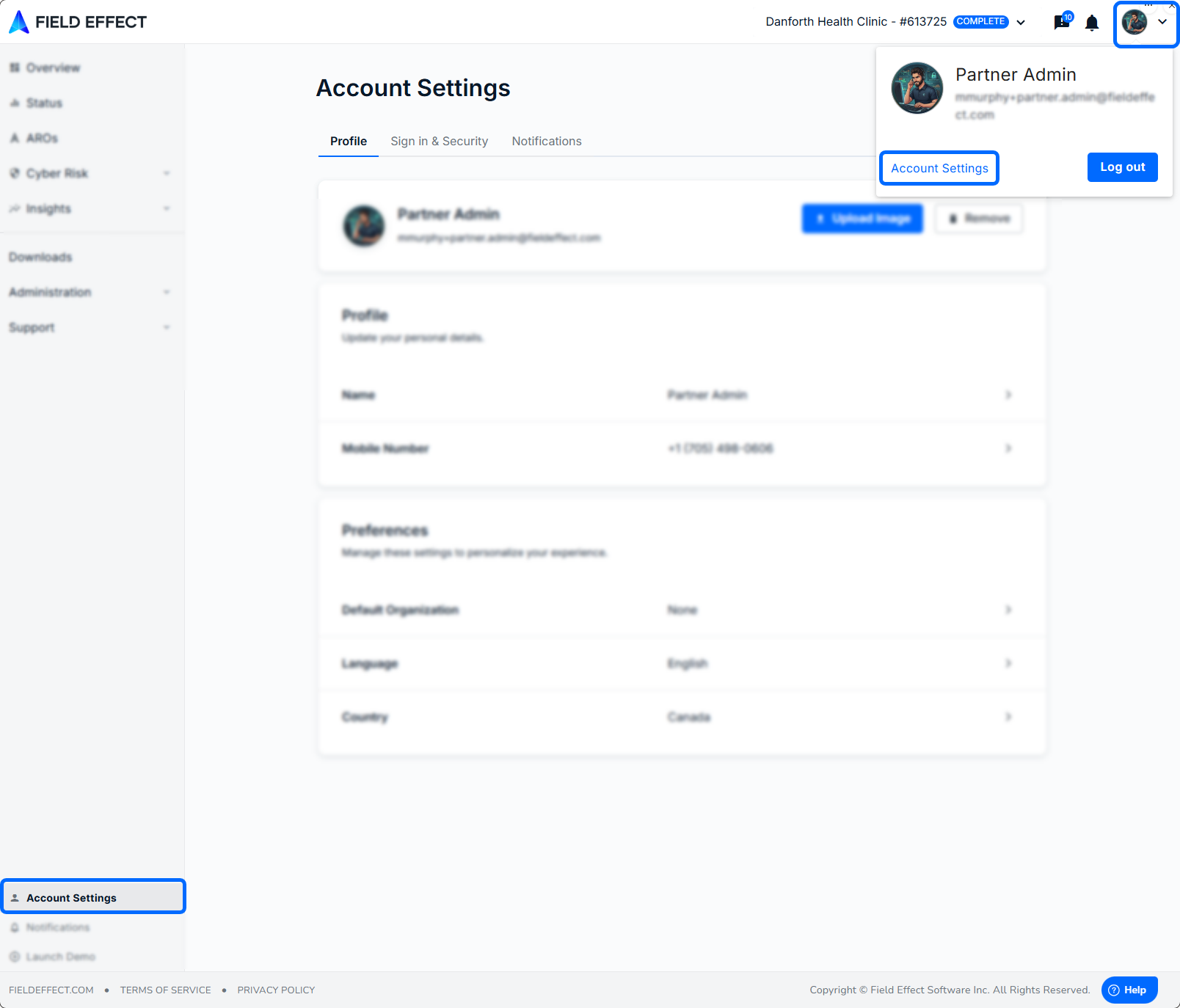
- Click Account Settings in the sidebar.
- Expand the profile icon in the upper right and click Account Settings.
Was this article helpful?
That’s Great!
Thank you for your feedback
Sorry! We couldn't be helpful
Thank you for your feedback
Feedback sent
We appreciate your effort and will try to fix the article