Introduction
Our Compact One (C1) is the network sensor required for Field Effect MDR deployments that require network monitoring. See our Help Center Chapter to learn more about sensors.
As a partner, you will purchase C1s for end clients that require them via the TD SYNNEX Portal.
This article walks through the process at a high level and covers the following:
Quick Guide: Purchase a Compact One via TD SYNNEX
Use the following quick guide to order Field Effect sensors from the TD SYNNEX Portal.
1. Create the Customer Account in the License Management Portal (LMP)
If you do not have a volume agreement with Field Effect, or do not use the LMP to onboard customers, continue to step 2.
Onboard your client in the LMP the same way you would in the past. If you need C1 devices, the links to the TDS portal will appear. Clicking them will open the TDS portal in a new tab. You must complete the onboarding in order for the client to be provisioned and licensed in the Field Effect system.
NOTE: You do not need to onboard a new customer just to purchase C1s from TDS. You can choose to buy ahead of time for faster client onboarding if you choose.
To learn more, see:
2. Access the TD SYNNEX Portal
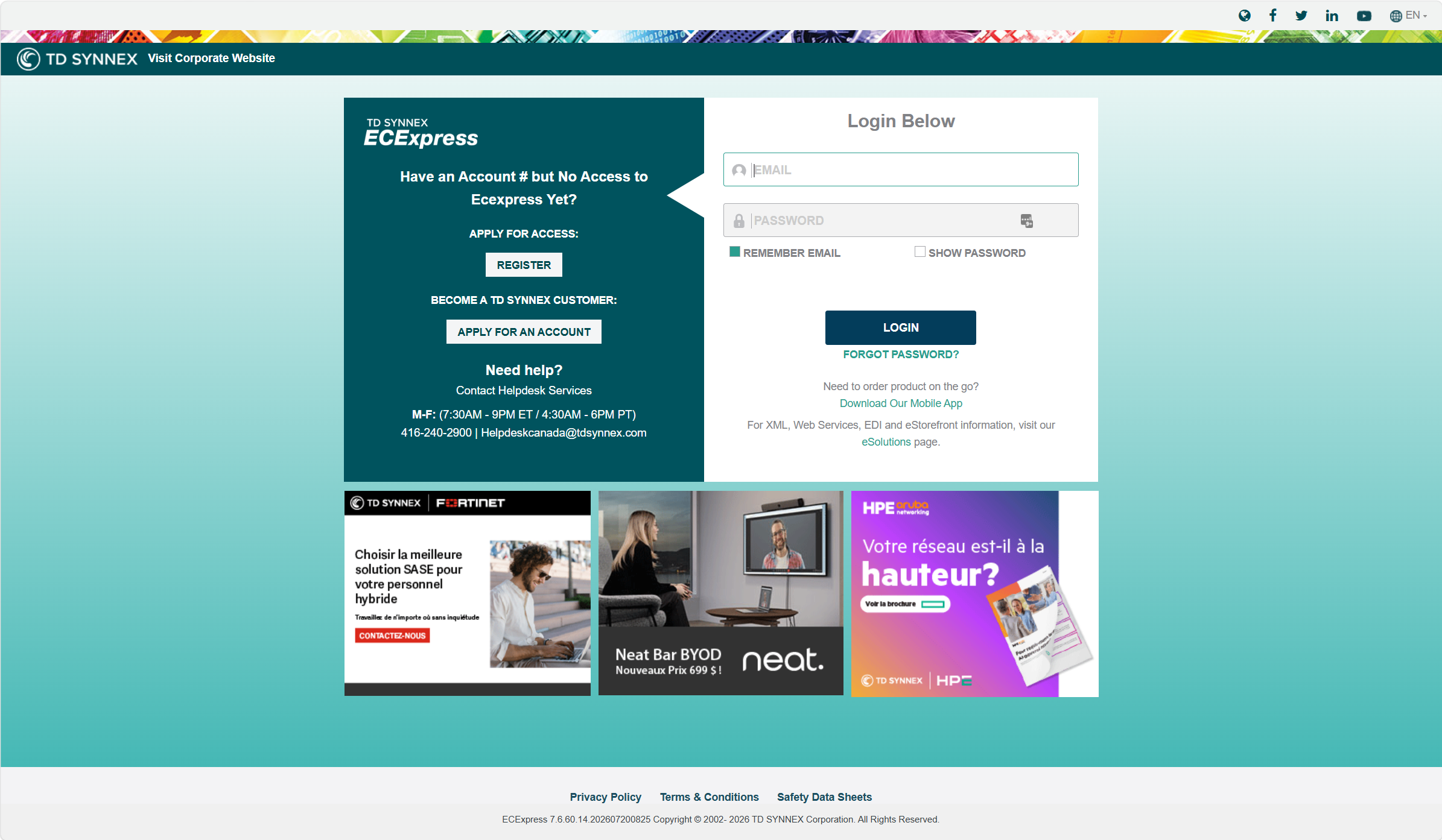
If you don't already have a TDS account, you will need to register and/or apply for one:
If you need help creating a TDS account, please see the appropriate account setup contact for your region:
| Region | Account Setup Contact |
|---|---|
| Canada | Daniel Nip - daniel.nip@tdsynnex.com |
| USA | Hampton Brown - hampton.brown@tdsynnex.com |
Once you have the account set up, you can purchase your Compact One sensor(s) from the TD SYNNEX Portal:
- Canada: https://ec.synnex.ca/ecx/ | SKU: 13215460
- USA: https://ec.synnex.com/ecx/ | SKU: 14717475
3. Locate and Purchase the C1
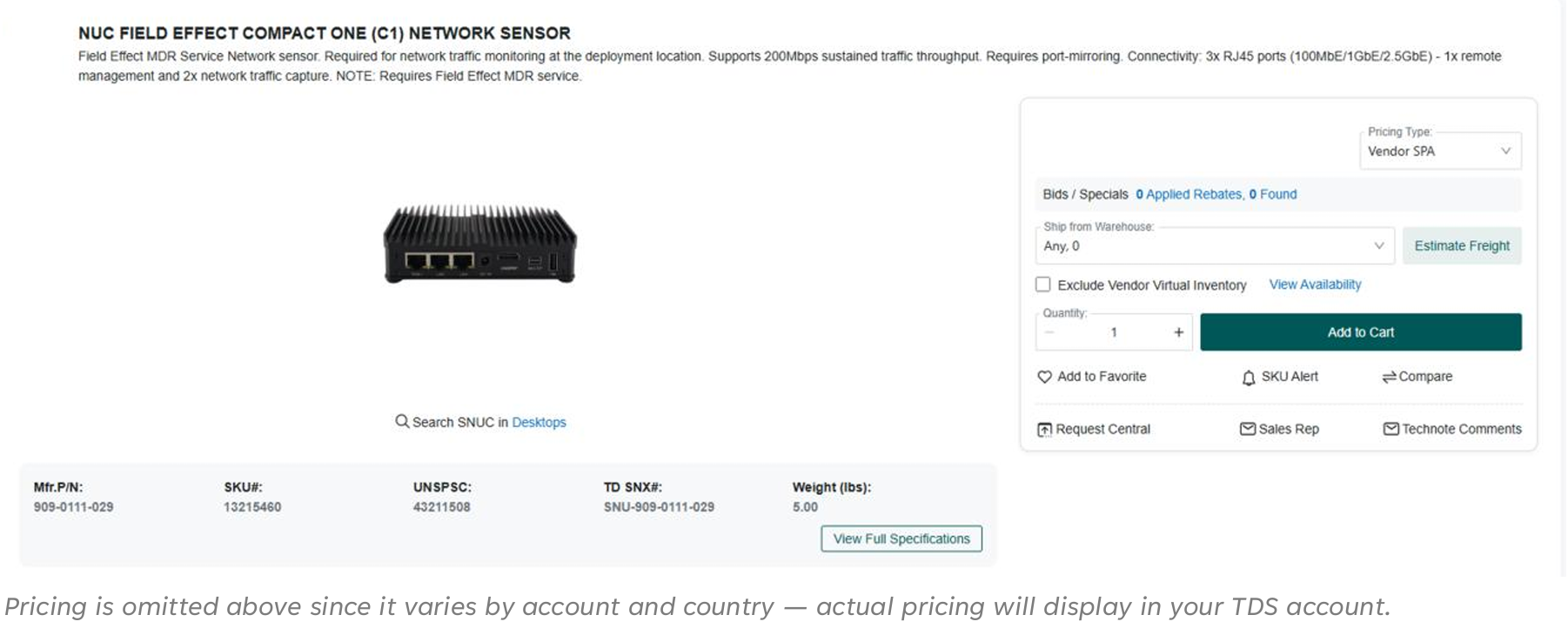
Search the TDS for our Compact One. Use one of the following search terms:
- "Field Effect"
- SKU: search for the SKU of your region
- Canada: 13215460
- USA: 14717475
- Manufacturer's #: 909-0111-029
- TD SYNX #: SNU-909-0111-029
Once you locate the Compact One, add it to your cart and continue to the checkout process.
Was this article helpful?
That’s Great!
Thank you for your feedback
Sorry! We couldn't be helpful
Thank you for your feedback
Feedback sent
We appreciate your effort and will try to fix the article