Introduction
Field Effect's License Management Portal (LMP) allows partners to manage their MDR licensing and customer accounts through a self-service experience. This article introduces the License Management Portal, explains who can access it, and provides an overview of its main pages and features. After reading, you'll understand how to navigate the portal and where to go for common licensing and customer management tasks.
Who is the LMP for?
Field Effect partners responsible for managing MDR subscriptions, customer onboarding, licensing allocations, and partner account administration.
What Can You do in the LMP?
The LMP helps partners manage the business and administrative aspects of their MDR services.
Using the LMP, you can:
- View available licensing across MDR service tiers.
- Purchase additional licenses.
- Onboard customer organizations.
- Offboard customer organizations.
- Allocate and manage licenses for customer accounts.
- Manage partner account information.
- Manage access for LMP users.
Video Overviews
The following videos provide an overview of the License Management Portal and demonstrate common workflows.
Overview & Basic Workflows
Advanced Workflows
Who Can Access the License Management Portal?
The LMP is available to our Field Effect Partners, and if you require access, contact your Account Executive or submit a request by email.
After your request is approved, you'll receive an email invitation granting Administrator access. Administrators can then invite additional users to the portal as needed.
The License Management Portal is available at: https://license.fieldeffect.com
For information about user roles and permissions, see Partner Profile: Access and Management.
Navigating the License Management Portal
The LMP is organized into several areas that support different partner workflows. You can access each area of the LMP using the navigation pane running along the top of every page.
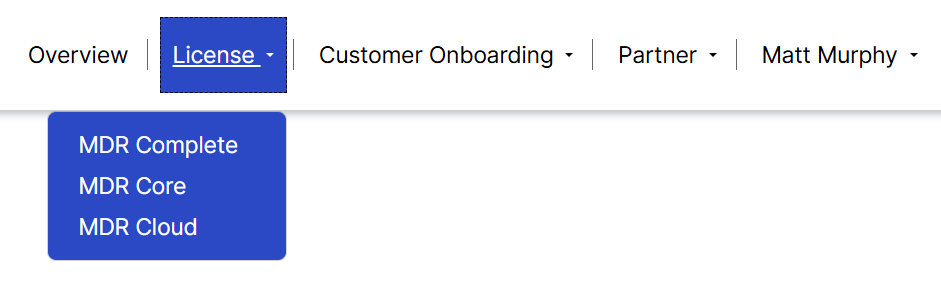
Overview
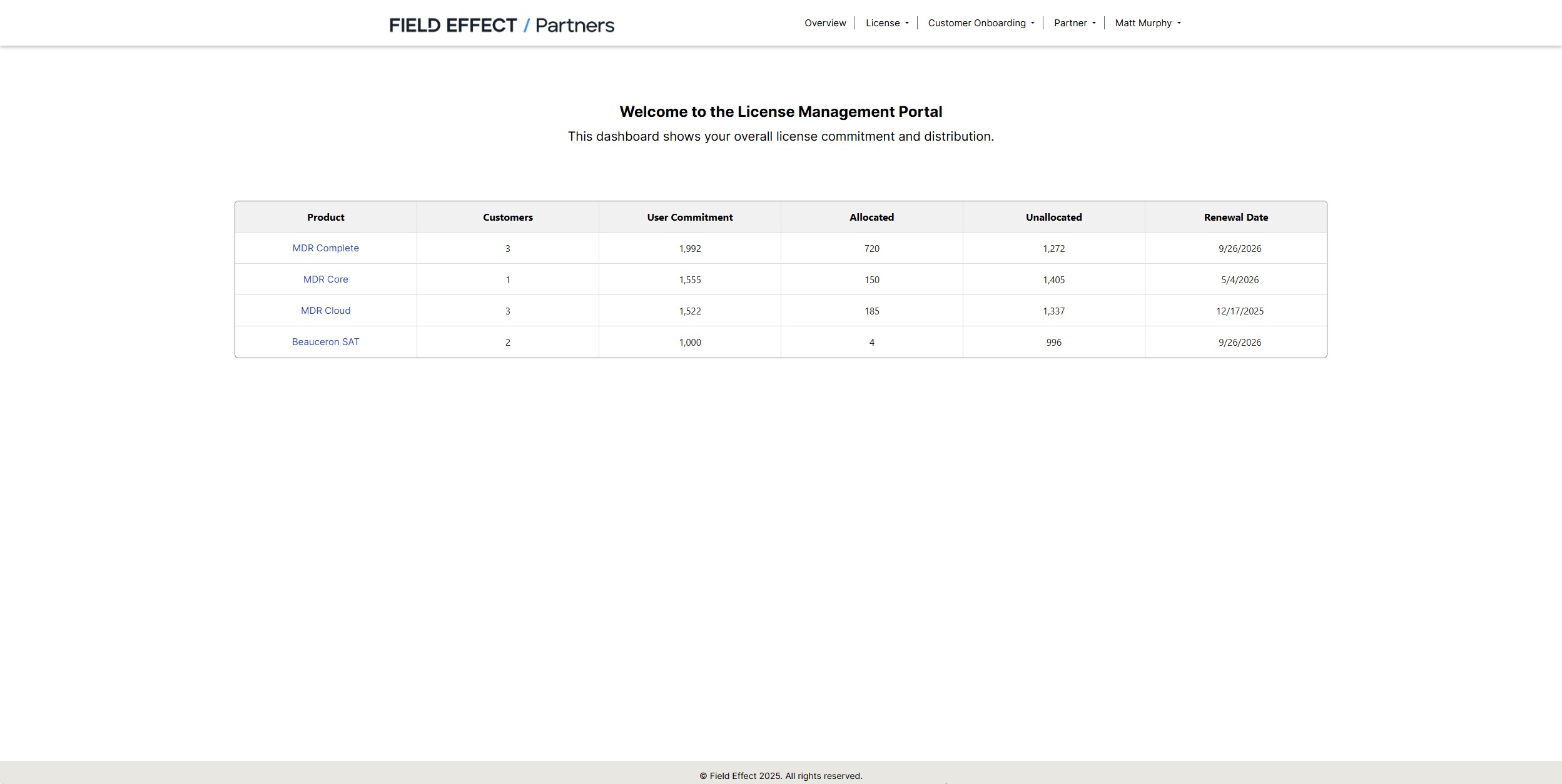
The Overview page serves as the portal homepage and provides a snapshot of:
- Available licenses
- Allocated licenses
- Customer counts
- Renewal dates
Selecting a service tier opens a detailed page for that product.
Overview Page Information
| Column | Description |
|---|---|
| Product | Displays each available service tier and eligible add-on services. Selecting a product opens its detailed licensing page. |
| Customers | The number of customer organizations assigned to the service tier. |
| User Commitment | The total number of licensed users available within the tier. |
| Allocated | The number of licensed users currently assigned. |
| Unallocated | The number of licenses still available for assignment. |
| Renewal Date | The date when the service tier renews. |
Licence
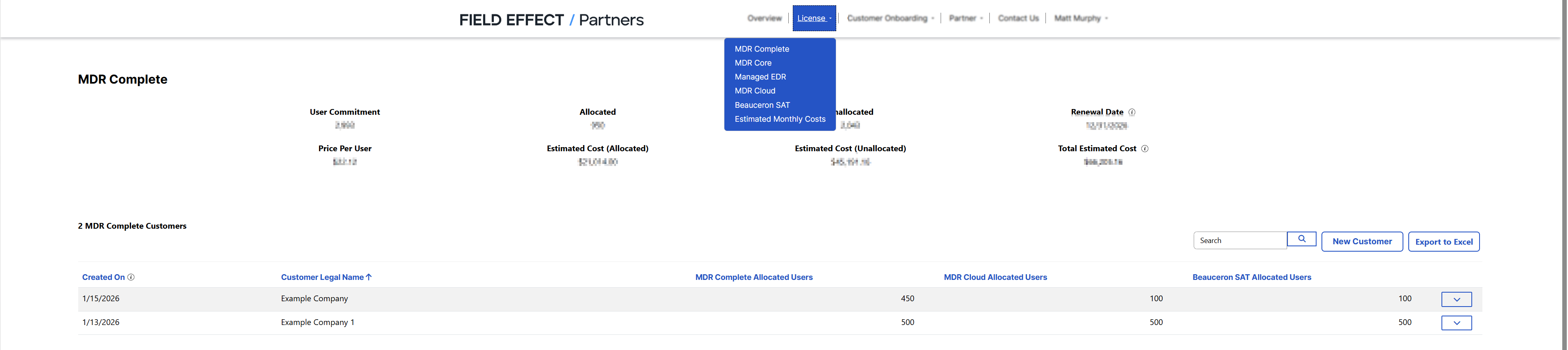
The Licence section provides detailed information about each MDR service tier and allows you to manage licensing allocations.
Use this area to:
- Review licensing details.
- Track capacity usage.
- Allocate licenses to customer organizations.
- Monitor available licenses.
Customer Onboarding
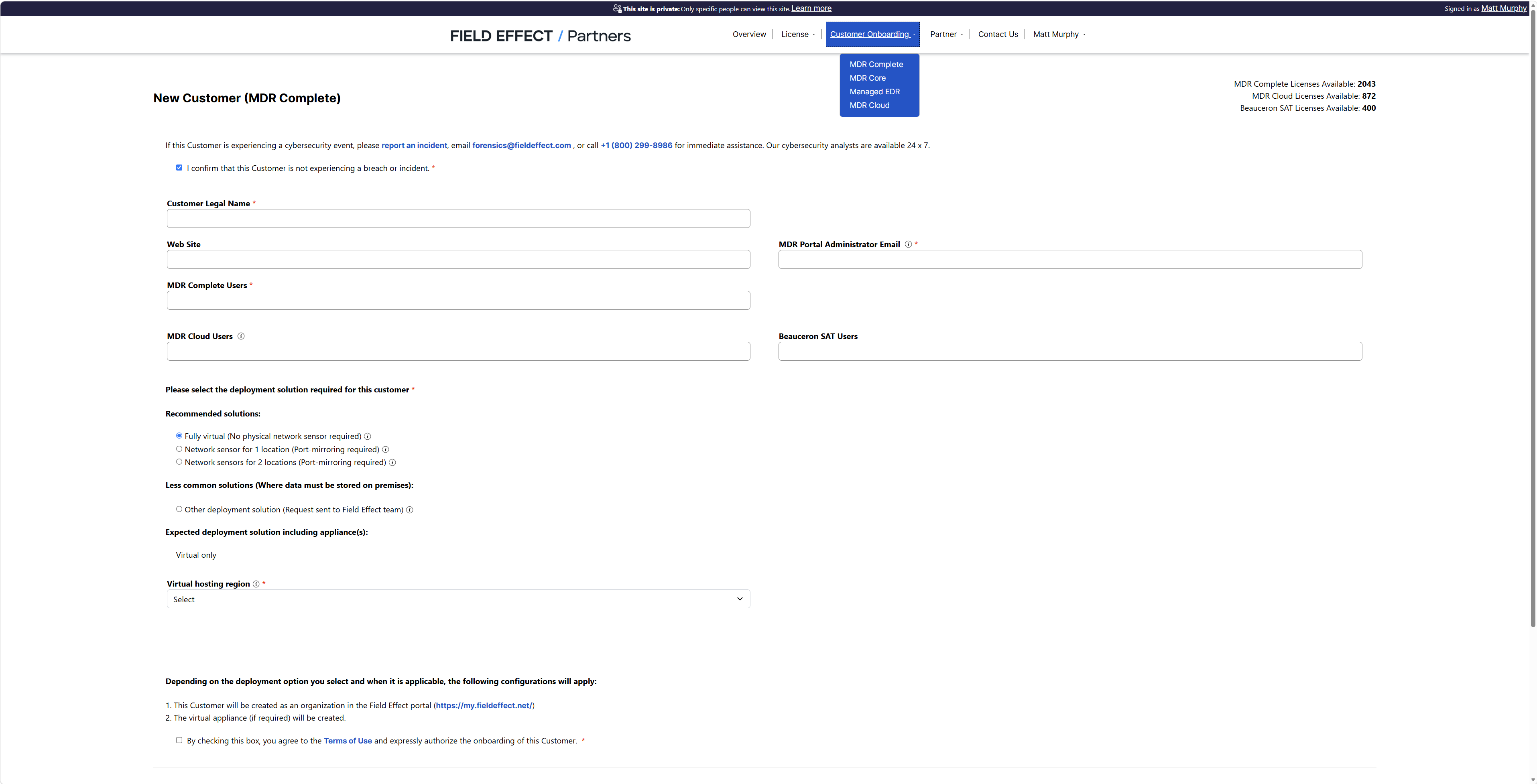
The Customer Onboarding section is used to create and manage customer organizations within the LMP. Before licenses can be assigned, customer organizations must first be created here.
Use this area to:
- Create customer accounts.
- Configure customer details.
- Prepare organizations for the MDR deployment.
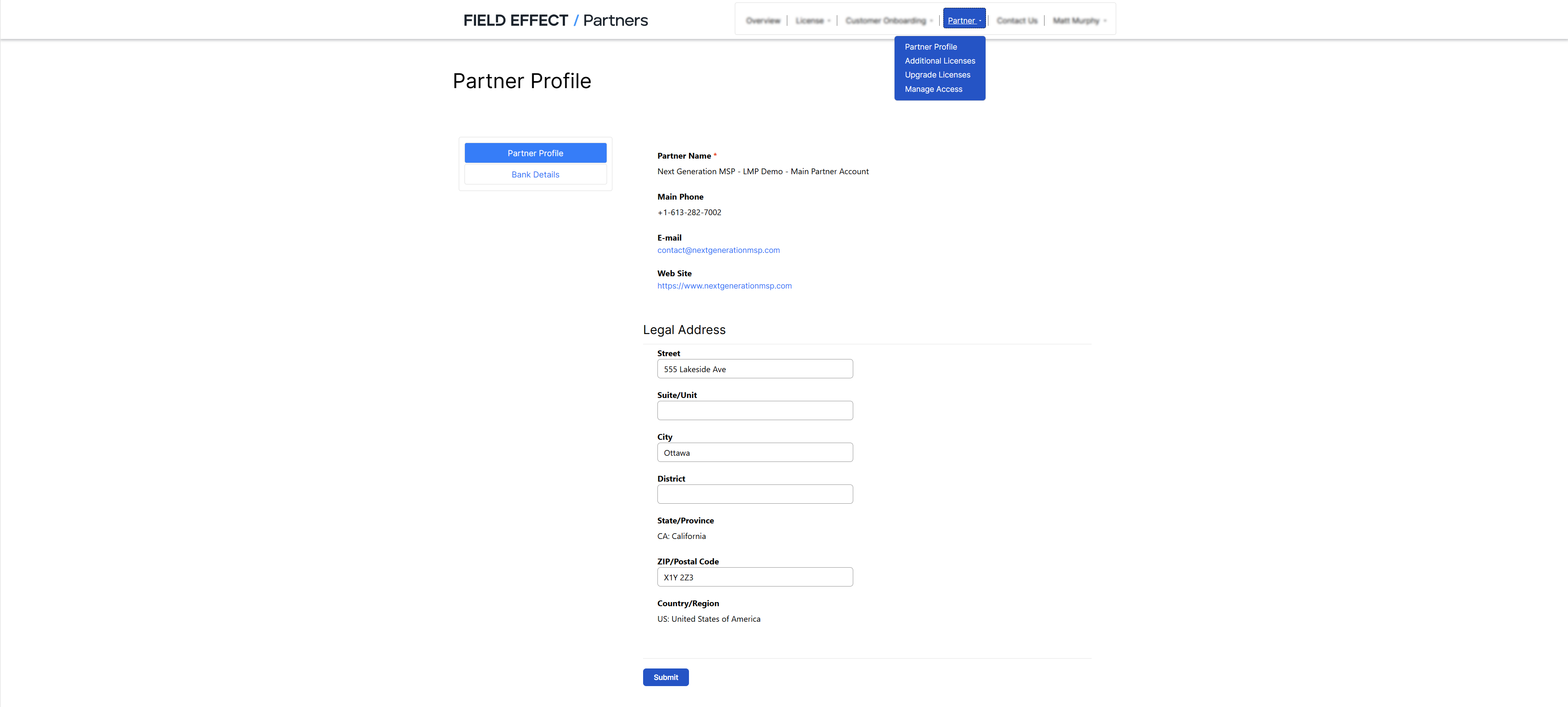
Partner
The Partner section contains partner-level administration and licensing controls.
Use this area to:
- Manage partner information.
- Purchase additional licensing.
- Review partner account settings.
- Access administrative functions.
Profile
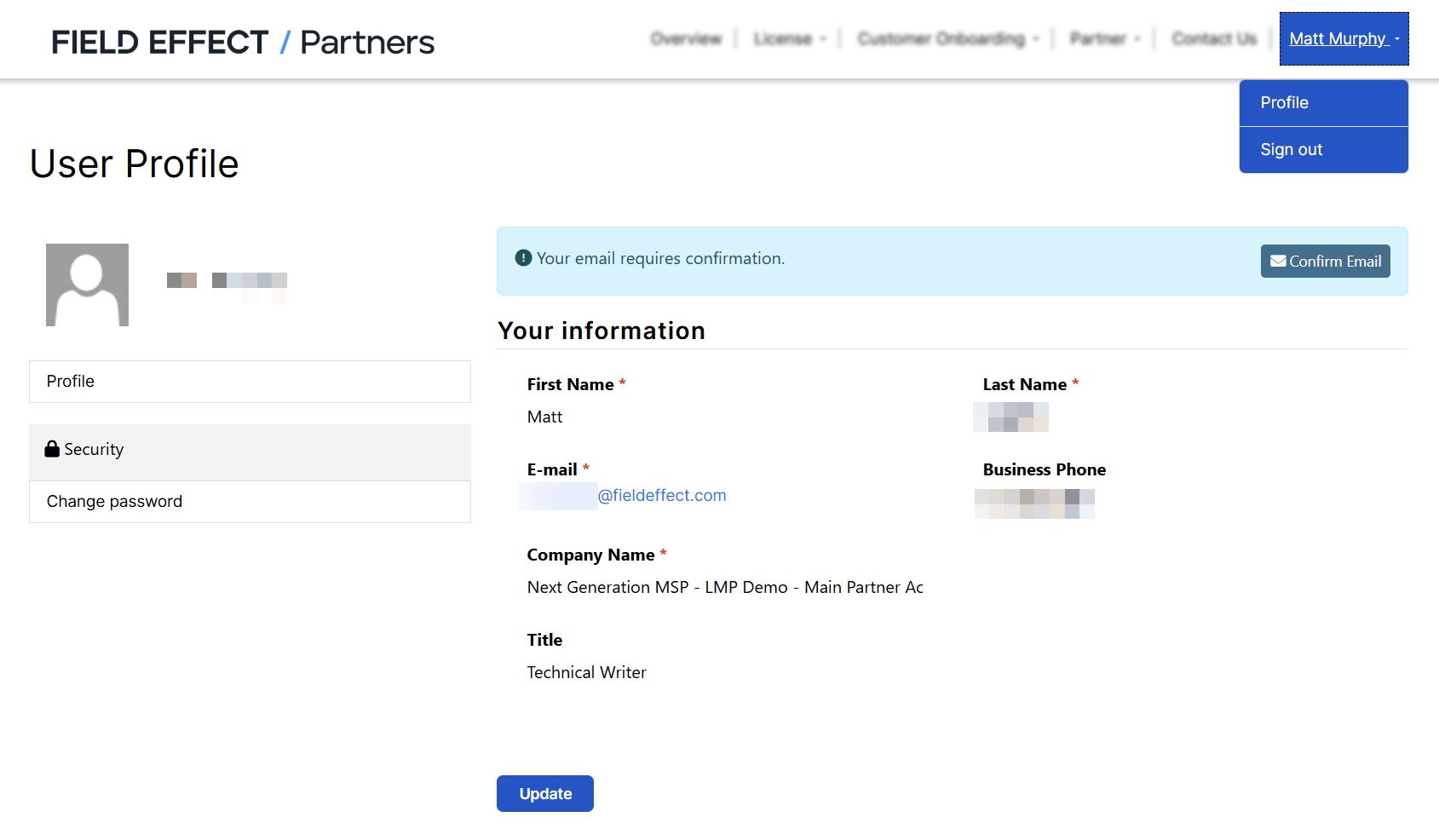
The Profile section (identified by your profile name) contains settings specific to your individual user account.
Use this area to:
- Update personal information.
- Review account settings.
- Manage your user profile.
Was this article helpful?
That’s Great!
Thank you for your feedback
Sorry! We couldn't be helpful
Thank you for your feedback
Feedback sent
We appreciate your effort and will try to fix the article