Introduction
This article describes the Field Effect MDR integration with Cato Networks.
Integration Details
This integration monitors Cato's Secure Access Service Edge (SASE) network security alerts and passes them through to the client in the form of AROs. Currently we support:
- Suspicious network activity alerts (for example, possible Command & Control communications)
- Network malware transfer alerts
- Cato client anti-tampering bypass alerts (attempts to disable or circumvent the Cato client)
Requirements
To complete this integration, you will need the following:
- Your organization’s Cato Account ID
- A new API Key for this integration
- The API URL for your new API Key
- Administrator access to the Field Effect Portal
Set Up the Integration
Partners: This procedure is performed on a per-client basis. Ensure that the Organization Selector is set to the appropriate client before continuing.
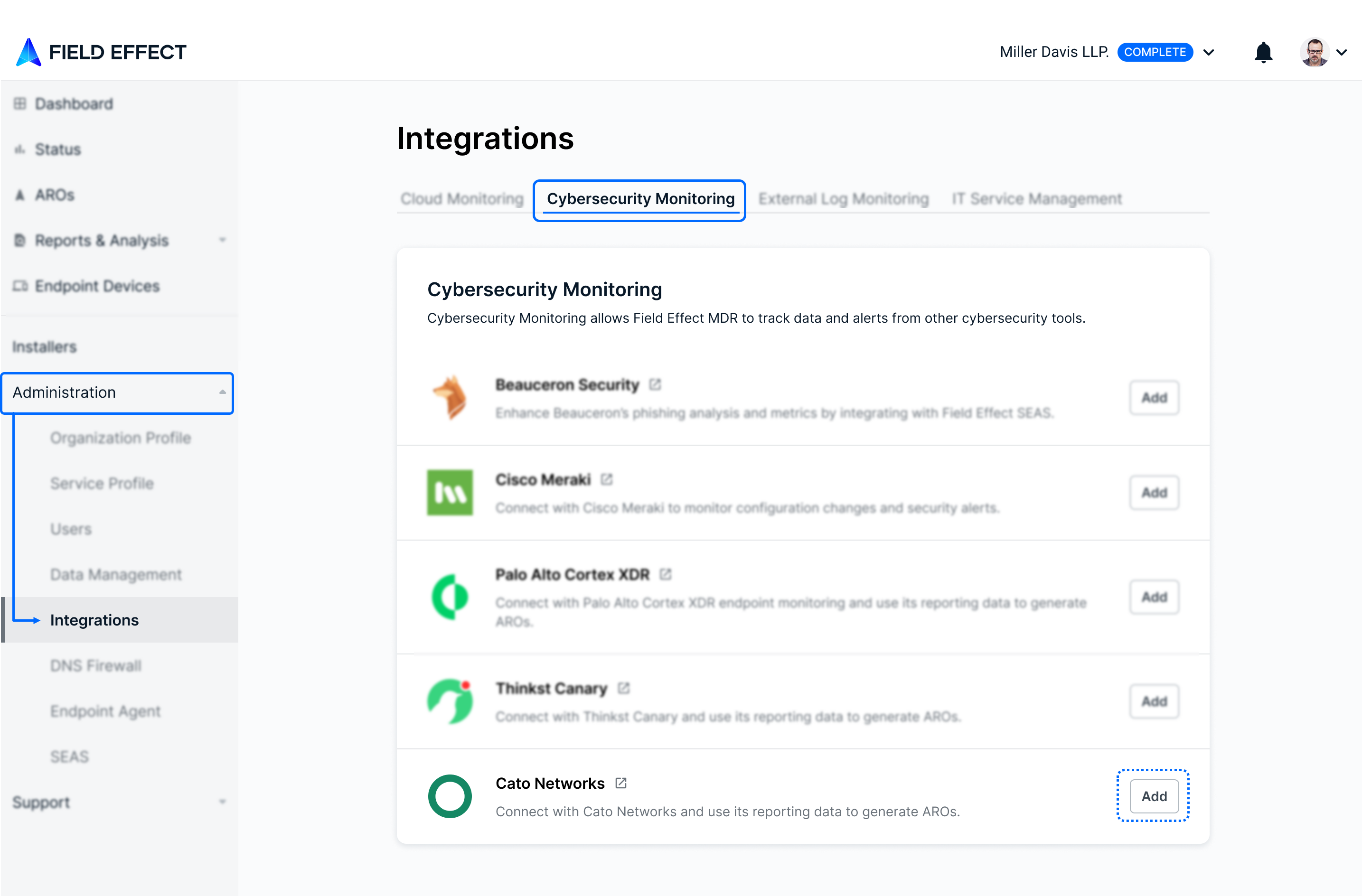
From the Integrations page's (Administration section) Security Monitoring tab, click Add in the Cato Networks card.
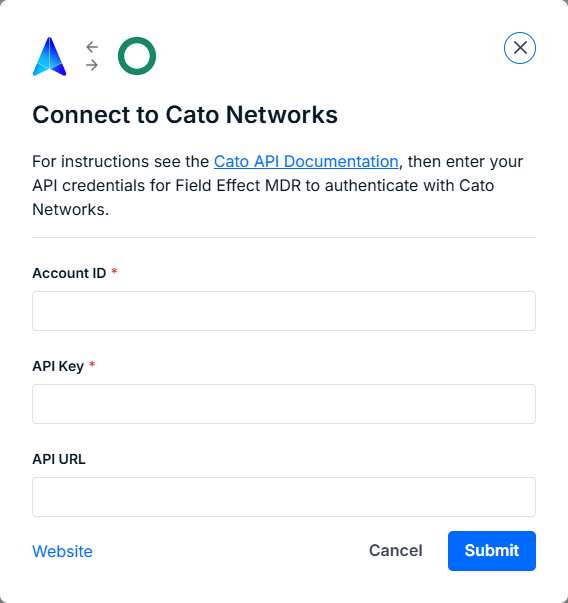
The integration wizard will open. Provide your organization's Cato Account ID, API Key, API URL, and click Submit.
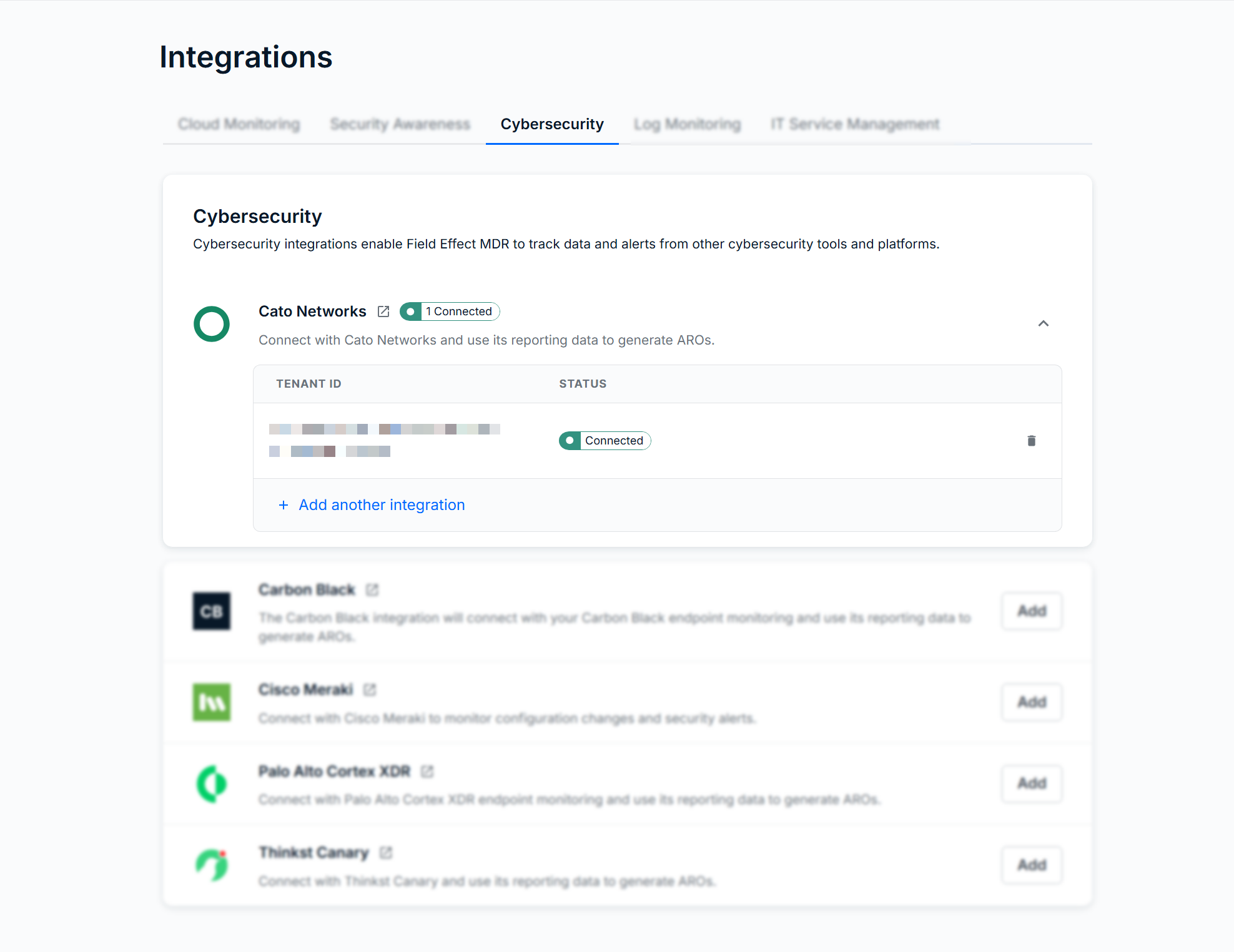
After the authentication is complete, you will see the integration listed on the Cybersecurity tab.
Was this article helpful?
That’s Great!
Thank you for your feedback
Sorry! We couldn't be helpful
Thank you for your feedback
Feedback sent
We appreciate your effort and will try to fix the article