Introduction
An ARO (Alert, Recommendation, or Observation) is designed to help you understand and resolve a security issue in your environment.
In this article, you’ll learn:
- What each section of an ARO represents
- How to use each section to investigate and resolve issues
- Where to find key information when working an ARO
Use this guide when you are reviewing or responding to an ARO and need to quickly navigate its contents.
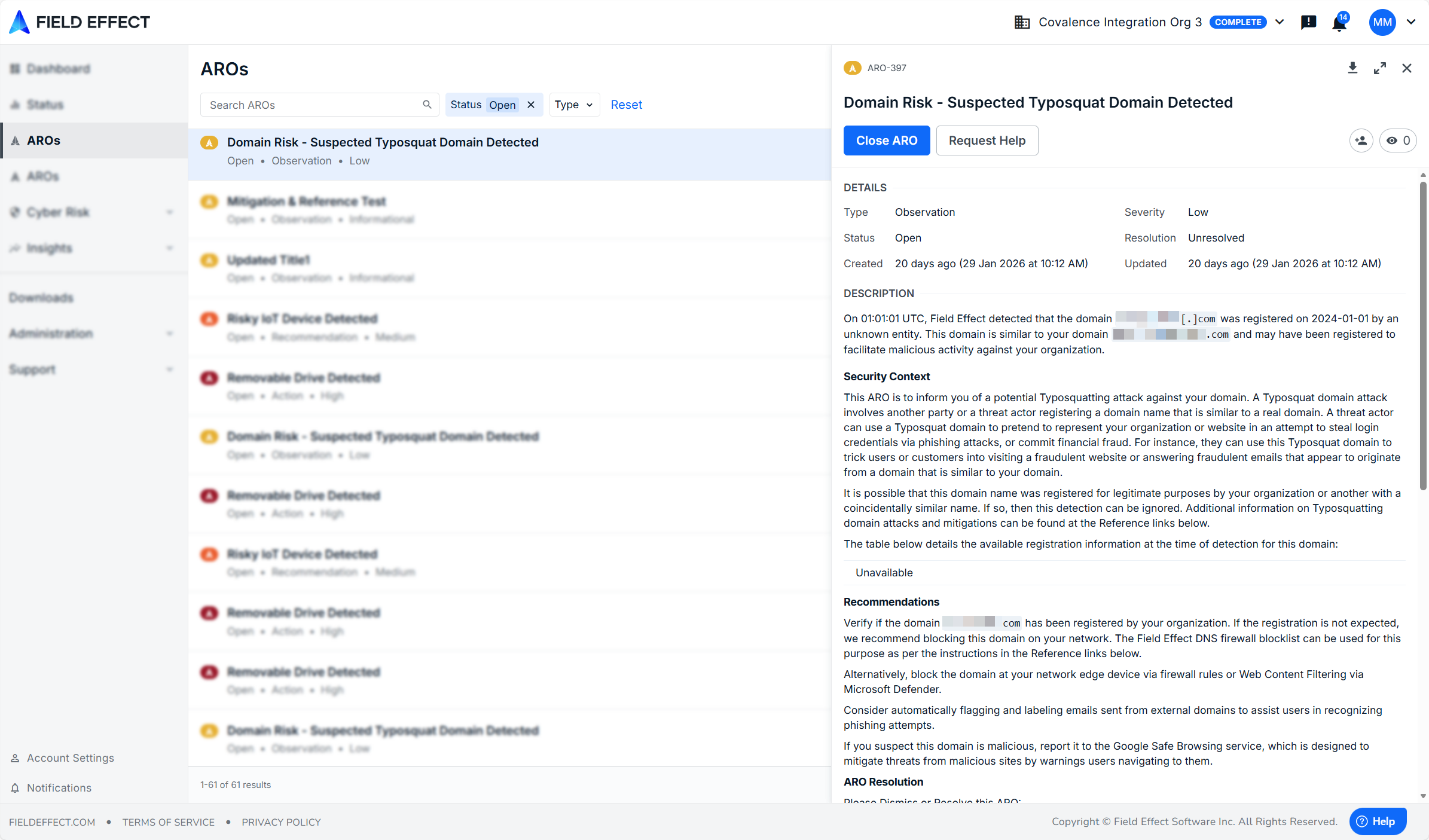
The Elements of an ARO
An ARO is made up of several sections that work together to help you understand, investigate, and resolve an issue:
- Header
- Details
- Description
- Compliance and Best Practices
- Mitigation Steps
- Supplemental Insights and Data
- References
- Activity
Each section serves a specific purpose in the investigation and resolution workflow.
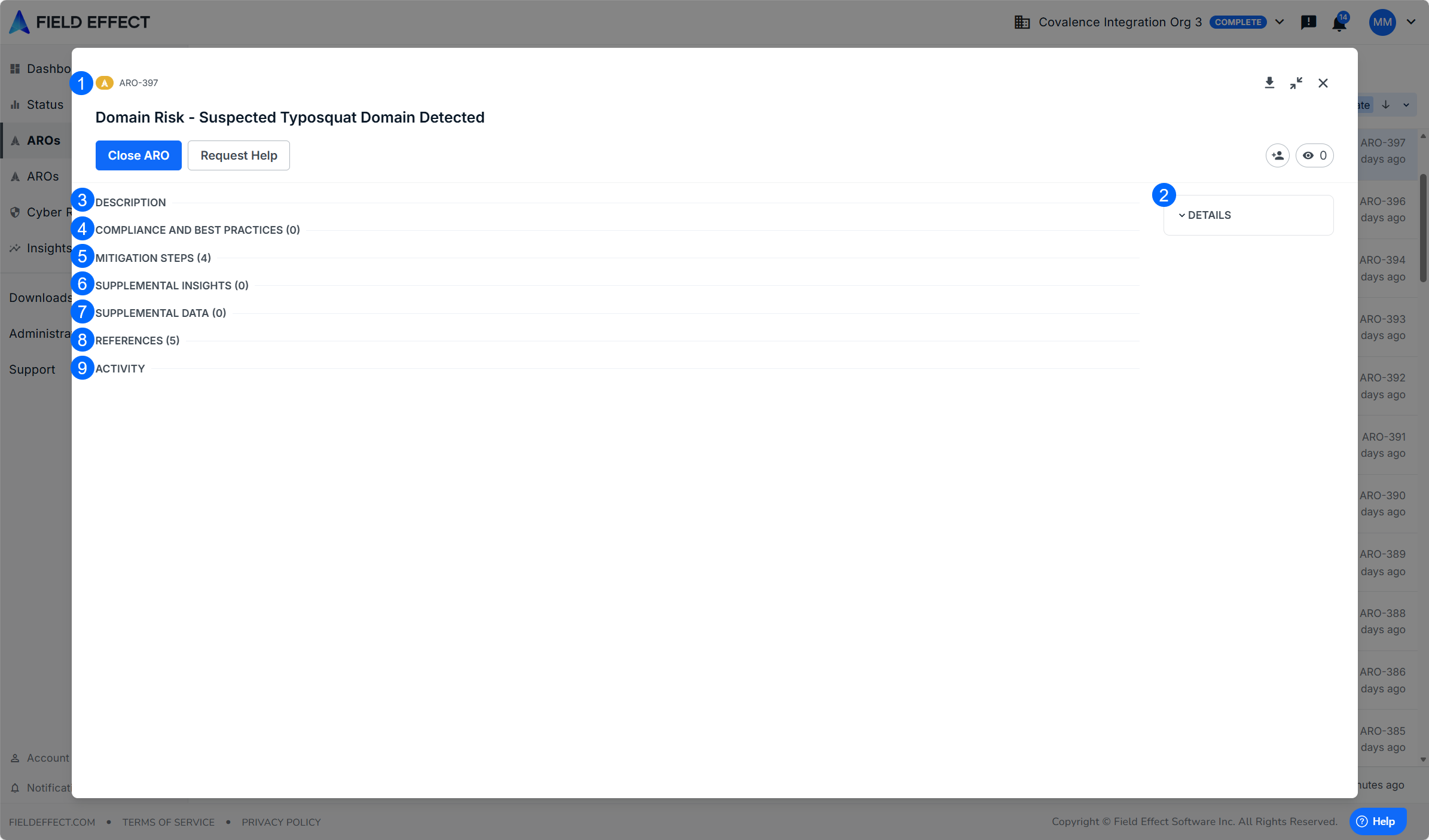
Header
The Header provides high-level controls and status information for the ARO.
Use this section to:
- Identify the ARO at a glance
- Change its status (for example, closing the ARO)
- Request help from Field Effect
- Download the ARO as a PDF
- Manage watchers and ownership

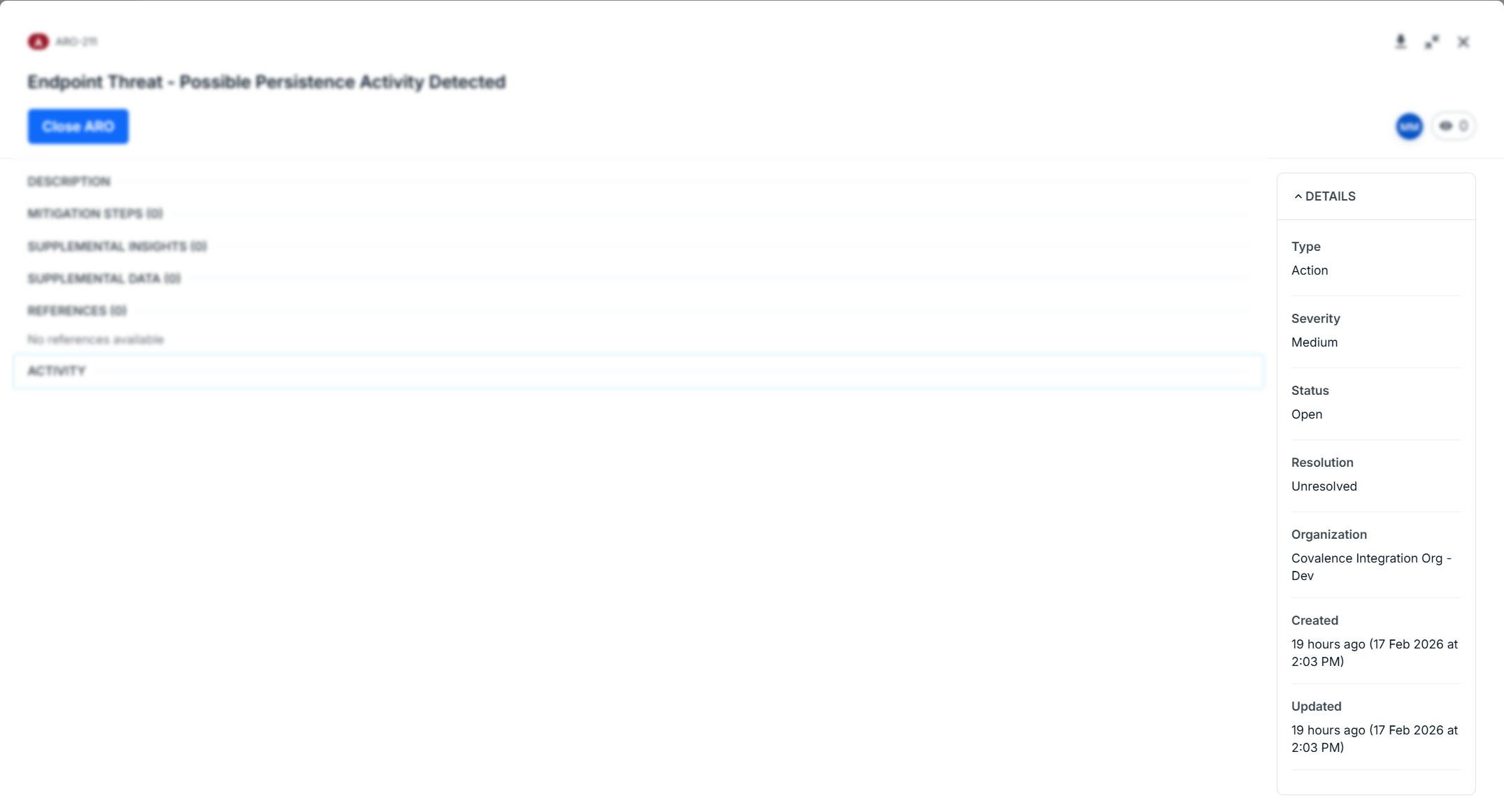
Details
The Details section provides key metadata about the ARO.
Use this section to:
- Assess severity and priority
- Understand the type of issue
- See when the ARO was created or updated
- Partners: identify the affected organization
This information helps you decide how urgently the ARO needs to be addressed.
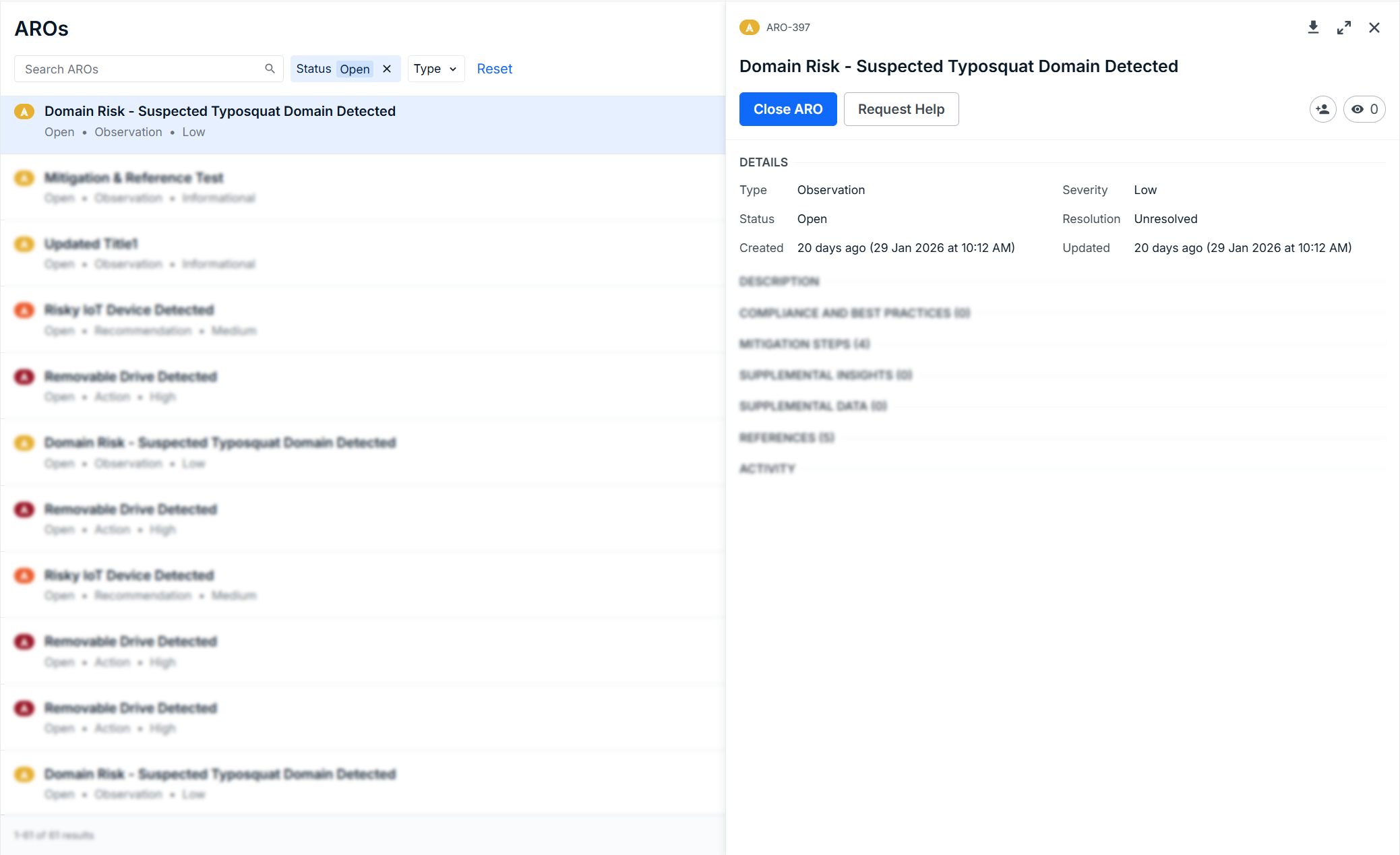
When viewing an ARO in the "split" view, the details pane is directly below the Header and above the Description. To learn more about ARO types and severities, see Getting to Know AROs.
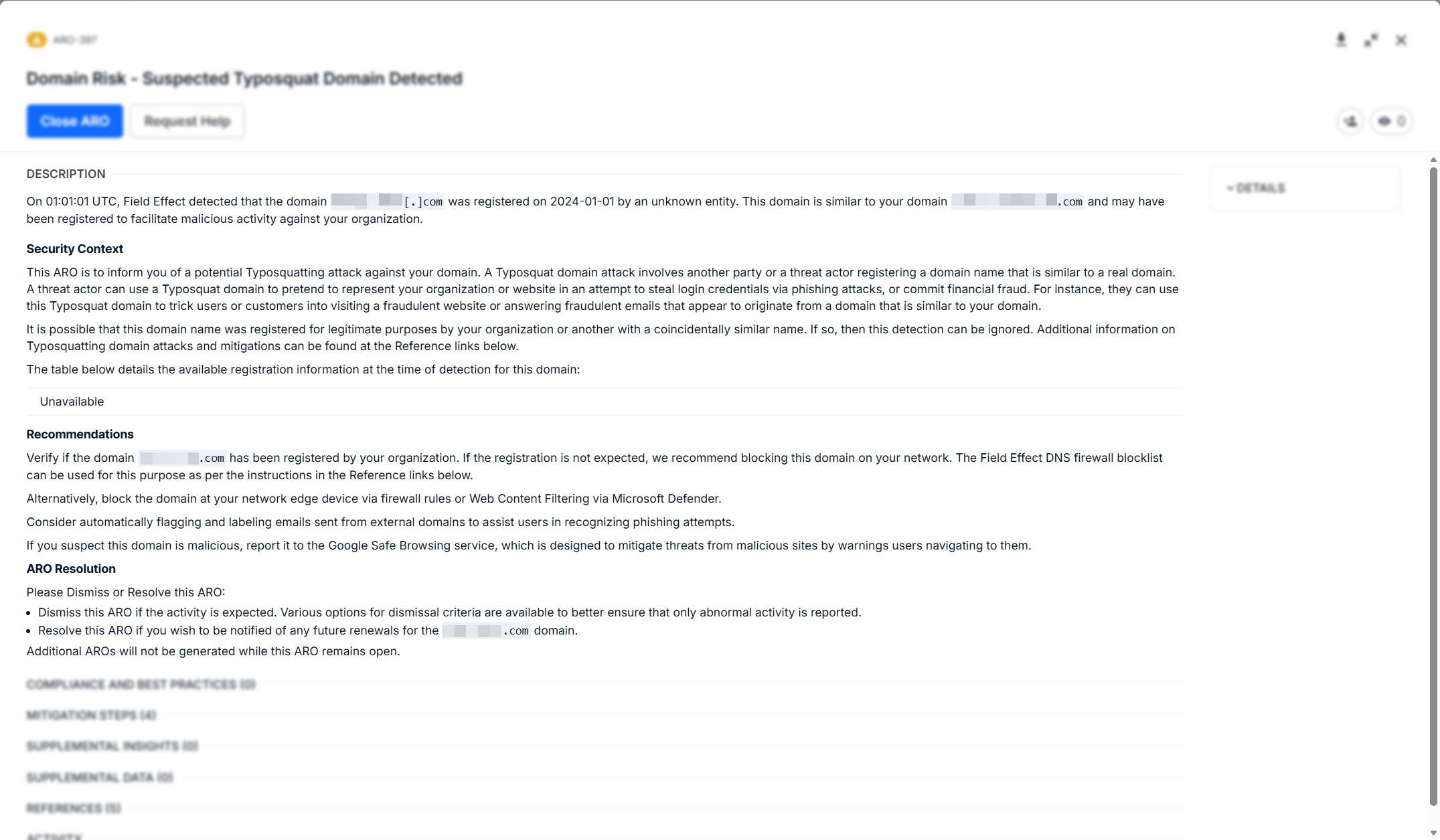
Description
The Description explains the issue Field Effect MDR detected and provides context for investigation.
Typically, this section includes:
- A high-level summary of the issue
- Technical details for deeper analysis
- Recommendations to help address the issue
Use this section to understand:
- What happened
- Why it matters
- What risks it introduces
Because AROs are generated for different types of issues, the level of detail may vary.
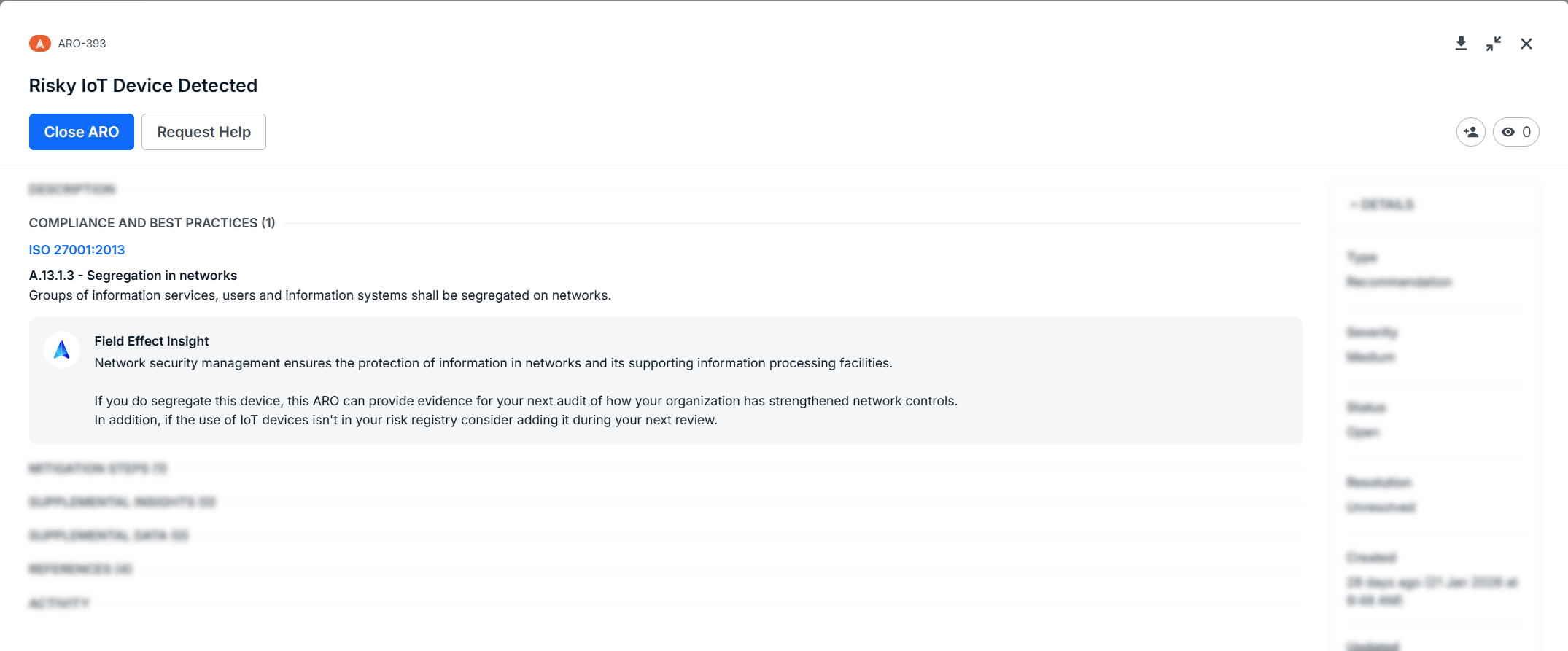
Compliance And Best Practices
If enabled, this section shows how the ARO may impact your organization’s compliance posture.
Use this section to:
- Identify affected compliance frameworks
- Understand which controls are impacted
- Support audit and reporting efforts
Mitigation Steps
The Mitigation Steps section provides actionable steps to resolve the issue.
Use this section to:
- Follow a structured remediation process
- Track progress by checking off completed steps
- Ensure the issue is fully resolved
Each step represents a recommended action. Completing these steps typically leads to resolution of the ARO.
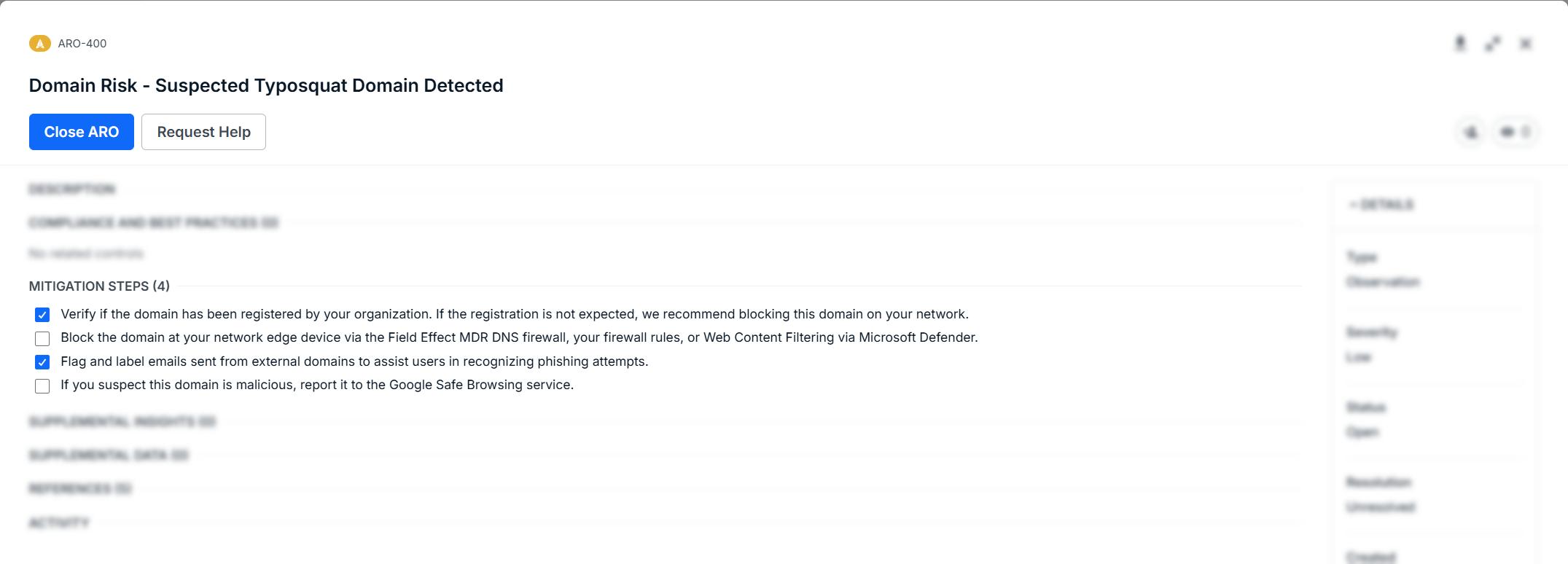
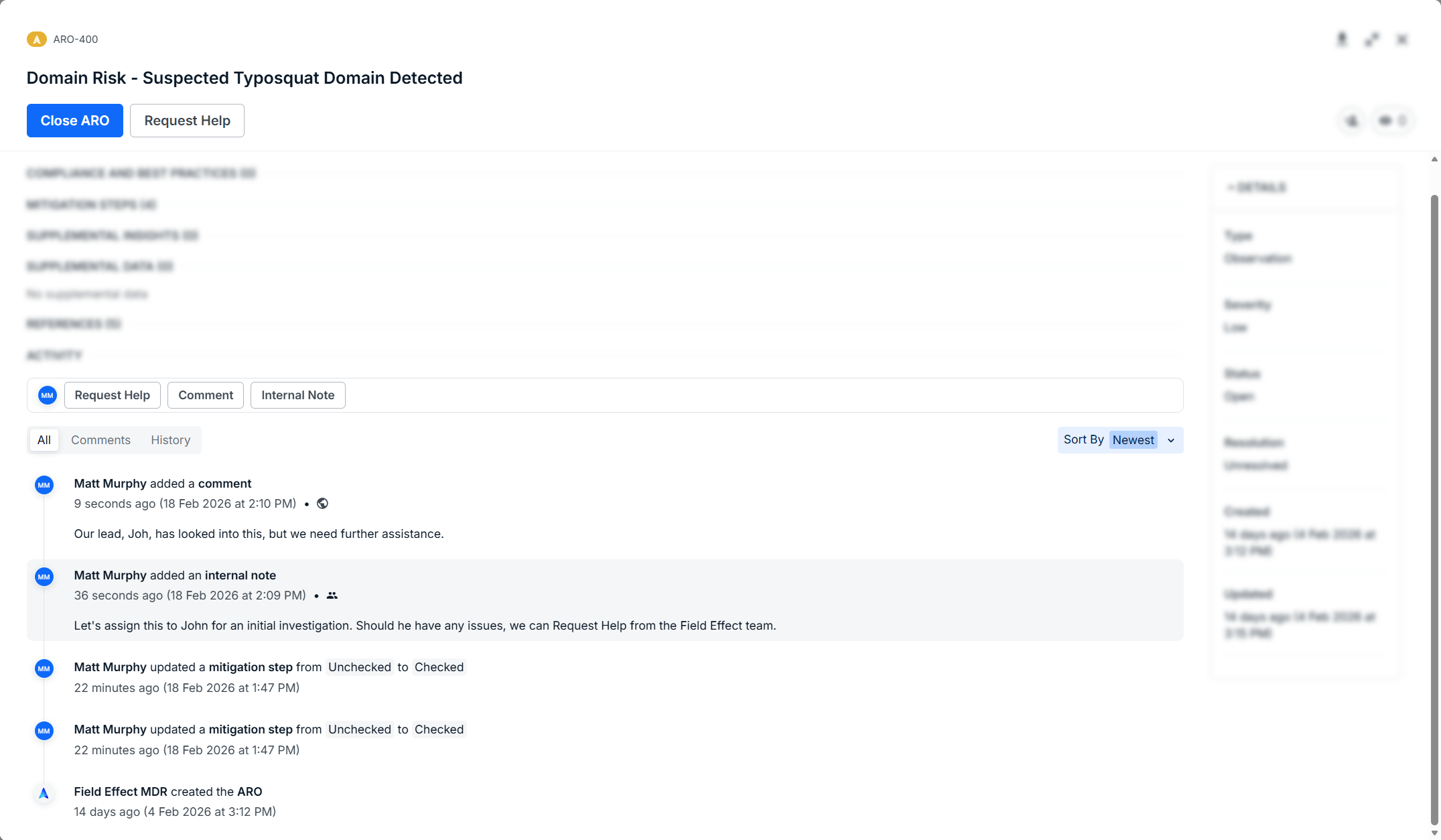
As you check or uncheck mitigation steps, every action is listed in the ARO's Activity feed.
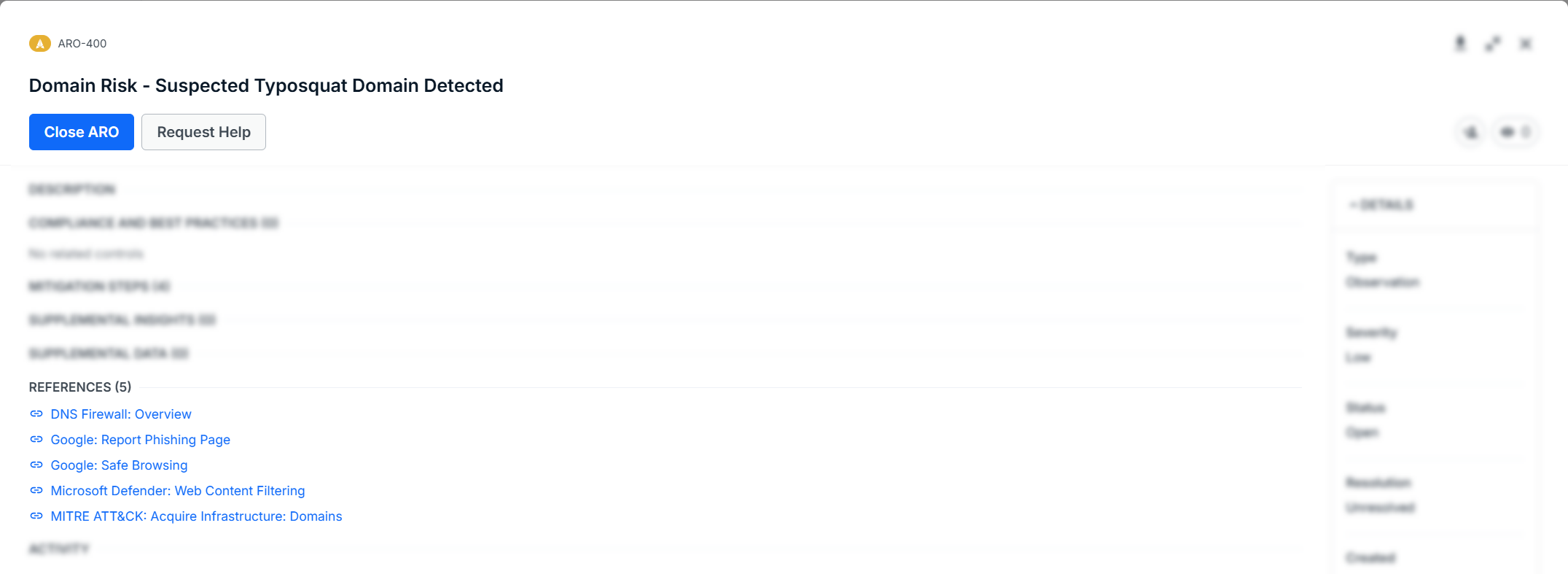
References
The References section includes external resources for deeper investigation.
Use this section when you need:
- Additional technical context
- Industry guidance or best practices
- Supporting documentation
Activity
The Activity section tracks everything that happens within the ARO.
Use this section to:
- Review status changes and history
- Collaborate through comments and notes
- Maintain an audit trail of actions taken
Next Steps
To learn more about working AROs in the Field Effect MDR Portal, see Working with AROs, or our Help Center chapter.
Was this article helpful?
That’s Great!
Thank you for your feedback
Sorry! We couldn't be helpful
Thank you for your feedback
Feedback sent
We appreciate your effort and will try to fix the article