Introduction
To manage AROs effectively, you can either:
- Assign an ARO to someone who is responsible for resolving it
- Watch an ARO to stay informed without taking ownership
Understanding when to use each helps ensure work is clearly owned while keeping the right people informed.
When to assign vs watch:
- Assign the ARO when someone needs to take action
- Watch the ARO when you need visibility but are not responsible
This article overs the following topics:
Assignees vs. Watchers
| Role | Purpose | Key Behavior |
|---|---|---|
| Assignee | Responsible for addressing the ARO | Automatically receives notifications and is accountable for action |
| Watcher | Observes activity | Receives notifications for changes but is not responsible |
When a user is assigned to an ARO, they are automatically added as a watcher
Watchers receive notifications when:
- The ARO status changes (for example, Resolved or Dismissed)
- Comments or replies are added
- The assignee changes
Assignment Rules
- Clients:
- Only one assignee per ARO
- Partners:
- Can assign:
- One external (client) assignee
- Multiple internal (partner) assignees
- Internal assignees are not visible to clients
- Can assign:
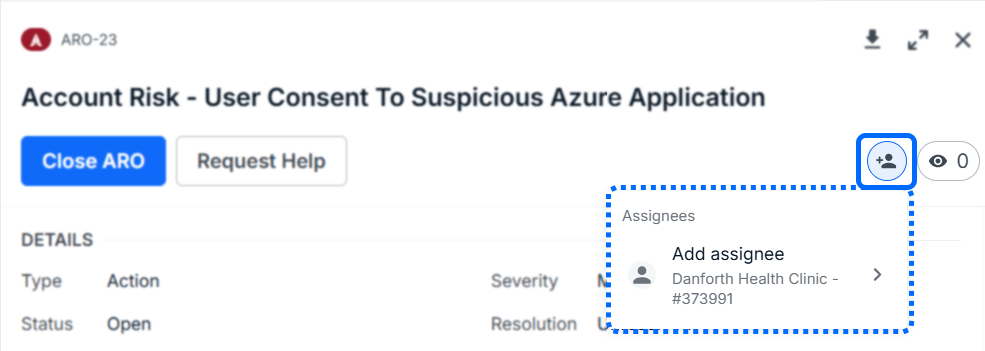
Assigning an ARO (Client)
- Open the ARO
- Click the Assignee icon in the title section
- Select No Assignee +
- Search for a user or select from the list
- Click their name to assign
The selected user’s avatar will appear in the ARO header.
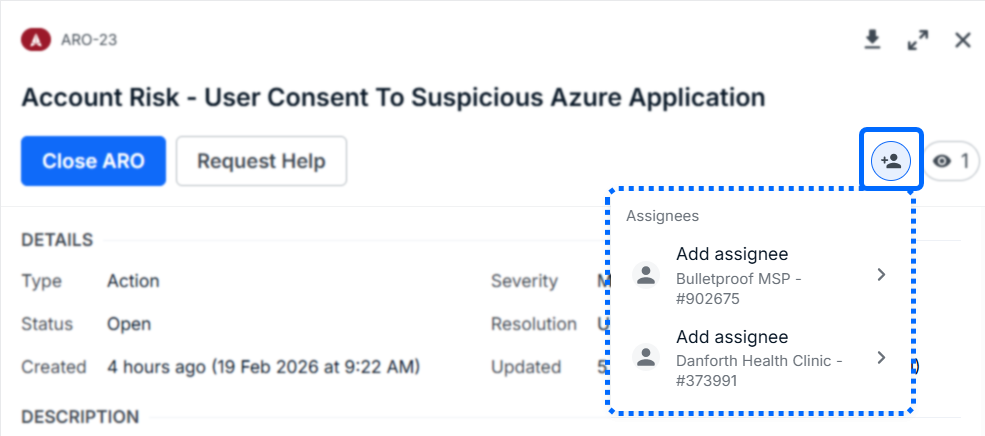
Assigning an ARO (Partner)
- Open the ARO
- Click the Assignee + icon in the title section
- Choose:
- Internal assignee (your organization)
- External assignee (client)
- Search or browse for a user
- Click their name to assign
Both internal and external assignees will appear in the ARO header.
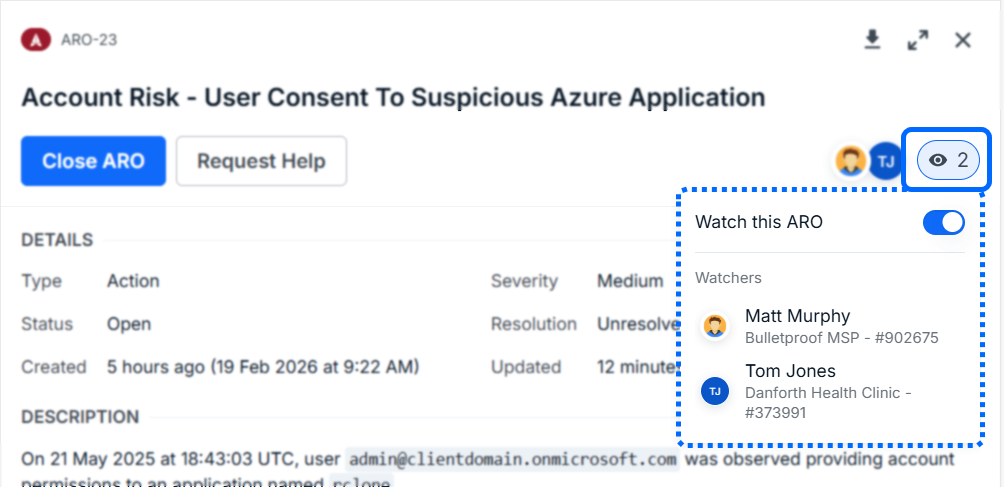
Watch an ARO
Watch an ARO to stay informed without being responsible for resolving it.
- Open the ARO
- Click Watch
- Enable Watch this ARO
You will:
- Be added to the list of watchers
- Receive notifications for updates and activity
Was this article helpful?
That’s Great!
Thank you for your feedback
Sorry! We couldn't be helpful
Thank you for your feedback
Feedback sent
We appreciate your effort and will try to fix the article