Introduction
To receive updates about your organization's cyber security posture immediately, download our mobile app and set the notifications to your preferred configuration.
This article walks through the process of setting up your mobile notifications for our mobile app.
Procedure
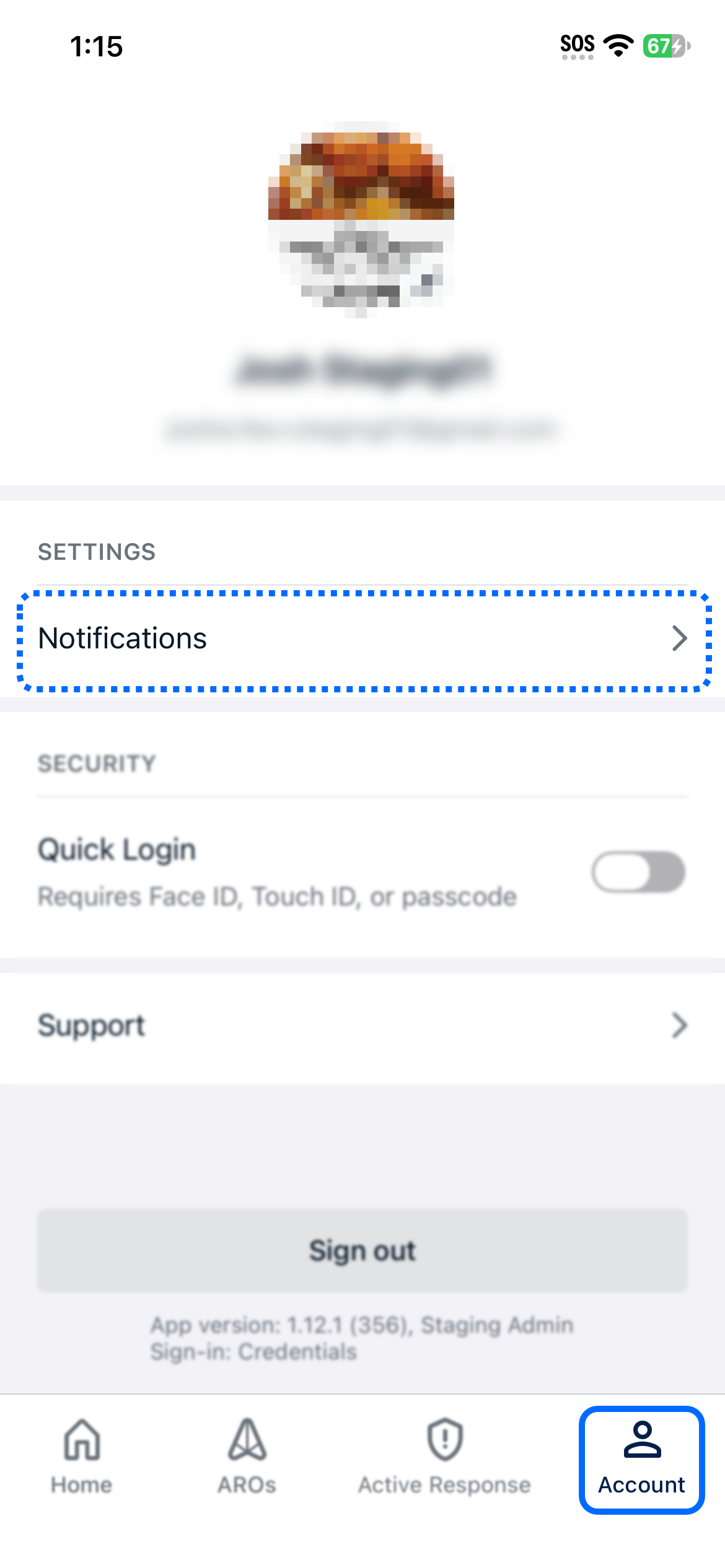
Log into the mobile app and navigate to the Accounts tab. From here, click Notifications to see the available notification settings.
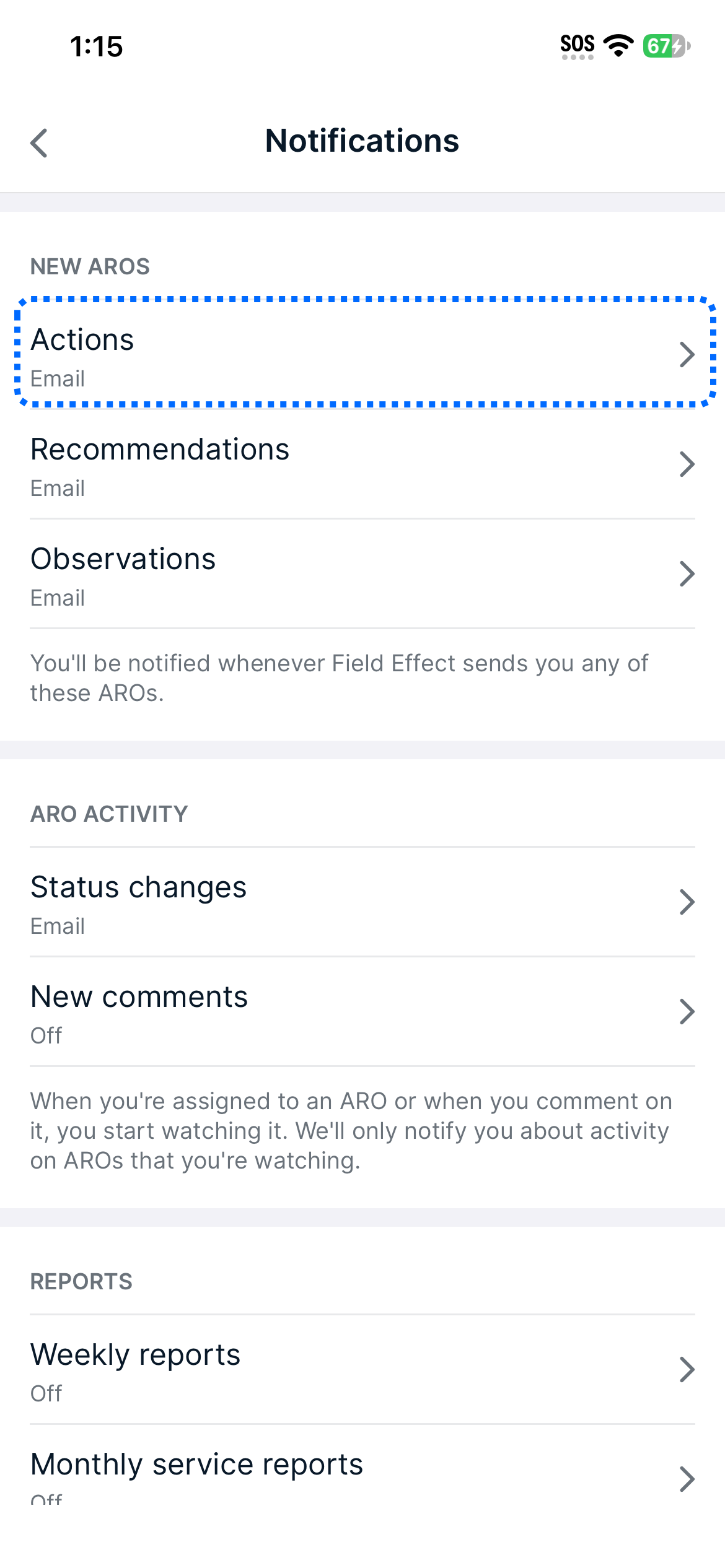
On the notification setting page, all notification type are listed across 3 sections:
- New AROs: Actions, Reccomendations, and Observations.
- ARO Activity: status changes, new comments.
- Reports: Weekly Reports, Monthly Service Reports
Click on a notification type to adjust the settings for it.
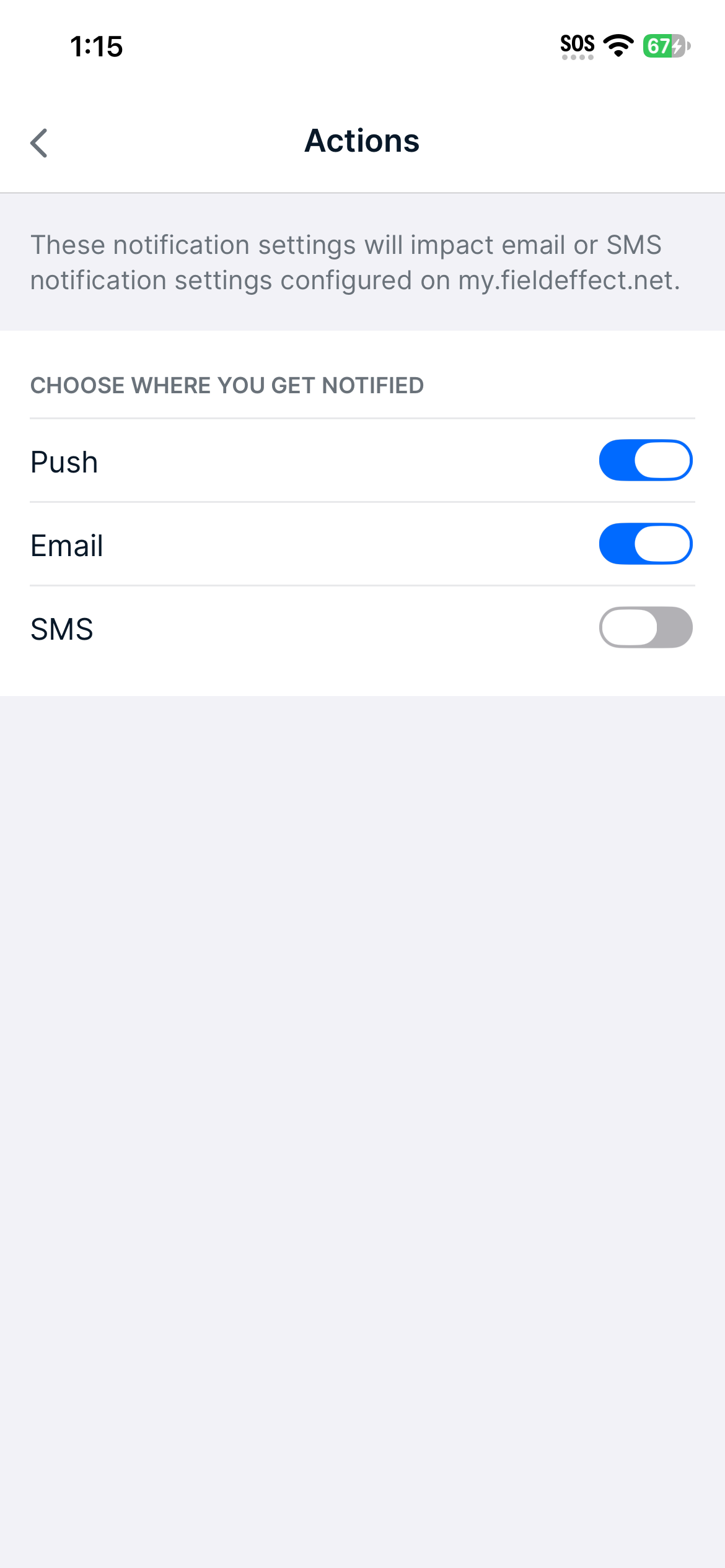
Within each notification type, select how you want to be notified.
Was this article helpful?
That’s Great!
Thank you for your feedback
Sorry! We couldn't be helpful
Thank you for your feedback
Feedback sent
We appreciate your effort and will try to fix the article