Introduction
The Field Effect Mobile App provides secure access to your organization's Field Effect MDR environment from your mobile device. Once installed, you can view security information, stay informed about important events, and access MDR services while away from your computer.
This article explains how to download, install, and sign in to the Field Effect Mobile App.
Before You Begin
Before installing the app, ensure that:
- You have been granted access to Field Effect MDR by your organization.
- You have received your login credentials or completed the account activation process.
- Your device has access to the internet.
- Your device meets the minimum operating system requirements for the app store version available to you.
Download the App
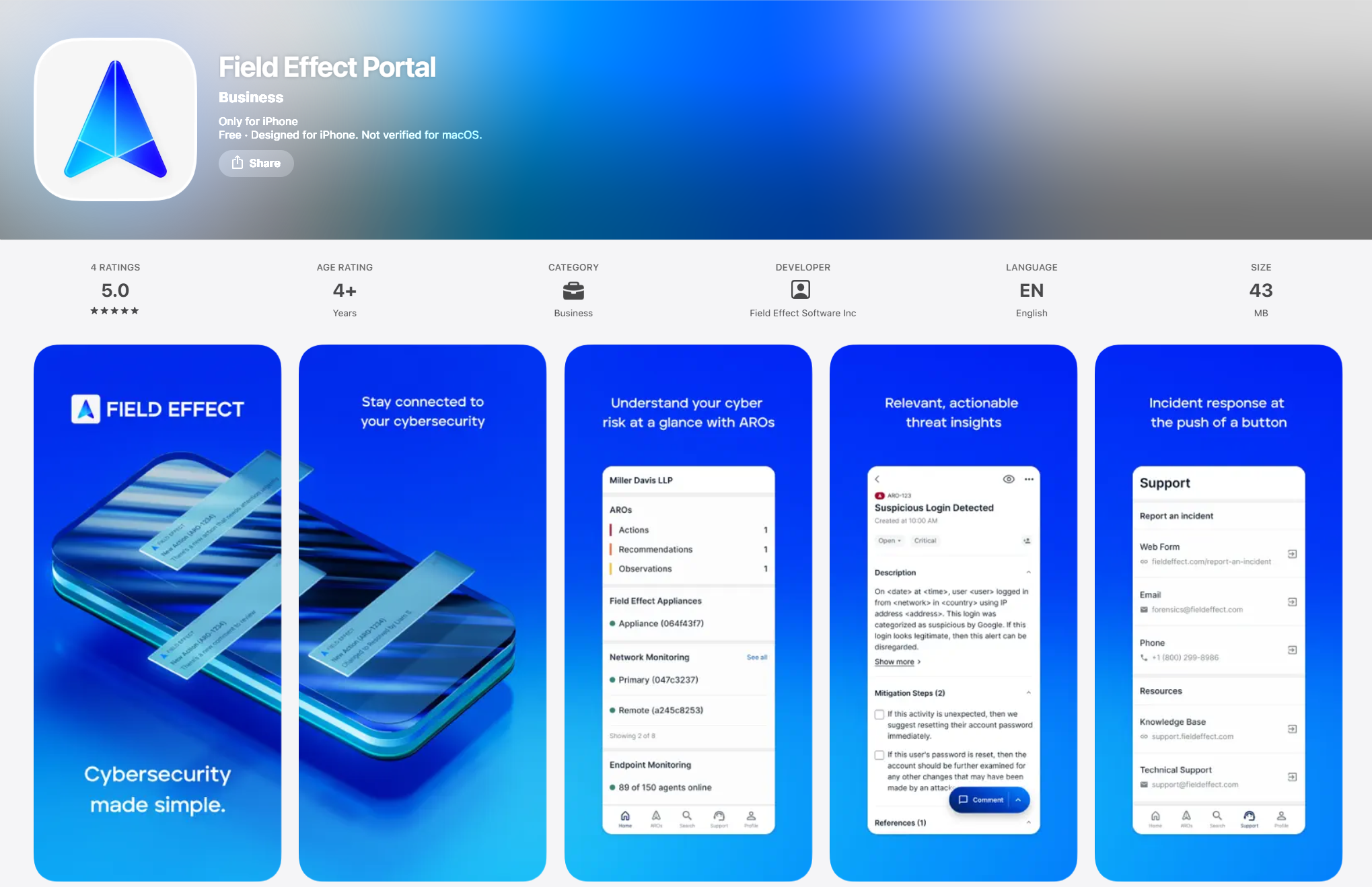
For iPhone and iPad (iOS)
- Open the App Store on your device.
- Search for Field Effect.
- Locate the Field Effect Mobile App.
- Tap Get.
- Complete any required Apple authentication to begin the installation.
For Android Devices
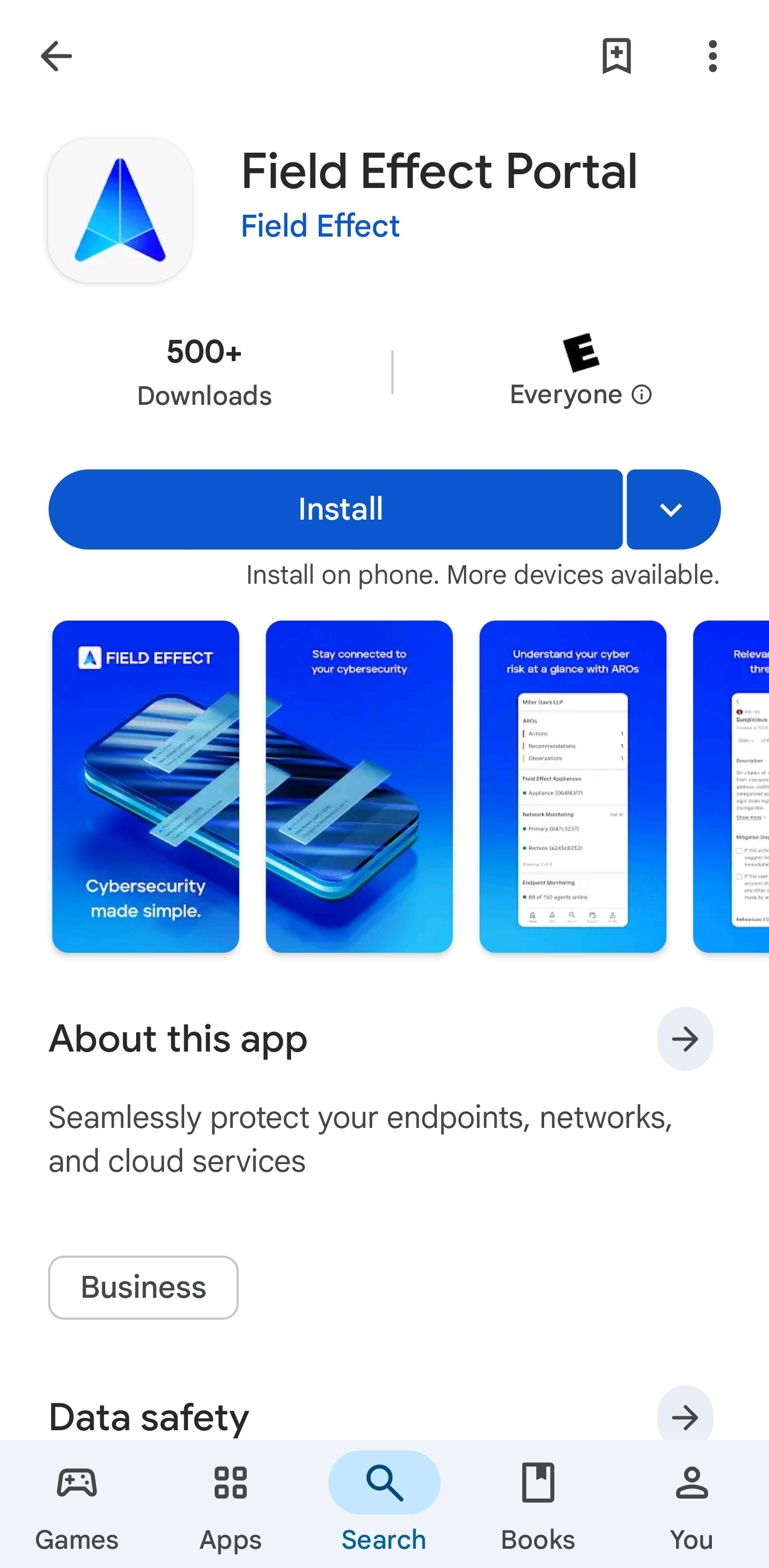
- Open the Google Play Store.
- Search for Field Effect.
- Locate the Field Effect Mobile App.
- Tap Install.
- Wait for the installation to complete.
Was this article helpful?
That’s Great!
Thank you for your feedback
Sorry! We couldn't be helpful
Thank you for your feedback
Feedback sent
We appreciate your effort and will try to fix the article