Introduction
The Monthly Service Report provides a high-level overview of your organization's security posture, service activity, and areas where you can improve your overall cyber resilience. It summarizes key security metrics collected by Field Effect MDR and highlights actionable information that can help reduce your organization's threat surface.
This article covers the following topics:
- Who should review this report?
- What can you learn from this report?
- Reading the Report
- Related Information
Who should review this report?
The Monthly Service Report is designed for anyone responsible for the security, operation, or management of your IT environment, including:
- CIOs and CISOs
- IT administrators
- Network administrators
- Office managers
- Managed Service Providers (MSPs) supporting your organization
The report presents technical and operational information in a format that helps both technical and business stakeholders understand the current state of their security environment.
What can you learn from this report?
Use the Monthly Service Report to:
- Confirm that your Field Effect MDR service is operating as expected
- Understand activity occurring within your IT environment
- Review identified risks and recommendations
- Monitor trends in your organization's threat landscape
- Identify opportunities to strengthen your security posture
- Understand how Field Effect is helping protect your environment
Reading the Report
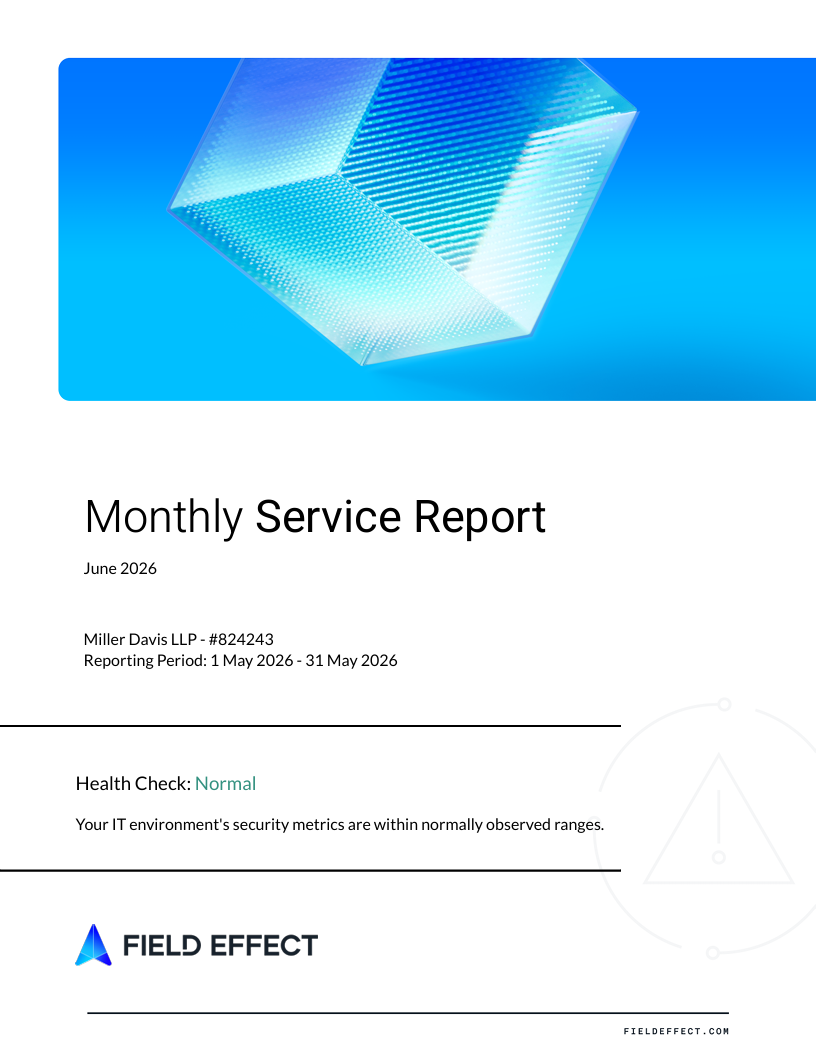
Health Check
The report begins with a Health Check summary that provides an at-a-glance assessment of your environment's security metrics. This section helps you quickly identify whether your environment is operating within normally observed ranges or whether further investigation may be required.
Active Features
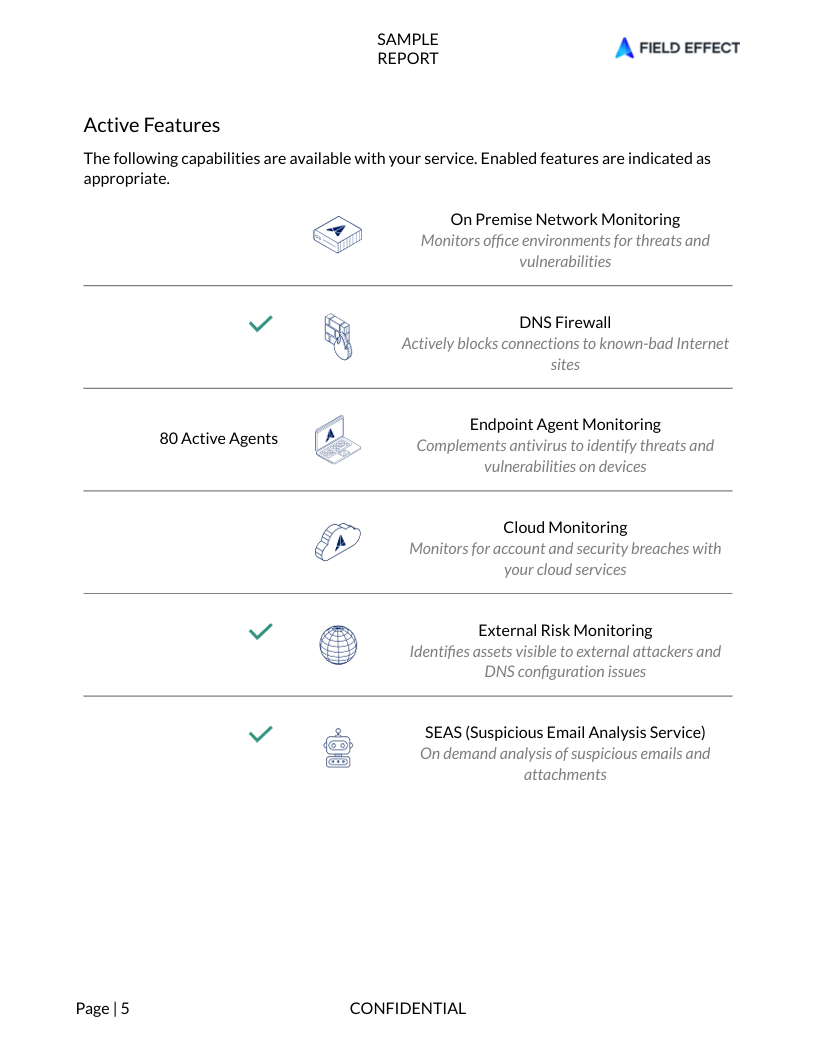
The Active Features section highlights the Field Effect MDR capabilities currently enabled for your organization.
Depending on your subscription and deployment, this may include:
- On-Premise Network Monitoring
- DNS Firewall
- Endpoint Agent Monitoring
- Cloud Monitoring
- External Risk Monitoring
- Suspicious Email Analysis Service (SEAS)
This section also identifies the number of active endpoint agents deployed within your environment.
Your Network
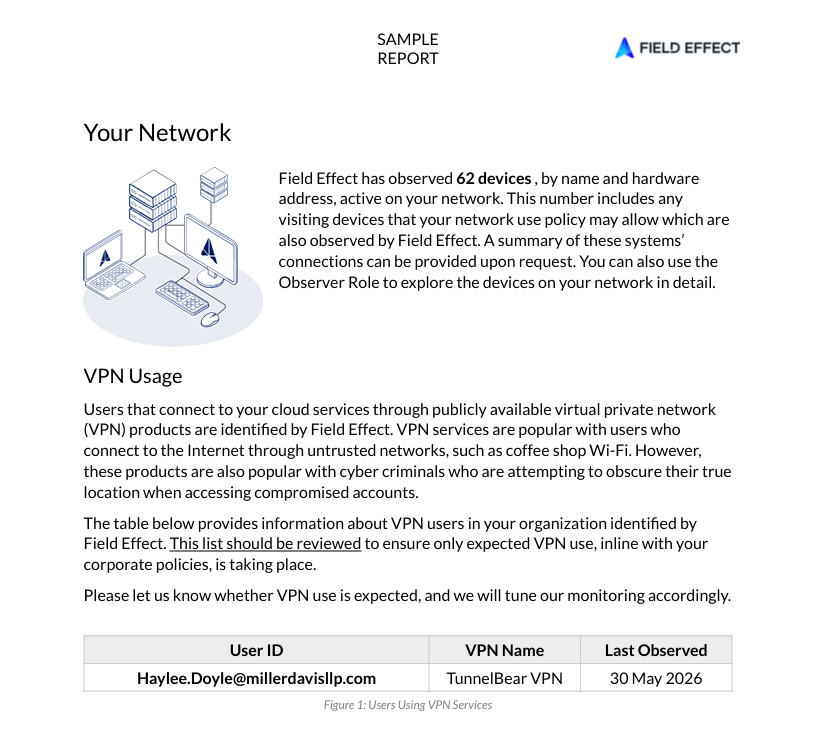
The Your Network section provides visibility into devices observed on your network during the reporting period.
This information helps you:
- Understand the size of your monitored environment
- Identify unexpected devices
- Validate asset visibility
- Confirm that monitored systems align with organizational expectations
Additional device details can be explored directly in Field Effect Vision when required.
VPN Usage
Field Effect identifies users who access cloud services through publicly available VPN services.
While VPN usage can be legitimate, VPN providers are also commonly used by threat actors attempting to hide their location. Reviewing this section helps ensure that observed VPN activity aligns with your organization's security policies and expected user behavior.
Monitoring Threats to Your Environment
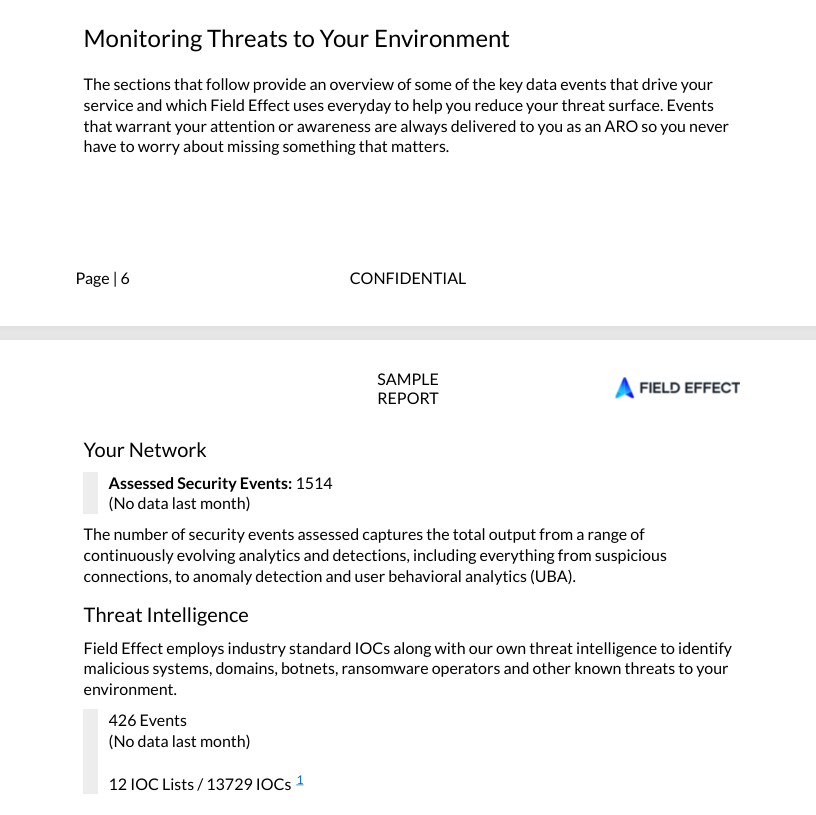
This section summarizes security activity identified and assessed by Field Effect throughout the reporting period.
Assessed Security Events
Assessed Security Events represent the output of Field Effect's security analytics, detections, behavioral analysis, and monitoring systems.
These assessments may include:
- Suspicious communications
- Behavioral anomalies
- Threat detections
- Other security-relevant observations
Field Effect continuously evaluates these events to identify activity that may require attention.
Threat Intelligence
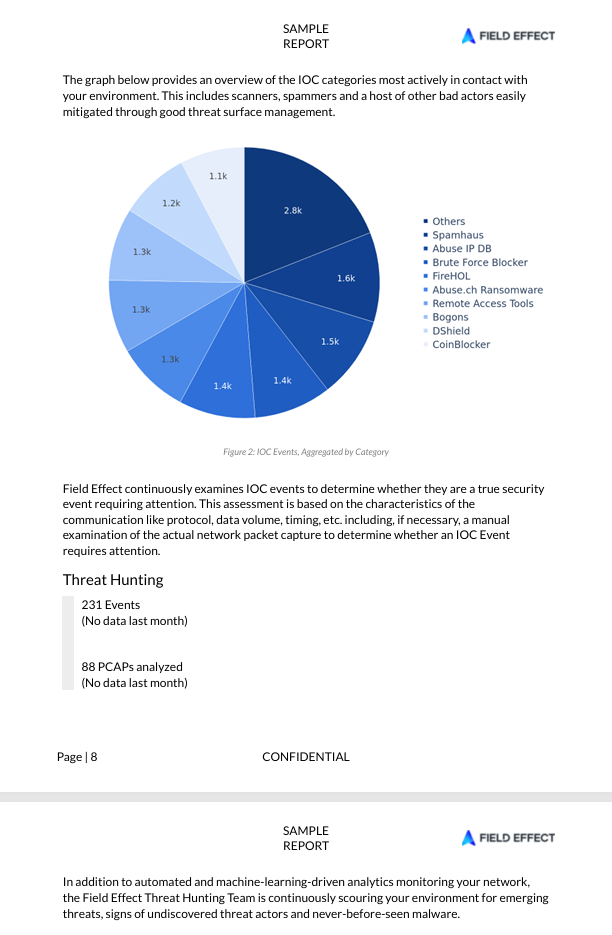
Field Effect uses both industry-standard and proprietary threat intelligence to identify known malicious infrastructure and activity.
This includes monitoring for:
- Malicious IP addresses
- Malicious domains
- Botnet activity
- Ransomware infrastructure
- Other indicators of compromise (IOCs)
The report summarizes observed IOC activity and provides insight into the types of threats interacting with your environment.
Threat Hunting
In addition to automated monitoring, Field Effect's Threat Hunting team actively searches for emerging threats, undiscovered threat actors, and suspicious activity within monitored environments.
The report includes a summary of threat hunting activity conducted during the reporting period.
Threat Surface Reduction
Reducing your organization's threat surface is one of the primary goals of Field Effect MDR.
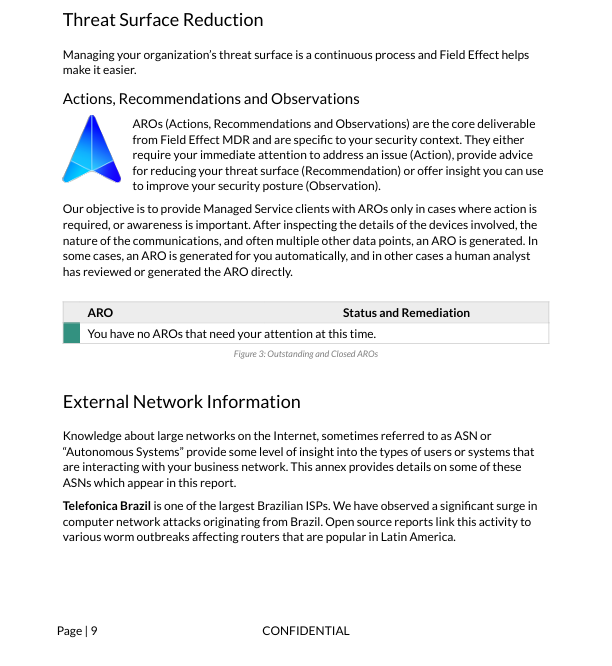
The Threat Surface Reduction section focuses on Actions, Recommendations, and Observations (AROs), which are the primary security guidance provided by Field Effect.
Actions, Recommendations, and Observations (AROs)
AROs are generated when Field Effect identifies activity or conditions that warrant awareness or action. Each ARO is evaluated within the context of your environment, helping ensure guidance remains relevant and actionable.
External Network Information
The report may include information about Autonomous Systems (ASNs) and other external entities that frequently interact with your environment.
This context can help explain observed network activity and provide insight into broader threat trends affecting your organization.
Resources and Industry Best Practices
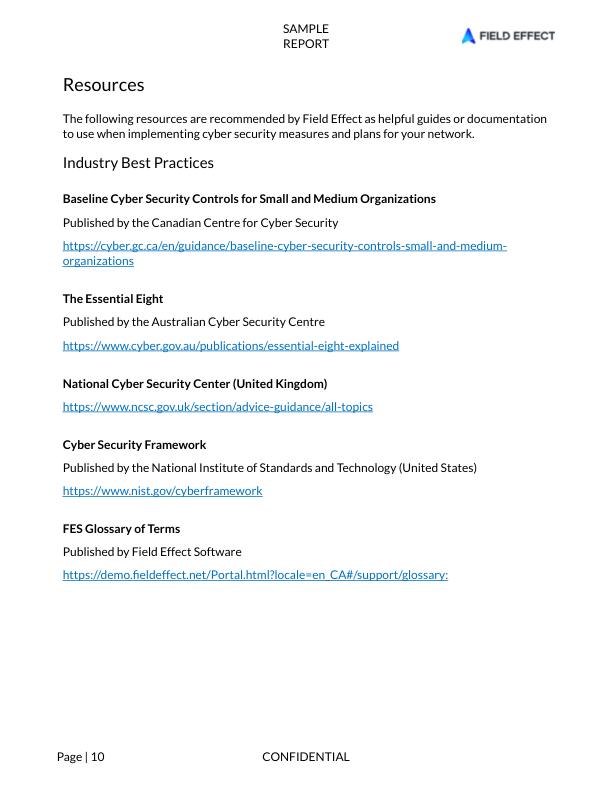
The report concludes with a collection of cybersecurity resources and best-practice frameworks recommended by Field Effect.
These references can help your organization strengthen its security program and support ongoing improvement initiatives. Recommended resources may include guidance from:
- The Canadian Centre for Cyber Security
- The Australian Cyber Security Centre
- The UK National Cyber Security Centre
- The National Institute of Standards and Technology (NIST)
Related Information
To get the most value from your Monthly Service Report, review it regularly and pay particular attention to any new Actions, Recommendations, and Observations. These findings provide the clearest opportunities to reduce risk and improve your organization's security posture over time.
Was this article helpful?
That’s Great!
Thank you for your feedback
Sorry! We couldn't be helpful
Thank you for your feedback
Feedback sent
We appreciate your effort and will try to fix the article