Introduction
This article describes the Field Effect MDR integration with Egnyte.
Integration Details
If your organization uses Egnyte, this integration allows Field Effect MDR monitoring access to your Egnyte environment to monitor for suspicious logins and behavior, enriching its monitoring fidelity. Once the integration is set up, Field Effect MDR uses the Egnyte API to retrieve audit logs, which are then analyzed - and security alerts are generated as appropriate.
To learn more about Egnyte integrations, visit their support documentation.
Requirements
To complete this integration, you will need administrator access to both your Egnyte environment and the Field Effect MDR Portal.
Set up the Integration
The following sections walk through the process of integrating Egnyte with Field Effect MDR for monitoring.
Note for Partners: This procedure is performed on a per-client basis. Ensure that the Organization Selector is set to the appropriate client before continuing.
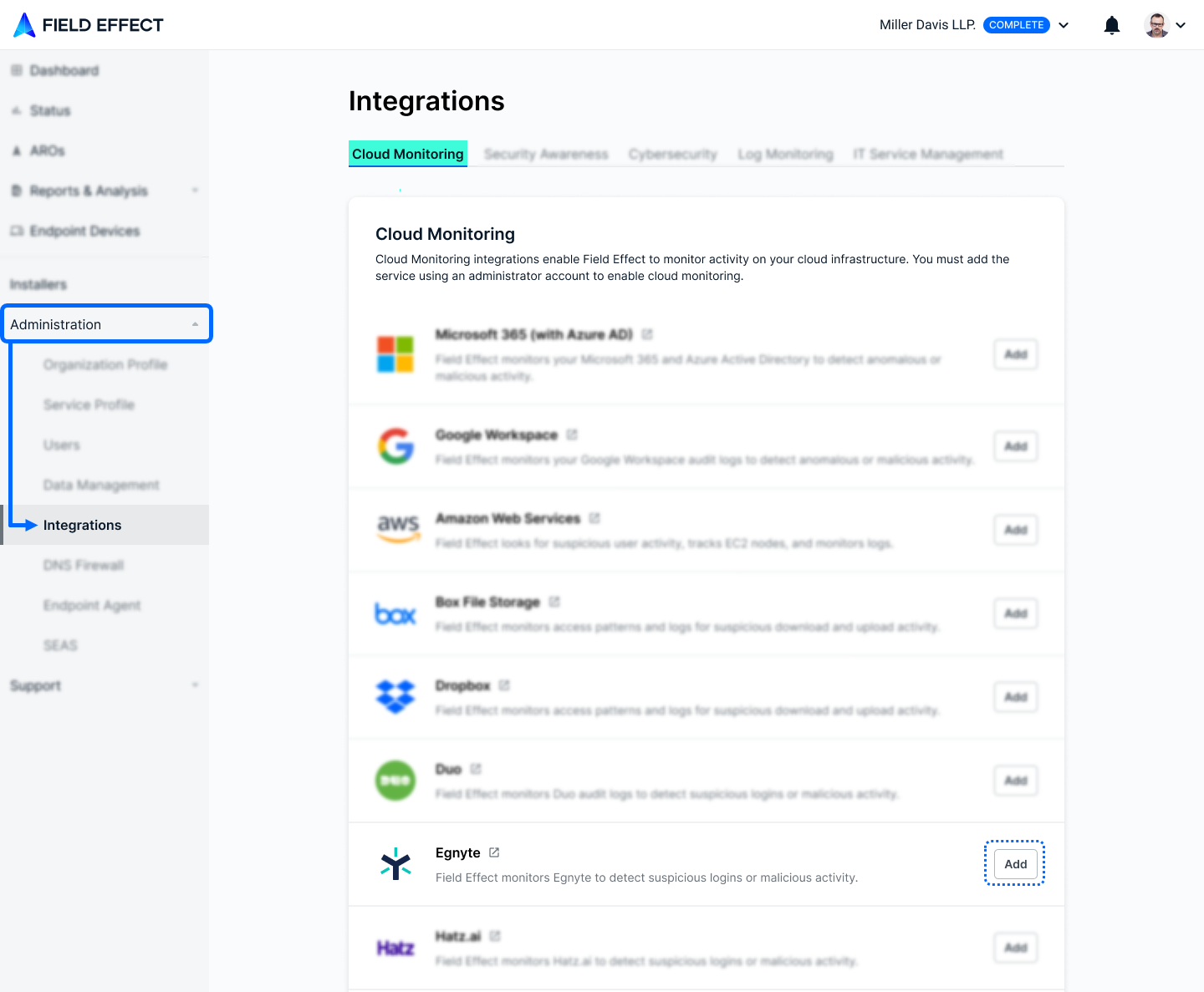
From the Integrations page's (Administration section) Cloud Monitoring tab, click Add in the Egnyte card.
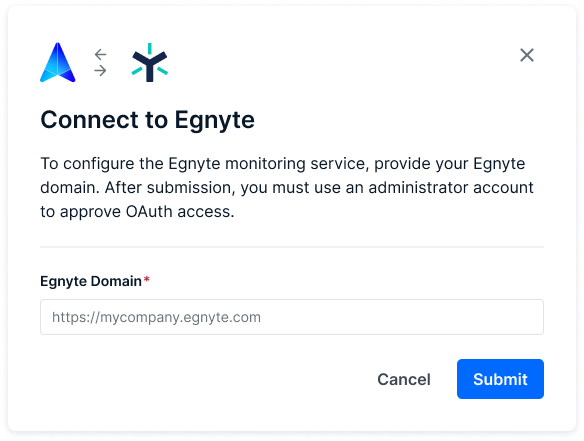
A new window will open. Provide your organization's Egnyte domain and click Submit.
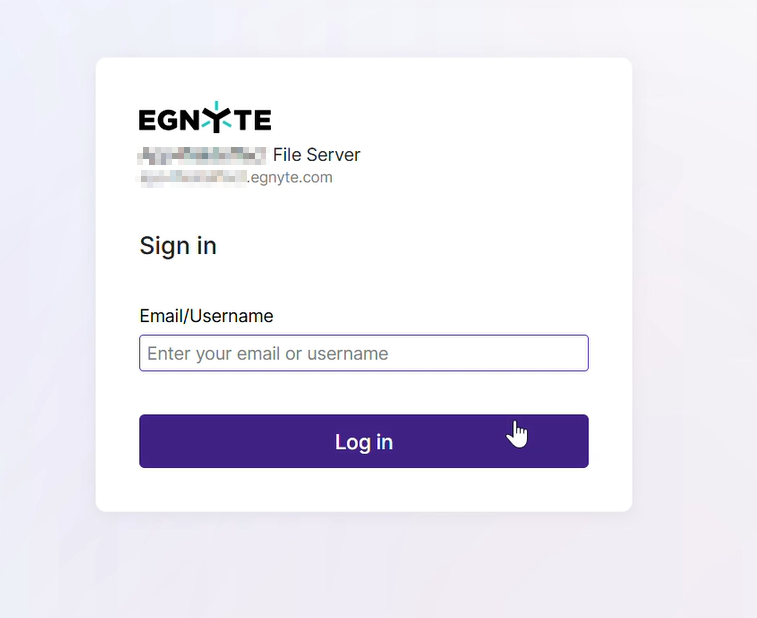
You'll be taken to an Egnyte page, where you'll be asked to log in. Log in using your Egnyte credentials.
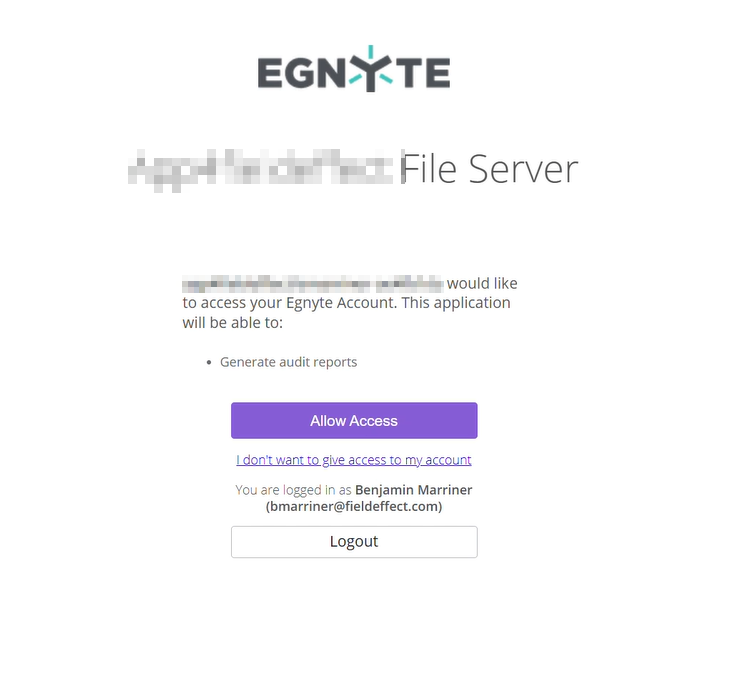
You will be prompted to allow Field Effect the necessary permissions for the integration, Click Allow Access.
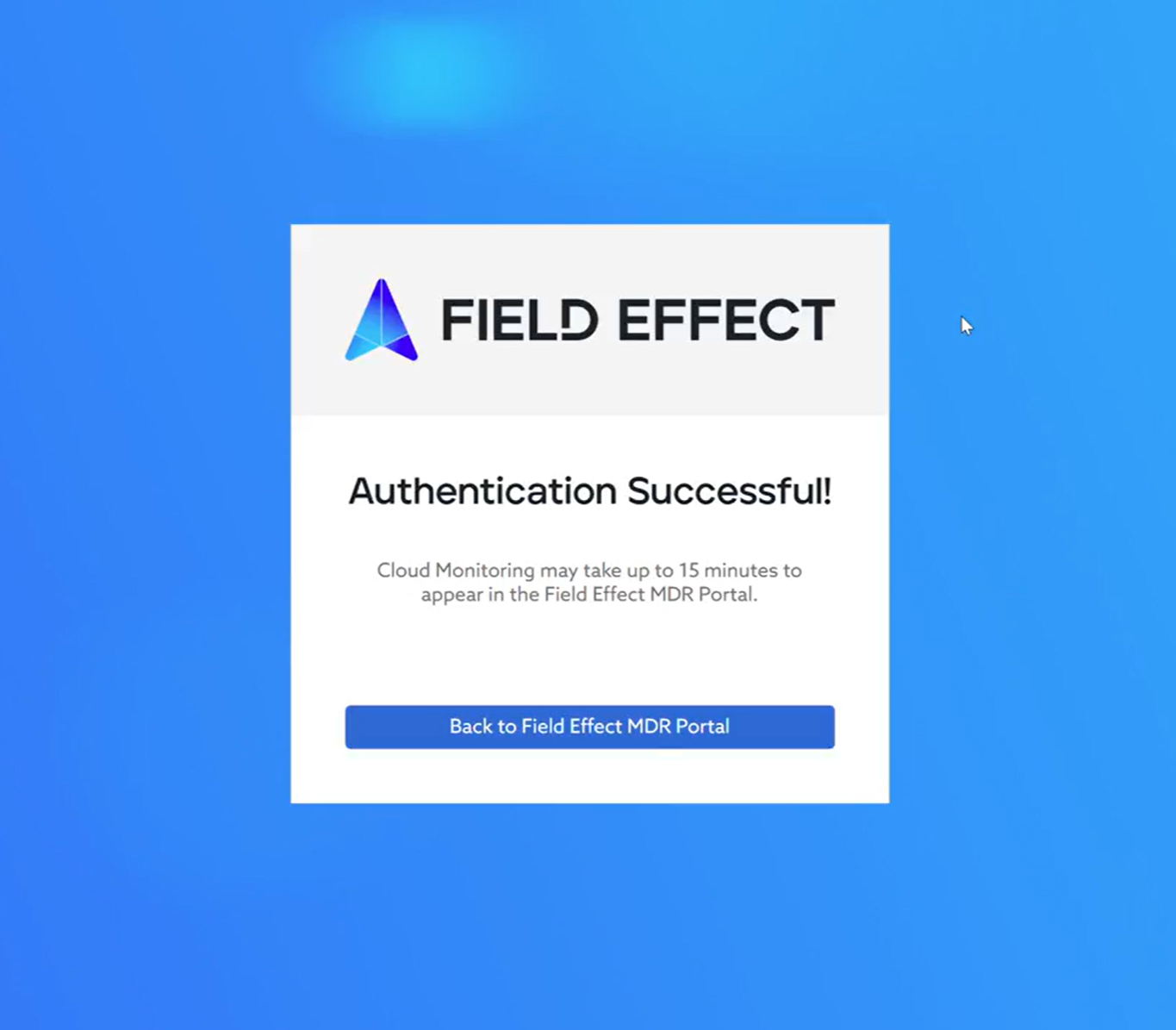
You'll be taken to a confirmation page that the authentication was successful. At this point, the integration is complete and Field Effect MDR is monitoring your Egnyte tenant.
Was this article helpful?
That’s Great!
Thank you for your feedback
Sorry! We couldn't be helpful
Thank you for your feedback
Feedback sent
We appreciate your effort and will try to fix the article