Introduction
Our API is designed to interact with the Field Effect MDR Portal ecosystem to provide clients the data they need pertaining to their operations at hand.
The API tries to embody RESTful practices wherever possible. The API communicates using JSON-encoded input & output for flexible object representation.
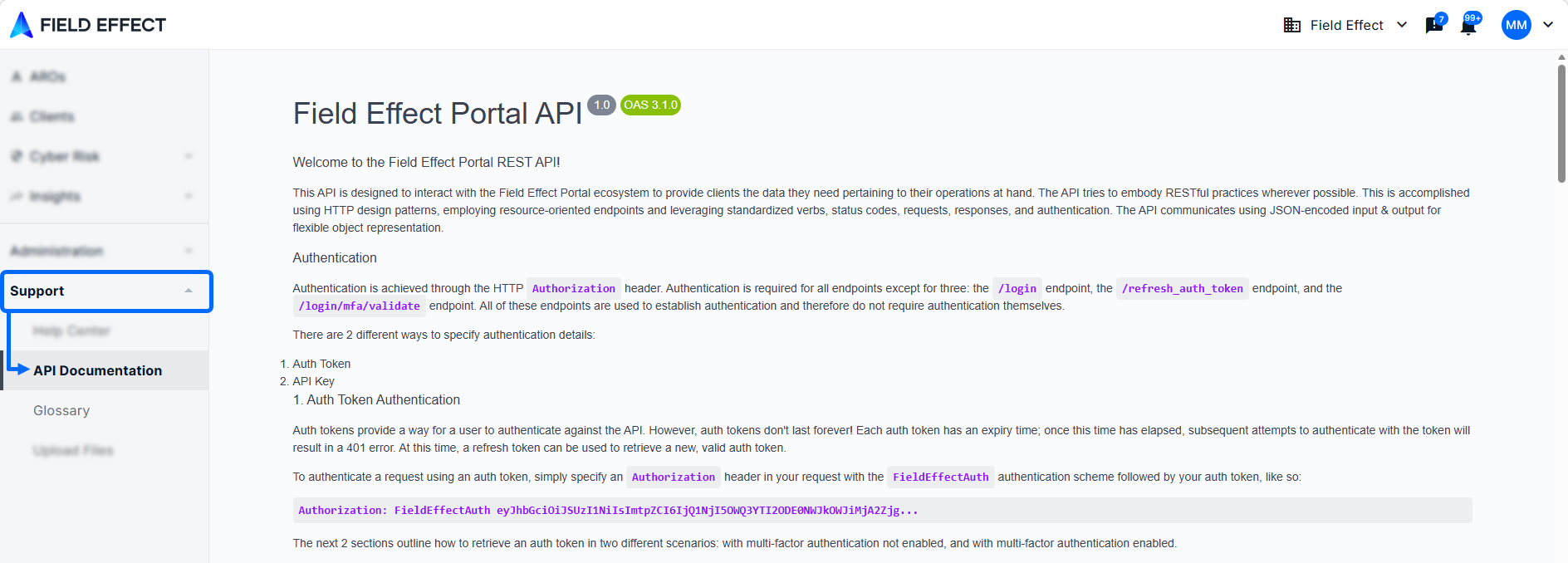
Access the API Documentation
Our API can be accessed from the MDR Portal's Support section. From here, you can learn about and interact with the API.
Authenticate the API
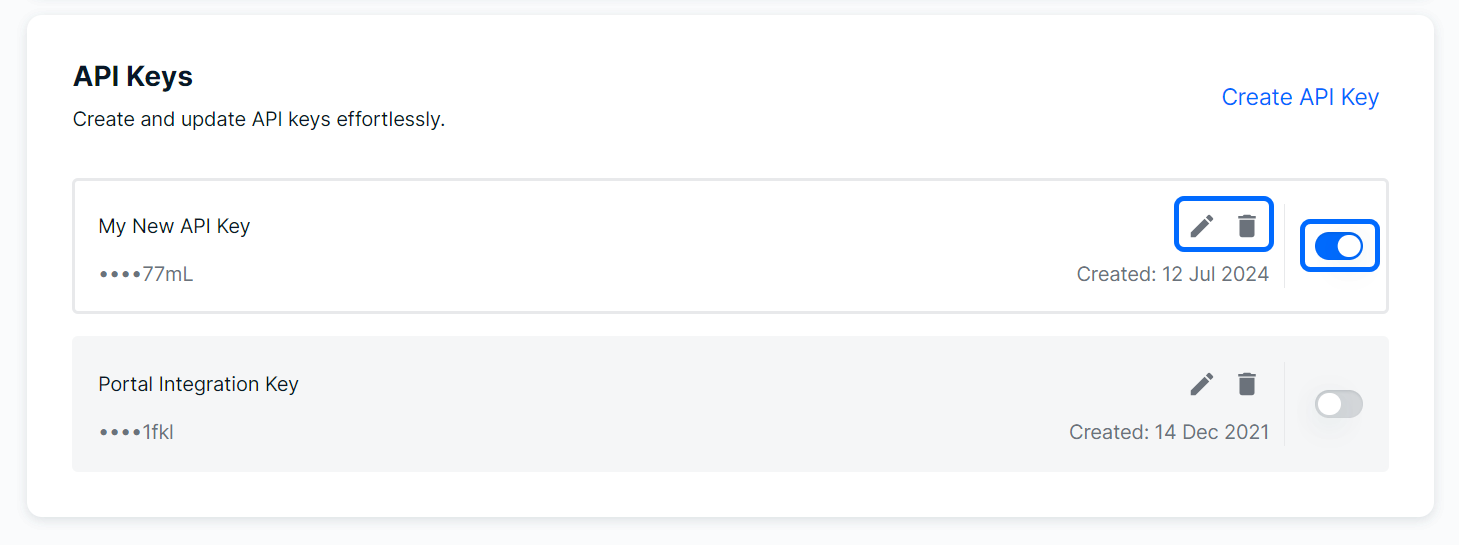
Before you can use our APIs, you need to create an API Key in the MDR Portal.
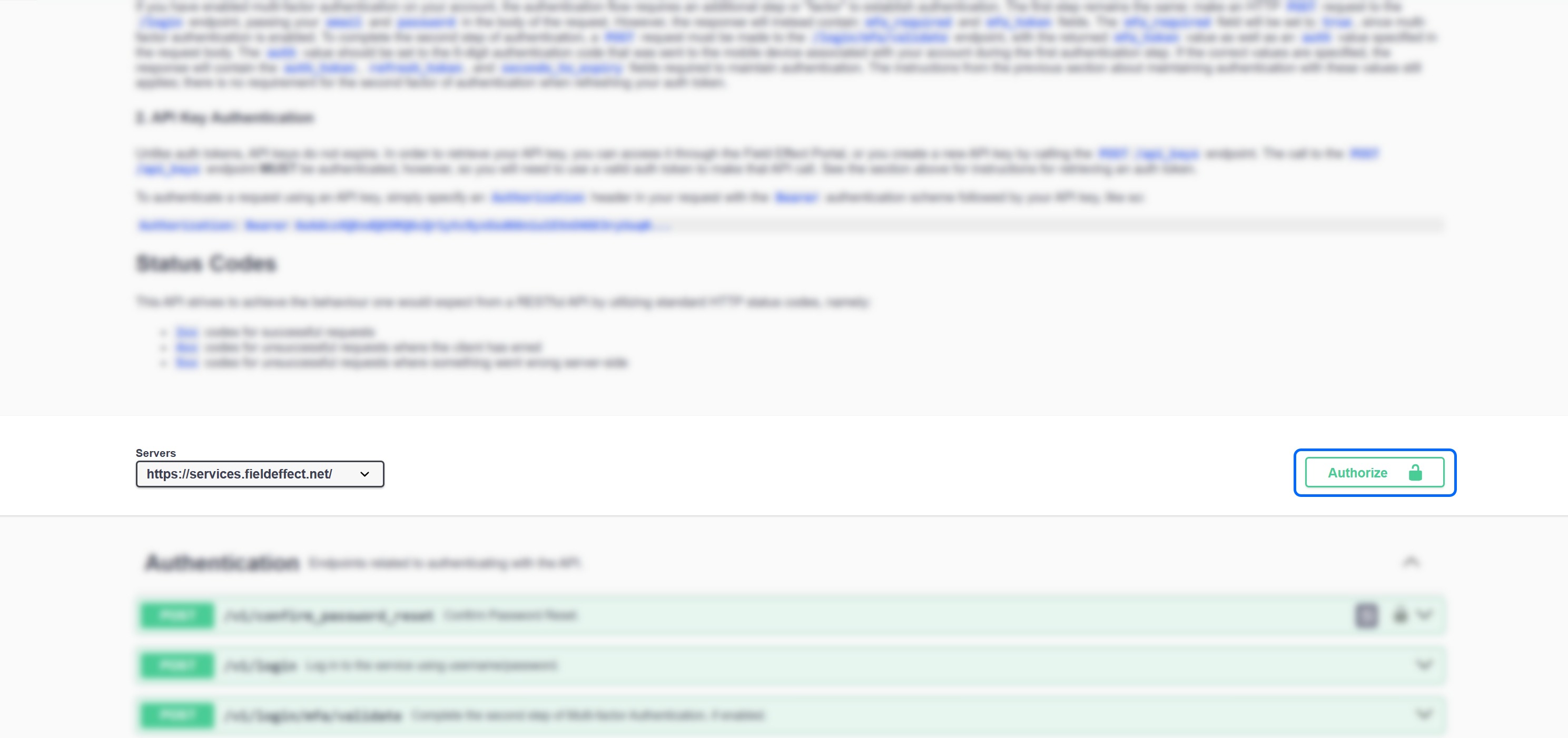
Once you have your API key, navigate to the API Documentation page, and click the Authorize button.
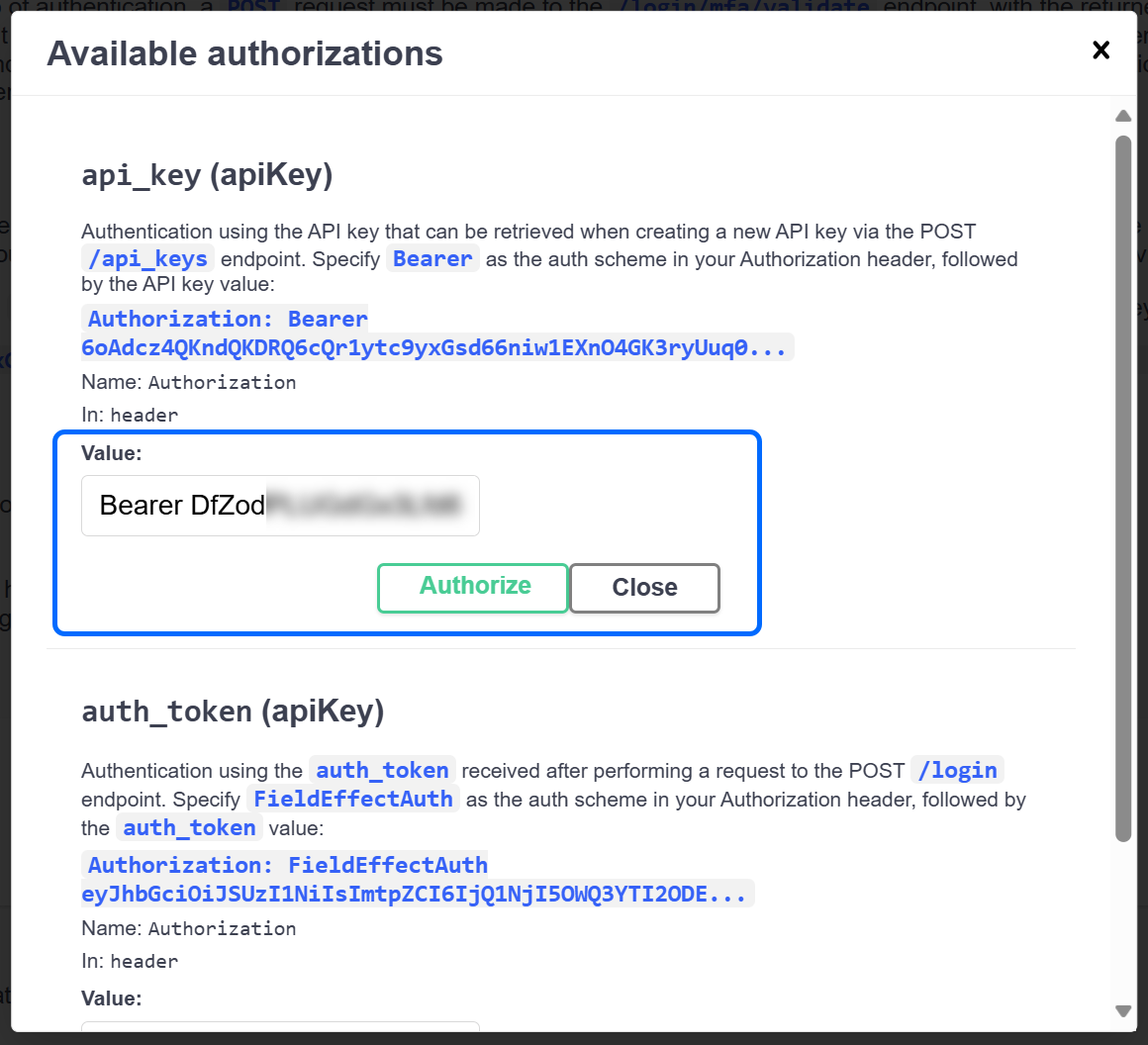
The Authorization window will open. In the api_key (apiKey) section, type the word "Bearer" followed by a space and your API Key, as shown below.
When added, click Authorize.
You can now close the Authorization window and start interacting with the API.
Common Use Cases
Our API Swagger interface can be used for various tasks, and the use cases below outline some common use cases for our API:
- Exporting Endpoint Data:
- Generate a list of all endpoints, including their associated risk levels.
- Managing Partner Endpoints:
- Export a list of all endpoints under a partner for all their clients.
- ARO Reporting:
- Create reports for all AROs, or export specific AROs, based the on type or state (closed/resolved/open).
- SEAS Report Download:
- Download all SEAS reports for individual clients or all clients under a partner.
- Client and sensor Data:
- Partners can download a list of all their clients, including details such as the type of sensor (physical or virtual) and the type of license assigned to each client.
- Export Vulnerability information:
- Export all of the vulnerability information for all endpoints within an organization.
Was this article helpful?
That’s Great!
Thank you for your feedback
Sorry! We couldn't be helpful
Thank you for your feedback
Feedback sent
We appreciate your effort and will try to fix the article