You can perform several actions from the Windows command prompt, including installing and uninstalling the Endpoint agent.
Step 1
Select Start
Step 2
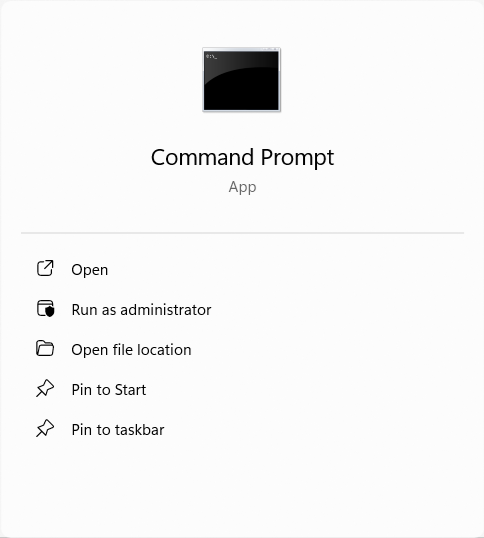
Type 'cmd'
Step 3
Select 'Run as administrator'
Step 4
You may get a confirmation prompt appear checking you are happy for the app to make changes to your device. Windows may even ask you to reenter your password.
Enter your password, if required, and click 'Yes'
Step 5
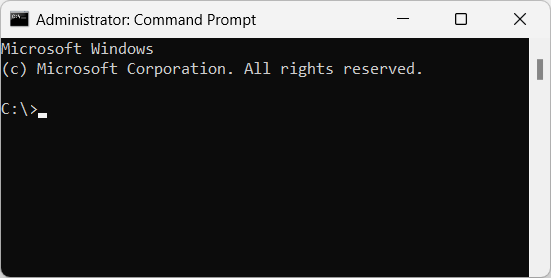
The Windows 'Administrator: Command Prompt' will then appear.
The window title will also confirm you have started it as an Administrator
Was this article helpful?
That’s Great!
Thank you for your feedback
Sorry! We couldn't be helpful
Thank you for your feedback
Feedback sent
We appreciate your effort and will try to fix the article