After downloading and installing the app from the Google Play Store or the Apple App Store, open the app and tap Sign In.
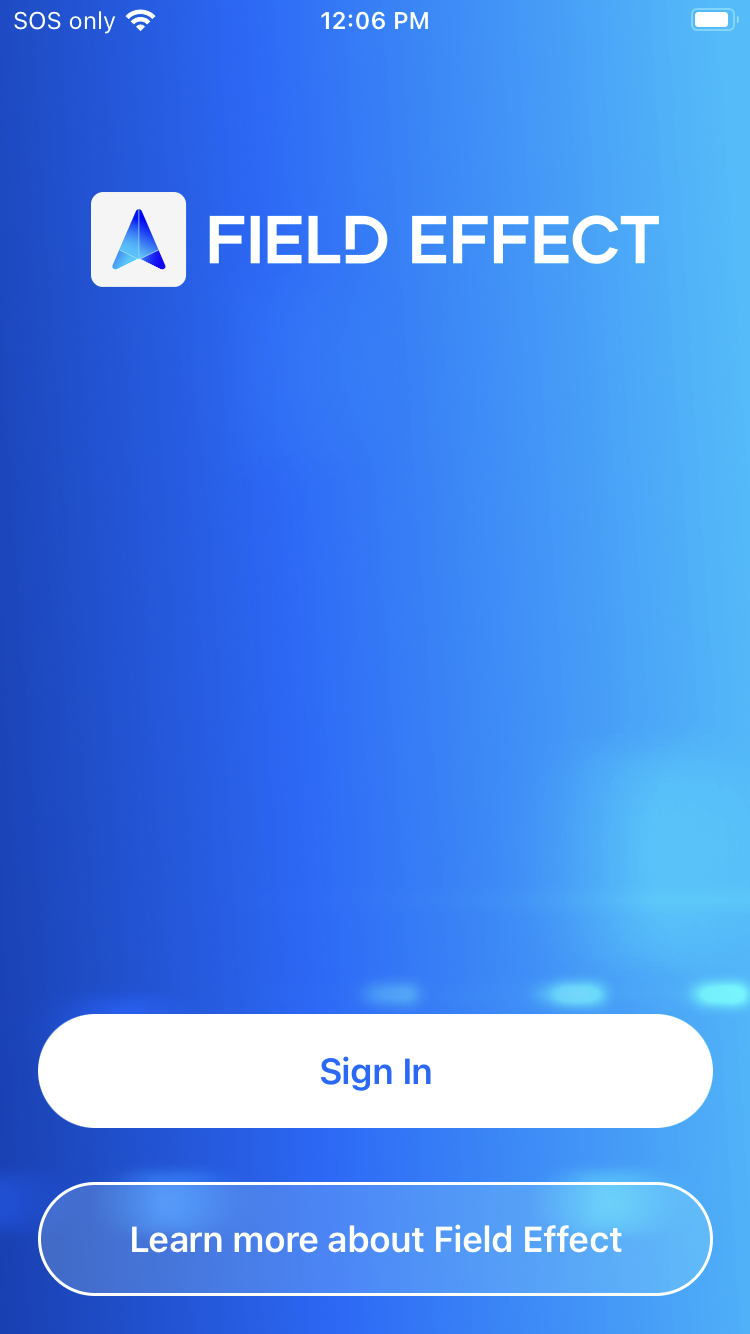
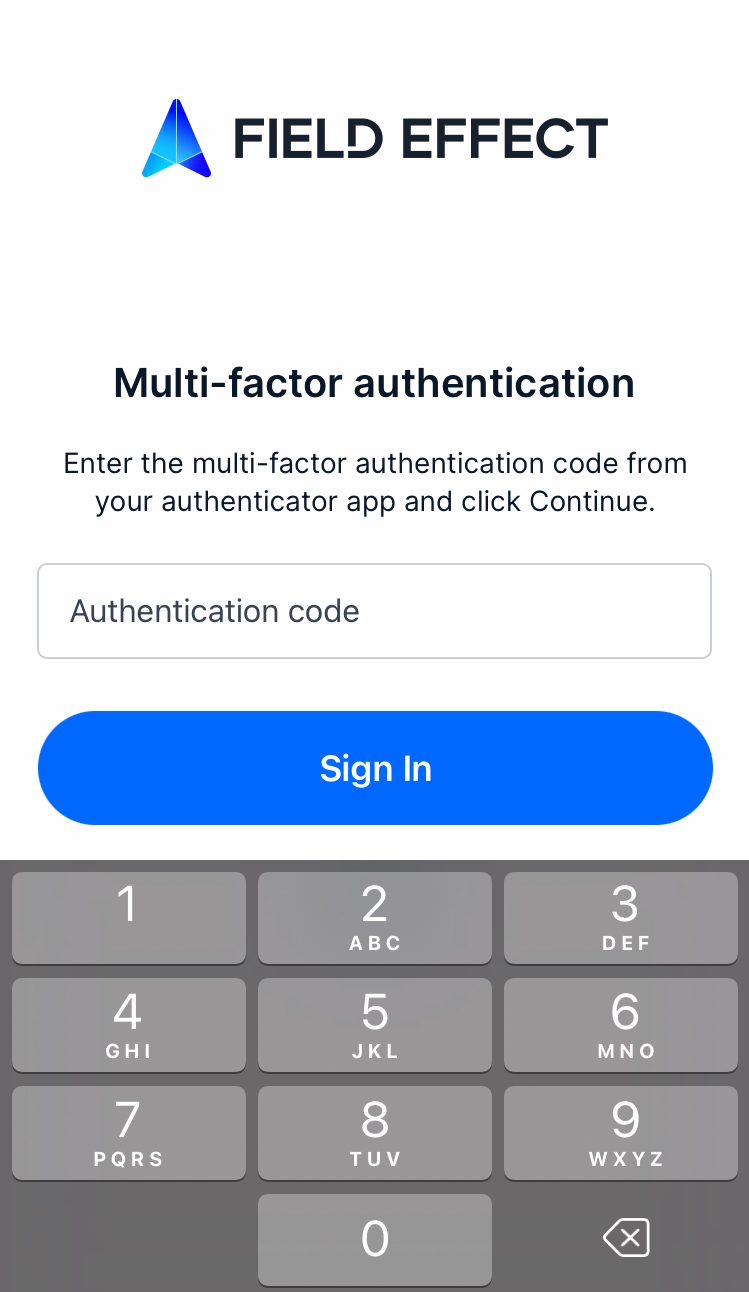
The app opens its sign-in screen. Use the same credentials you use to log into the Field Effect Portal. The app then asks for the multi-factor authentication (MFA) code you enabled when creating your portal account.
Setting up Quick Login
To enable Quick Login, which allows you to log in via your biometrics (face or fingerprint), navigate to the Profile tab and tap Quick Login.
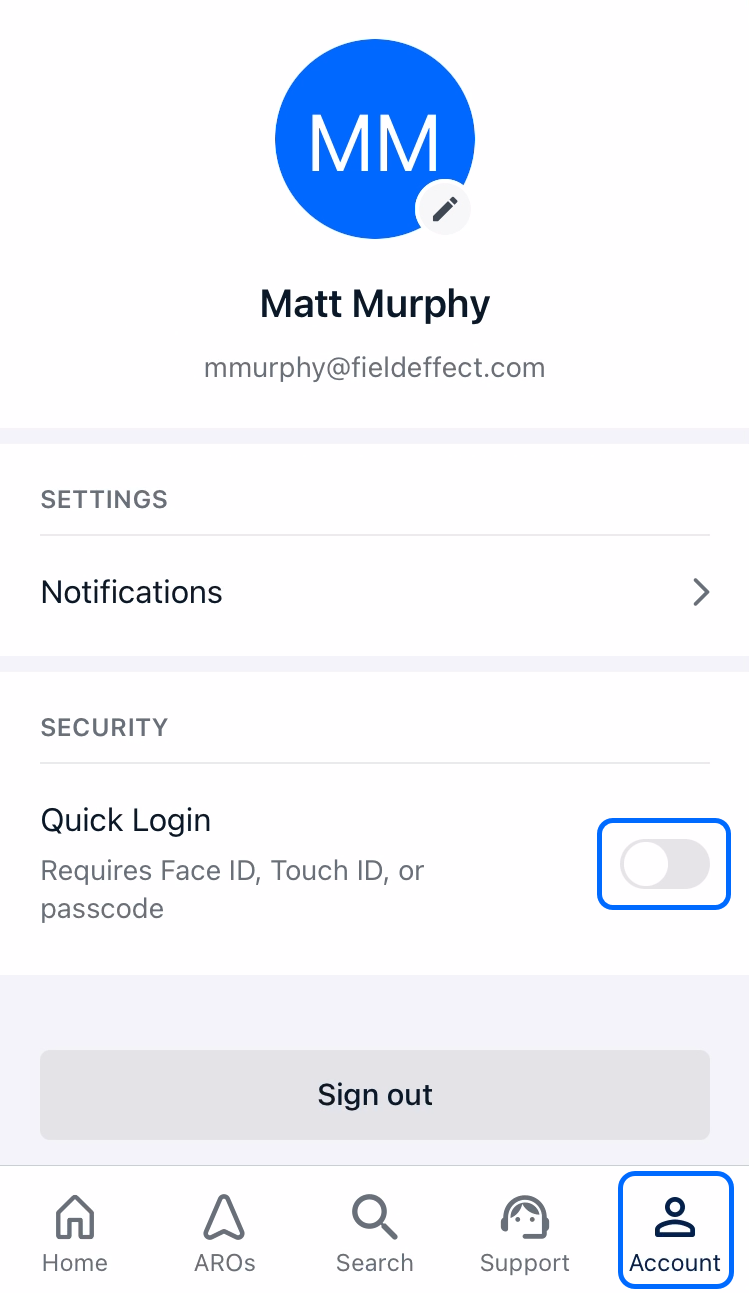
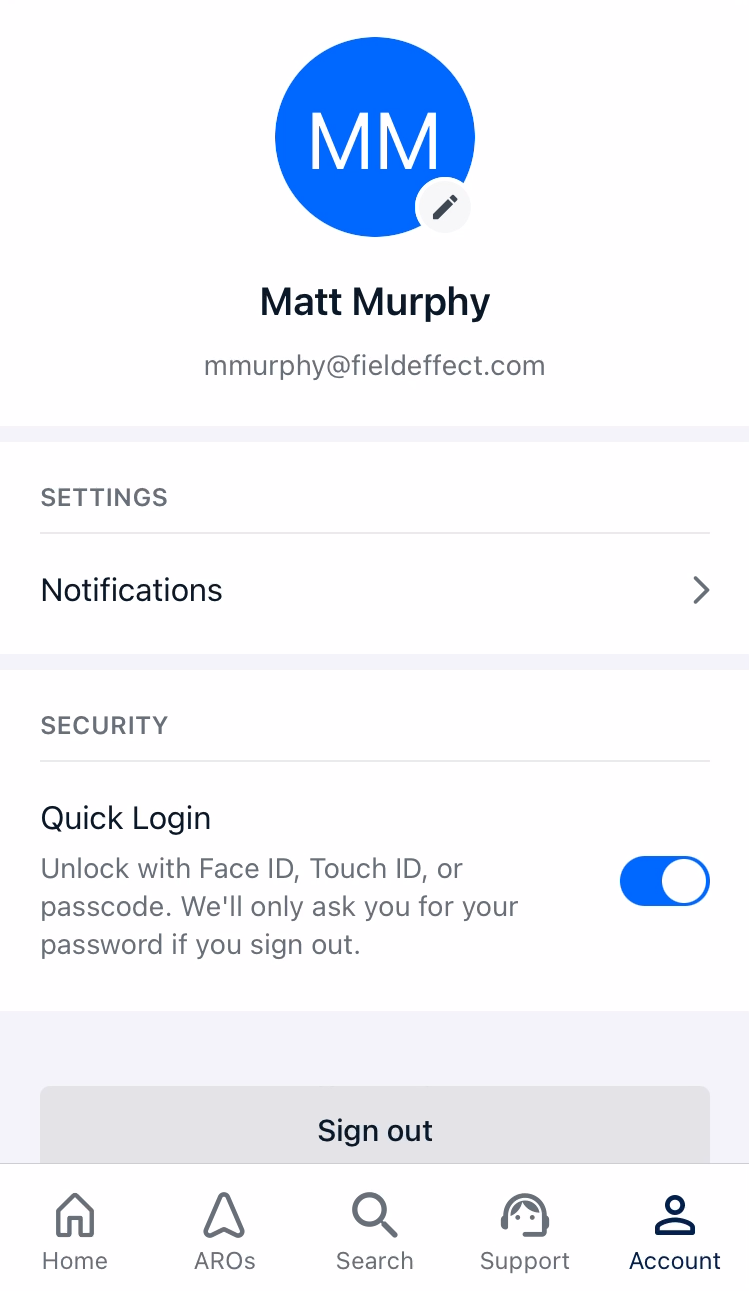
The app asks for your fingerprint. After providing your biometrics, the toggle will become active, and you'll be able to log into the app using your face or fingerprint.
Was this article helpful?
That’s Great!
Thank you for your feedback
Sorry! We couldn't be helpful
Thank you for your feedback
Feedback sent
We appreciate your effort and will try to fix the article