Introduction
Partners: This page is accessed on a per-client basis. Ensure that the Organization Selector is set to the appropriate client before continuing.
Field Effect MDR is designed to keep cyber security simple, so we hide some of the lower-level data by default. But if you’re a more technical user, you can navigate to the Data Management page (Administration section) to adjust some of these more advanced and impactful settings enable the Endpoint Devices Page, add Supplemental Insights to AROs, and adjust the data that is included with email notifications.
The settings on this page are grouped into three tabs:
Endpoint Devices: disable or enable the Endpoint Devices view.
ARO Insights: enable the supplemental data and insights sections for AROs.
Notifications: choose whether or not ARO data is included in email notifications.
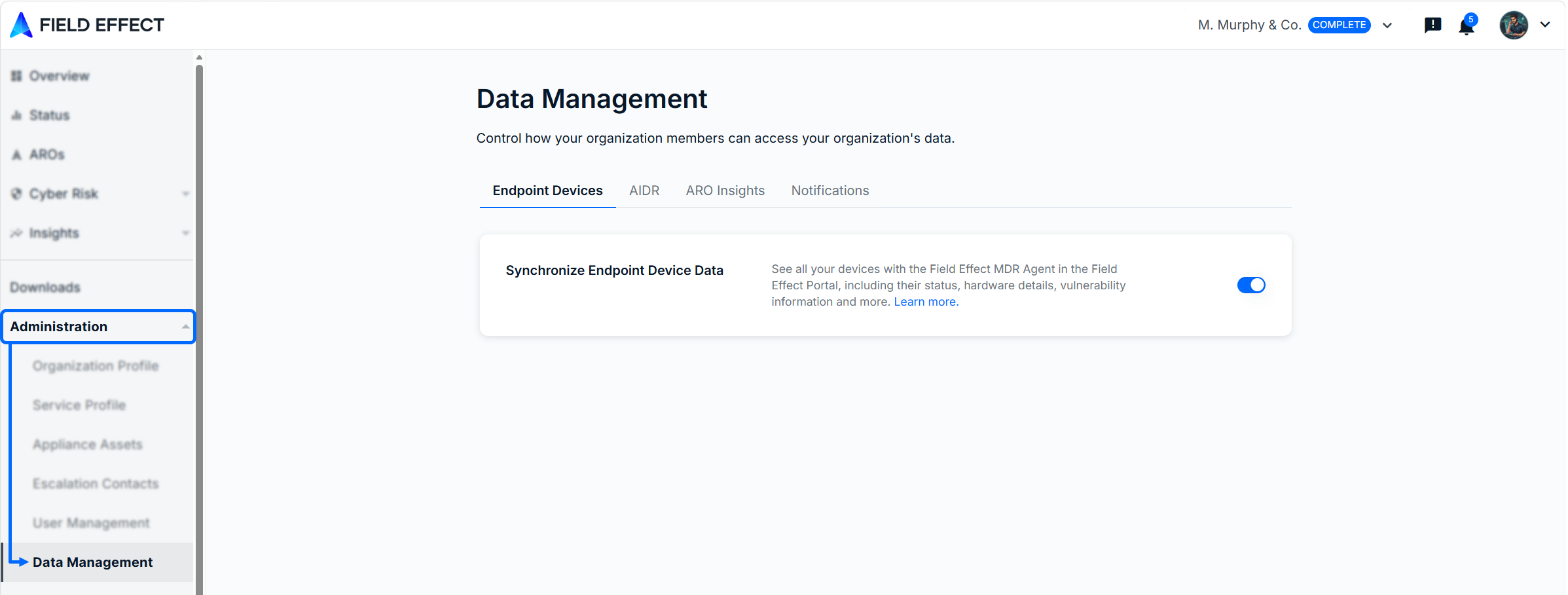
Endpoint Devices
When the "Synchronize Endpoint Device Data" toggle (shown above) is enabled, the Endpoint Devices view becomes enabled in the MDR Portal.
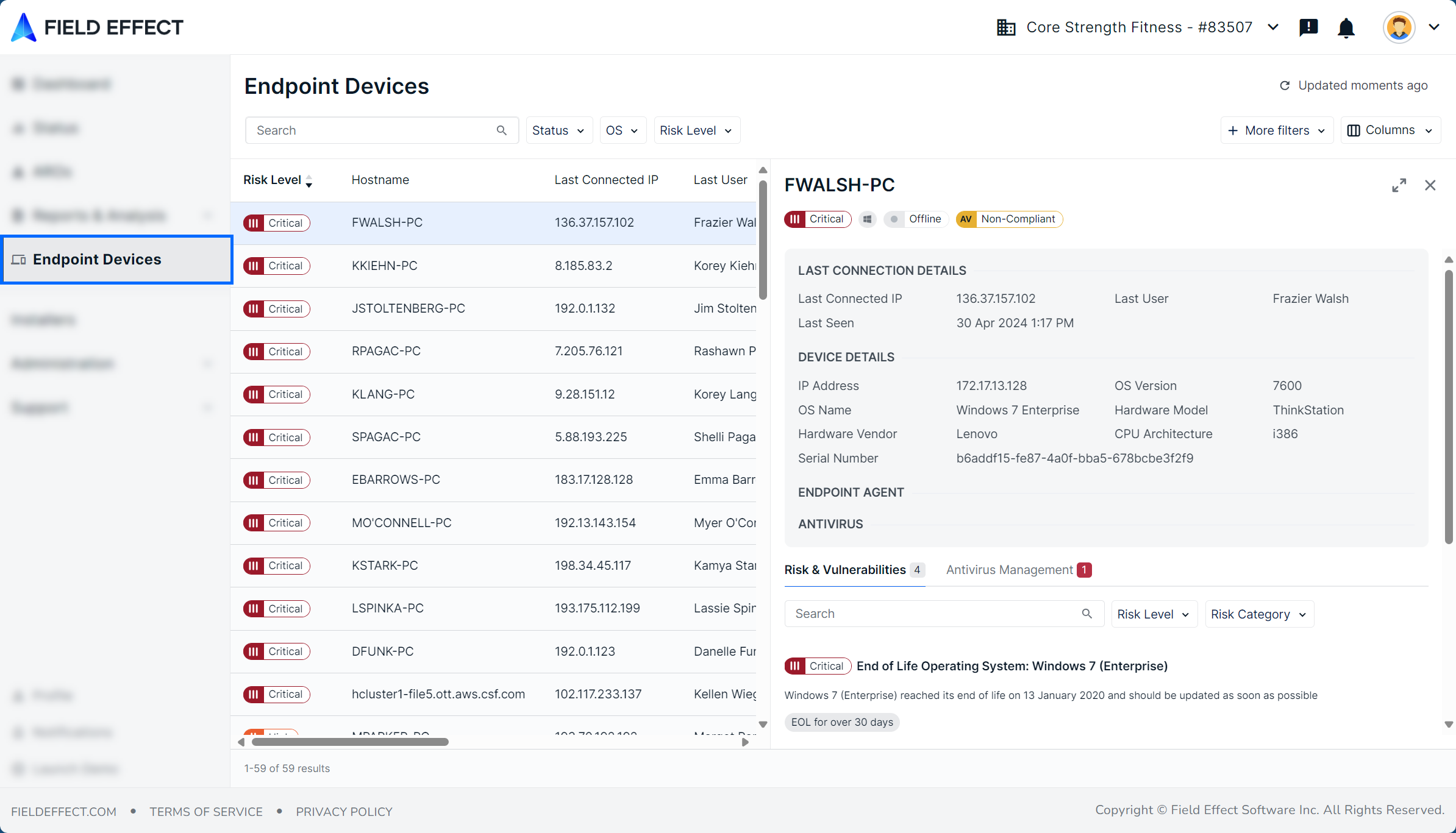
The image below provides an example of the Endpoint Devices view.
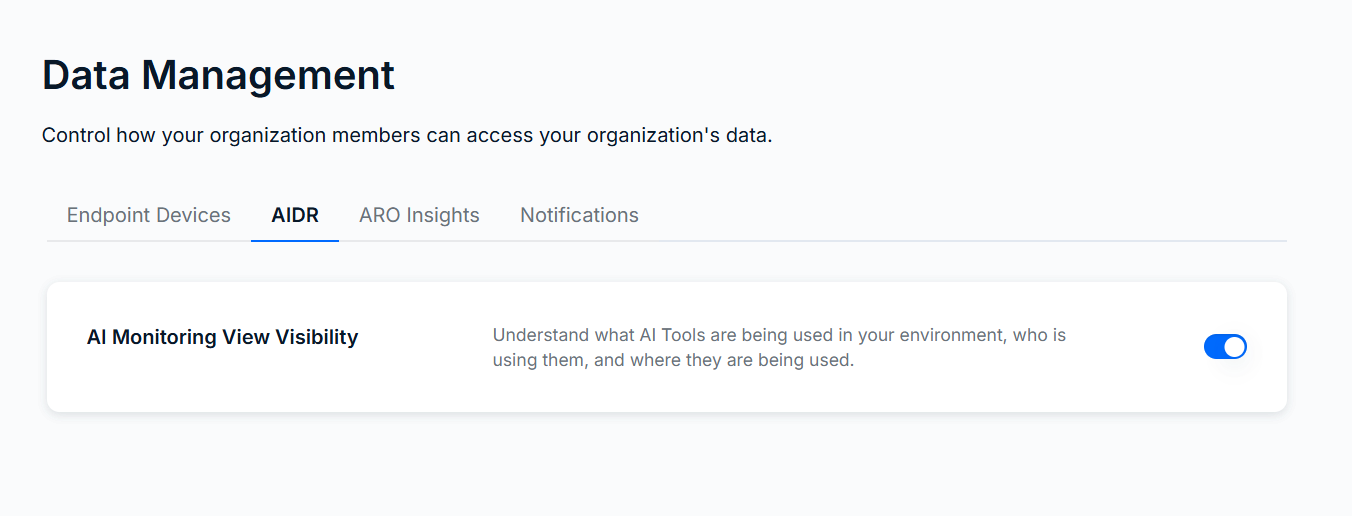
AIDR
On this tab, you can toggle whether or not our AI Monitoring dashboard in enabled. See AI Monitoring to learn more about the feature.
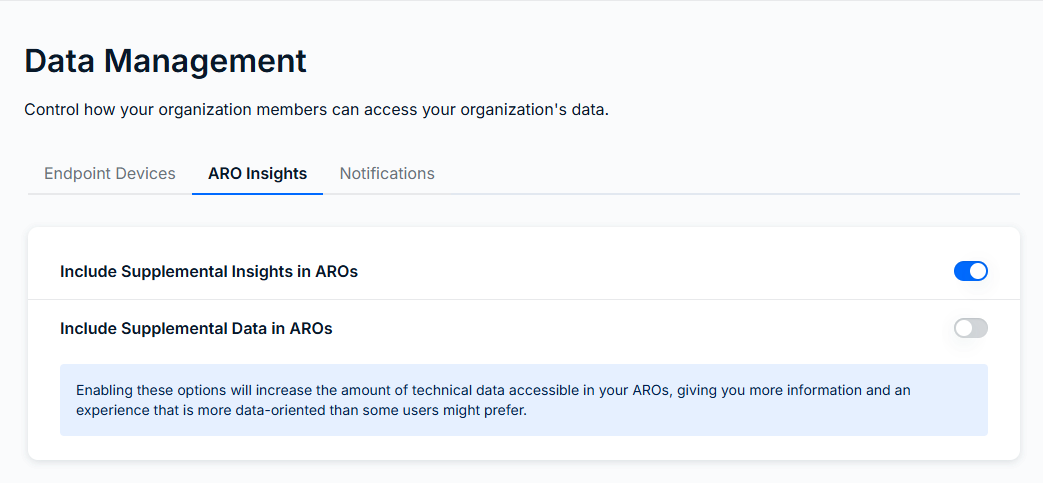
ARO Insights
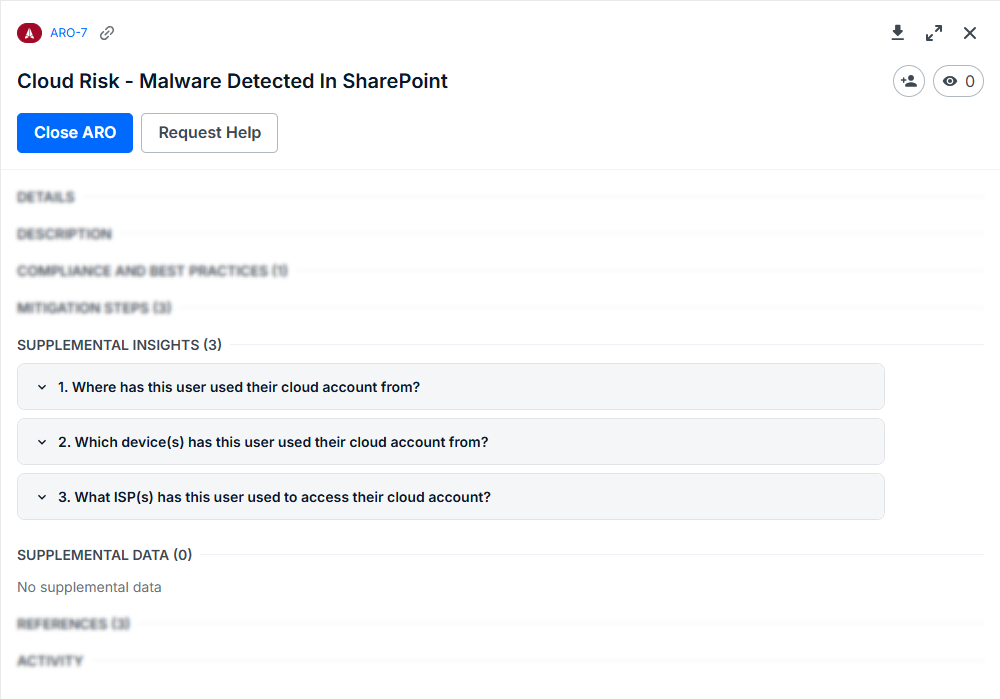
While AROs are built with simplicity in mind, we can include also have optional supplemental information and data that more advanced users can enable in the Field Effect MDR Portal. From the ARO Insights tab, you can enable the ARO Insights and Supplemental Data sections within AROS. See Supplemental ARO Insights & Raw Data to learn more.
The image below shows an example of these sections within an ARO.
Notifications
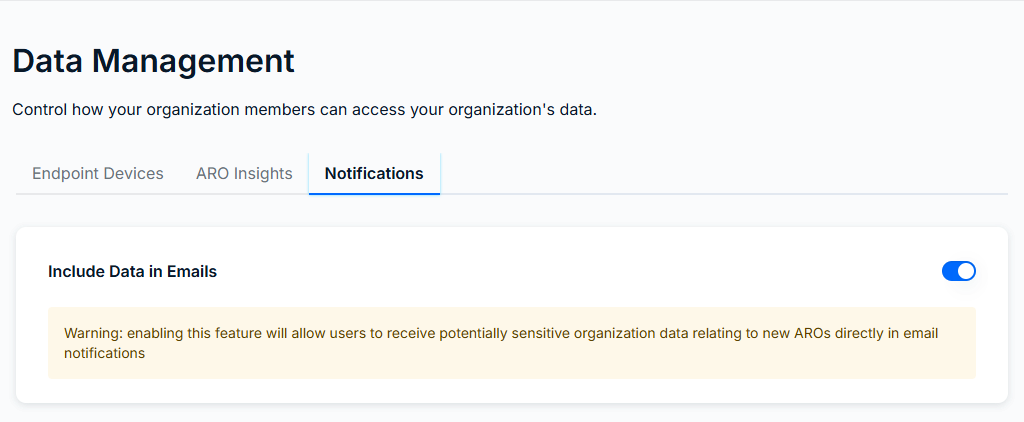
Use the Include Data in Emails toggle to choose whether or not you want the data pertaining to ARO specifics included within email notifications.
Example of Notification Data
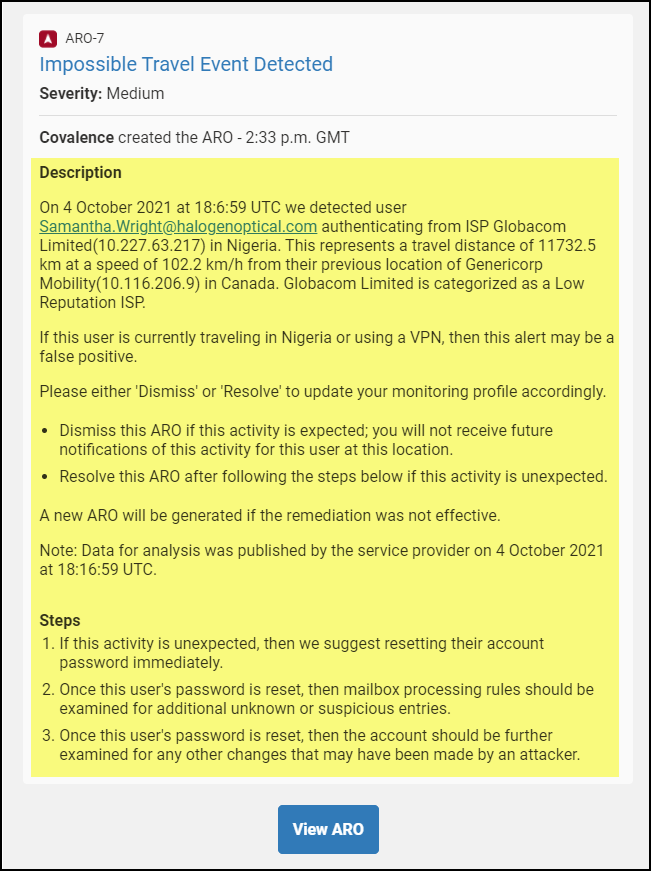
Data can be included with emails but be advised, enabling this feature will allow users to receive potentially sensitive ARO data directly in the contents of an email notification, without logging into the Field Effect MDR Portal.
The following example shows the contents of an email with this feature enabled:
Was this article helpful?
That’s Great!
Thank you for your feedback
Sorry! We couldn't be helpful
Thank you for your feedback
Feedback sent
We appreciate your effort and will try to fix the article